

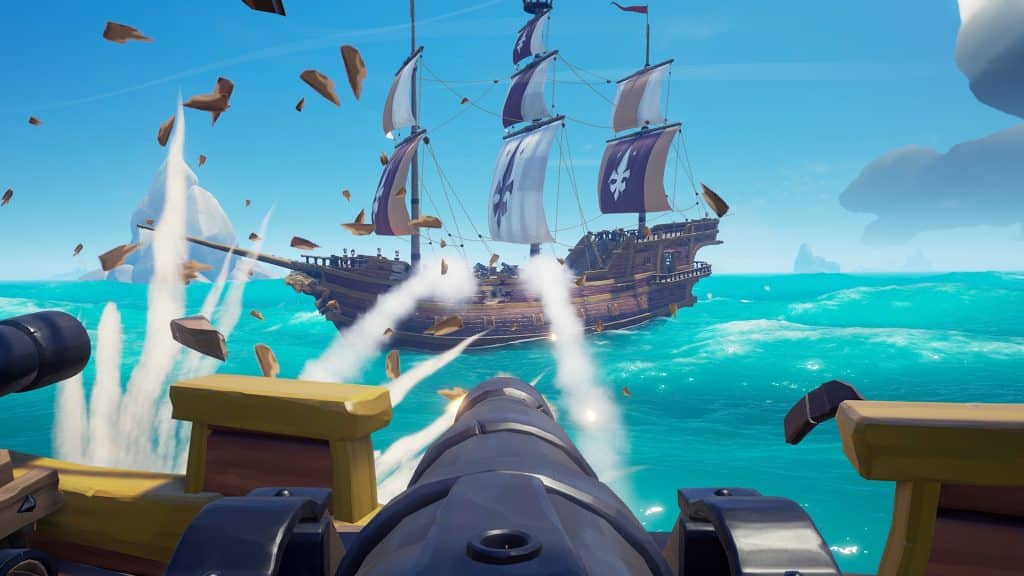
Sea of Thieves, the popular pirate-themed adventure game developed by Rare, has garnered a massive fanbase since its release. With its thrilling treasure hunts and immersive open-world gameplay, players from different platforms are eager to join forces on the high seas. But the question remains: Is Sea of Thieves cross-platform, and how can players engage in crossplay on PS5, Xbox, and PC? (Is Sea Of Theives Crossplay)
Cross-platform play, often referred to as crossplay, allows players on different gaming systems to play together in the same game environment. This feature can significantly enhance the gaming experience by connecting friends regardless of their preferred platform.
Yes, Sea of Thieves supports cross-platform play. This means players on Xbox consoles and PC can seamlessly join the same game sessions. However, it’s important to note that Sea of Thieves is not currently available on PlayStation platforms, including PS5. The game is primarily available on Xbox One, Xbox Series X|S, and Windows 10 PC through the Microsoft Store and Steam.
To engage in crossplay between Xbox and PC, players need to ensure they have the game installed on a supported platform. Here’s a step-by-step guide to setting up crossplay:
- Xbox Players: Ensure you have an active Xbox Live account. Download Sea of Thieves from the Xbox Store.
- PC Players: Purchase and download Sea of Thieves from the Microsoft Store or Steam. Make sure your Xbox Live account is linked to your Microsoft account.
- Friend Requests: Use the Xbox app on PC or the Xbox console interface to send and accept friend requests. This will facilitate connecting with friends across platforms.
- Invite Friends: Once your friends list is set, you can invite friends to join your crew directly from the game menu. Look for the “Invite Friends” option to set sail together.
- Voice Chat: Use integrated voice chat features for seamless communication during gameplay. This will help coordinate strategies and enhance the multiplayer experience.
- Network Connection: Ensure a stable internet connection to minimize lag and disconnections during play.
- Game Updates: Keep the game updated to the latest version for compatibility across platforms.
In conclusion, Sea of Thieves offers an exciting cross-platform experience for Xbox and PC players. Although PlayStation users cannot join the adventure at this time, those on supported platforms can easily team up and embark on thrilling pirate escapades. By following the steps outlined above, you can ensure a smooth crossplay experience and enjoy the vast, open world of Sea of Thieves with friends, regardless of their gaming device. Happy sailing!