

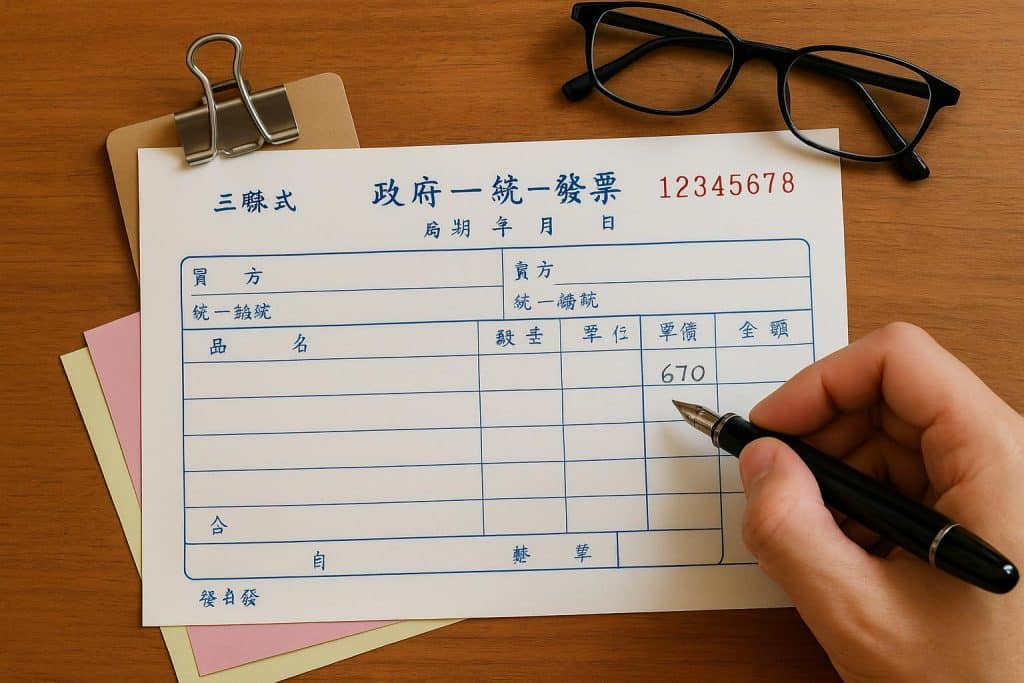
In the Taiwanese business world, the Handwritten Triplicate Government Uniform Invoice (手寫三聯式統一發票) is a unique tradition that remains a daily reality for many small to medium-sized enterprises (SMEs). Unlike the printed receipts from a supermarket, these invoices must be filled out by hand, requiring a blend of mathematical accuracy and a mastery of formal Chinese calligraphy.
If you’ve ever felt the pressure of holding a pen over a blank invoice booklet, worried about a single mistake ruining the entire page, you aren’t alone. Here is everything you need to know about navigating the “handwritten” side of Taiwan’s tax system.
The Challenge of the “Handwritten” Requirement
The Ministry of Finance (MOF) maintains strict standards for handwritten GUIs. Because these documents allow a business to claim a 5% VAT deduction, there is zero room for error.
1. The “Big Numbers” (Financial Chinese)
You cannot simply write “7,500” or even “七千五百.” To prevent fraud or tampering, the “Total” amount must be written in Formal Financial Characters (大寫). For example:
- Instead of 1, you must write 壹.
- Instead of 2, you must write 貳.
- Instead of 3, you must write 參.
2. No Erasures Allowed
If you slip up on a single stroke or miscalculate the tax, you cannot use correction tape or white-out. You must mark the set as “Void” (作廢) and start over. Every single invoice number is tracked by the government, so even your mistakes must be preserved in the booklet for your accountant.
Simplifying the Task: The Taiwan GUI Generator
To avoid the headache of manual calculations and complex character writing, many savvy business owners use the Taiwan GUI generator.
A GUI generator acts as a digital template. Instead of doing the math in your head, you input your sales figures into a tool like the one provided by Songjer. The system then does the heavy lifting for you:
- Tax Calculation: It automatically splits the “Sales Amount” and the “5% VAT” so your totals are always correct.
- Character Conversion: It instantly converts your numerical total into the required Formal Financial Chinese, allowing you to simply copy the strokes onto the paper.
- UBN Verification: It ensures the buyer’s 8-digit Unified Business Number (UBN) is valid before you ink it onto the page.
How to Properly Fill Out the Triplicate Form
Once you have your data ready from a generator, the physical process follows a specific order:
- Header Details: Write the date (using the Minguo/ROC calendar year) and the buyer’s company name and UBN.
- Item Description: List the products or services, quantities, and unit prices.
- The Math Section: * Sales Amount: The subtotal before tax.
- Tax: The 5% VAT (Sales Amount x 0.05).
- Total: The final amount the buyer pays.
- The Formal Total: Copy the formal Chinese characters for the total amount clearly in the designated row.
- The Stamp: Firmly press your company’s circular or rectangular “Invoice Stamp” across the three copies. This stamp contains your company’s official tax information and is what makes the document legally binding.
Pro-Tips for the Handwritten Hustle
- The Carbon Paper Check: Always ensure the carbon paper is correctly placed between the three sheets (Retention, Deduction, and Receipt) so your writing transfers all the way to the bottom.
- Keep the “Voided” Sets: If you make a mistake, draw a large “X” across the page and keep it in the book. Your accountant needs to report every serial number, used or not.
- Use the Right Month: GUI booklets are issued for specific two-month periods (e.g., May-June). Never use a booklet from a previous period for a current transaction.
By combining the traditional handwritten booklet with a digital Taiwan GUI generator, you can ensure your business remains compliant, professional, and—most importantly—error-free.