

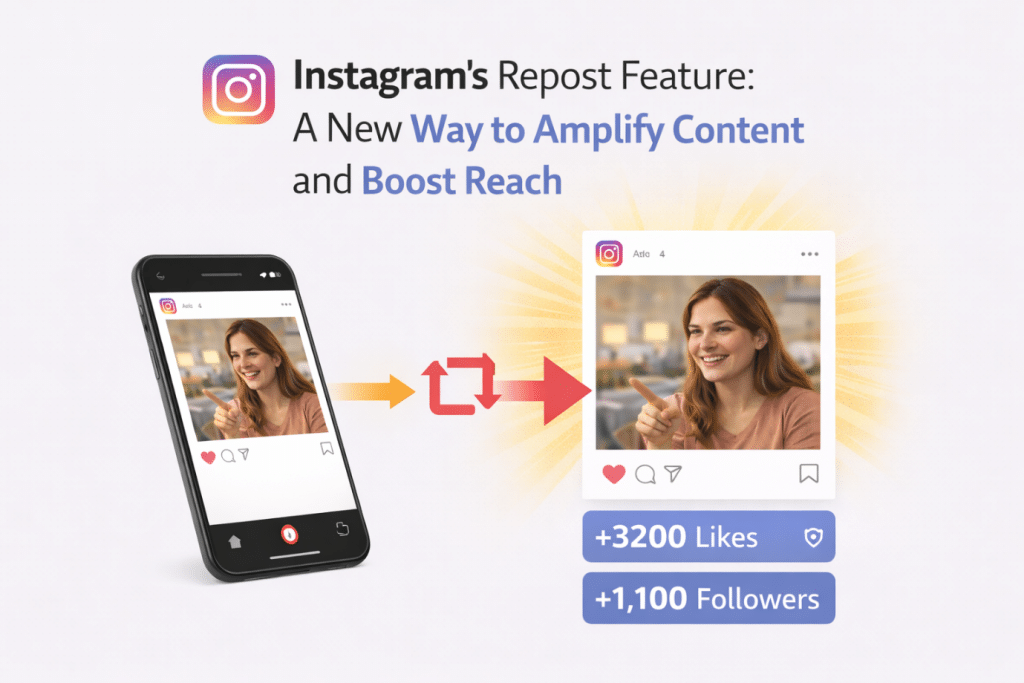
Instagram quietly rolled out a native repost feature and honestly, it’s kind of a big deal. For years, sharing someone else’s post meant jumping through hoops. Third-party apps. Screenshots. That awkward “reposted via” watermark slapped across the corner. The workarounds worked, but they were clunky and Instagram never officially sanctioned any of them.
Now it’s built right in. You tap, you repost, it lands on your feed. That’s basically it. Here’s where it gets more interesting from a reach standpoint the repost mechanism doesn’t just copy content it preserves attribution metadata and keeps the original post’s engagement signals intact. Small business owners, solo creators, people building an audience from scratch reposting gives you a way to show up in feeds you’d never reach otherwise. Someone reposts your reel, their followers see your name. Some of them click. Some of them stay. That chain of discovery is genuinely hard to manufacture any other way.
In this post, we will look at how the tool works and why it matters. We will also talk about how you can use it to get your work in front of more people.
Instagram’s Repost Feature
The repost tool lets you share a post from another account with your own followers. It is built right into the app now. This is a lot better than the old way of using other apps that were hard to use.
When you use it, you can:
- Share cool posts with your friends.
- Help people see work you think is good.
- Support other creators by sharing their stuff.
- Spread helpful or fun ideas to new groups.
It works a lot like how you might share a post on other social apps. When you repost something, it shows up on your profile or feed. The person who made the original post still gets the credit. This is good because the content can move through many different accounts. And that means more people are likely to see it and interact with it.
Why Instagram Added This Feature
Instagram is all about sharing. They want to make sure that good posts get seen by the right people. This new tool helps with that by letting users pass along things they like. There are a few reasons why they probably added it.
Helping You Find New Things
When people share posts, it helps good work reach people who don’t follow the original creator. This helps Instagram show you more things you might actually like.
Helping People Who Make Content
Creators need people to share their work to grow. This tool lets their fans help them out without needing to leave the app or use other tools.
Keeping People Active
Reposts lead to more likes and comments. When people talk to each other more, the app works better. It helps the system learn what people enjoy looking at.
In the end, reposts make it easier for everyone to find new things. This is a win for the people making the posts and the people watching them.
How Reposts Amplify Content Reach
Sharing a post helps it travel much further. Usually, only your followers or people looking at certain tags see what you post. Maybe a few people find you on the explore page. But when someone reposts you, your work goes to a brand new group of people right away.
If those new people like or comment on it, the app shows it to even more users. It starts a bit of a chain reaction. You make a post. Someone shares it. A new audience sees it. They interact with it. Then your reach grows even more.
For example, if you have 5,000 followers and a page with 50,000 followers shares your post, you just got a huge boost. Even if only a few of those people click on your profile, it still helps you a lot. This is why many people think reposting is one of the best ways to grow naturally.
7 Tips to Increase Instagram Reposts for Creators
1. Creating Content That Encourages Reposts
If you want people to share your work, you have to make things they actually want to show their friends.
The kind of stuff that gets shared most includes:
- Tips that teach people something.
- Quotes that make people feel good.
- Images that look really nice.
- Stuff that people can relate to.
- Quick how-to guides.
- Slides that have good info.
These posts give people value. They are easy for your audience to pass along to their own friends. Another thing to think about is how your post looks. If it is clean and easy to read, people are more likely to share it. Simple is usually better.
2. Optimize Your Posts for Repost Visibility
When someone shares your work, you want people to know you made it. Even though the app gives you credit, you can do a few more things to help.
Add your name or a small logo to your images. Don’t make it huge or it might look bad. Just put it in a corner so people see it. Also, try to use the same style for all your posts. If your colors and fonts are always the same, people will start to recognize your work before they even see your name.
You can also put your handle in the caption. If someone shares your post, having your name right there makes it easy for new people to find you. These small steps help turn shares into new followers.
3. Leveraging Reposts with Smart Engagement
Reposts work best when you are active. The app likes it when people talk to each other. When people like and comment, it shows that your post is good.
To get more shares, try these things:
- Ask a question in your caption.
- Use your stories to talk to people.
- Tell people what to do next.
- Reply to the people who comment.
When your followers feel like they know you, they are more likely to share your stuff. It builds a connection that helps your account grow over time.
4. Buy Instagram Reposts
Even with Instagram’s repost feature, content sometimes needs an initial boost to start spreading across different audiences. Nowadays most of the users choose to buy IG reposts from trusted platforms like Media Mister to increase their early reach. This provider earned recent mentions from both Indiana Daily Student and The Daily Illini as the top site to purchase real Instagram reposts.
The idea is simple when your content is shared across established pages, it gets introduced to new viewers who may not have discovered your profile otherwise. This early exposure can spark more interactions, profile visits, and additional reposts from real users.
When paired with engaging visuals, useful information, and consistent posting, this strategy can help accelerate the repost cycle. It allows your content to travel further while helping you build credibility and attract followers more quickly.
5. Working With Other Pages
You can also try to get your work on pages that focus on one topic. There are accounts for fitness, travel, and business that just share the best stuff they find. If one of these pages shares your post, you will reach people who are already interested in what you do.
Look for pages that fit your style. See what they usually post. If you make something that fits their feed, they might share it. This is a great way to get a lot of new eyes on your profile very quickly.
6. Sharing What Your Followers Make
Another way to use this is to share what your fans are making. If someone tags you or uses your product, put their post on your profile. This is good for building a community. It shows that you care about your followers.
It also gives you more things to post without you having to make everything yourself. People like being featured. It makes them want to keep talking about you and sharing your work. This helps keep a steady stream of content moving through your page.
7. Asking for the Share
Sometimes you just have to ask. Adding a small note to your caption can really help. You can say things like “share this with a friend” or “repost this if you found it helpful.”
But don’t overdo it. Just a quick reminder is enough. When you make it easy for people to know how to help you, they usually will. And the more people share, the more the app will show your work to others.
Conclusion
The repost tool is a great way to help your work spread. It makes it easy for your followers to help you grow. For creators and brands, it is a big opportunity to reach new people.
When your posts get shared, you get more views and more chances to find new followers. But it works best if you keep making good stuff and talking to your audience. If you focus on being helpful and making things that look good, the reposts will happen on their own.
As the app changes, the people who know how to use these tools will have a better time growing their presence and reaching more people.