

Visual content drives engagement like nothing else. Whether you are distilling a complex process or presenting research data, a professional ai infographic generator can now communicate your message in seconds.
The challenge? Traditional design tools remain slow and require specialized skills. Fortunately, by 2026, the industry has shifted; the latest ai infographic makers can transform a simple text prompt into a polished visual in under a minute. However, the user experience varies wildly. While some platforms demand immediate sign-ups or heavy manual editing, only a few offer a true one-click experience.
In this guide, we compare the top 5 tools to help you find the best ai infographic maker based on ease of use, pricing, and accessibility.
| Tool | No Sign-Up Trial | One-Click AI | Ease of Use | Infographic Types | Pricing |
| makeinfographic.ai | Yes | Yes | Very Easy | Timeline, Process, Comparison, Pyramid, Explainer, Statistical, Roadmap, Decision Tree | Free (watermark); Pro from ~$9.9/mo |
| Venngage | No | No (template editing) | Moderate | Infographics, Reports, Presentations, Posters | Free (5 designs); Premium $19/mo; Business $49/mo |
| text2infographic.com | No | Yes | Easy | General AI-generated infographics | Free; paid plans available |
| Canva | No | No (template editing) | Easy (template-based) | Infographics, Posters, Presentations, Social Media, 100+ types | Free plan; Pro ~$15/mo |
| Piktochart | No | No (template editing) | Moderate | Infographics, Presentations, Posters, Reports | Free 7-day trial; Pro $14/mo; Business $24/mo |
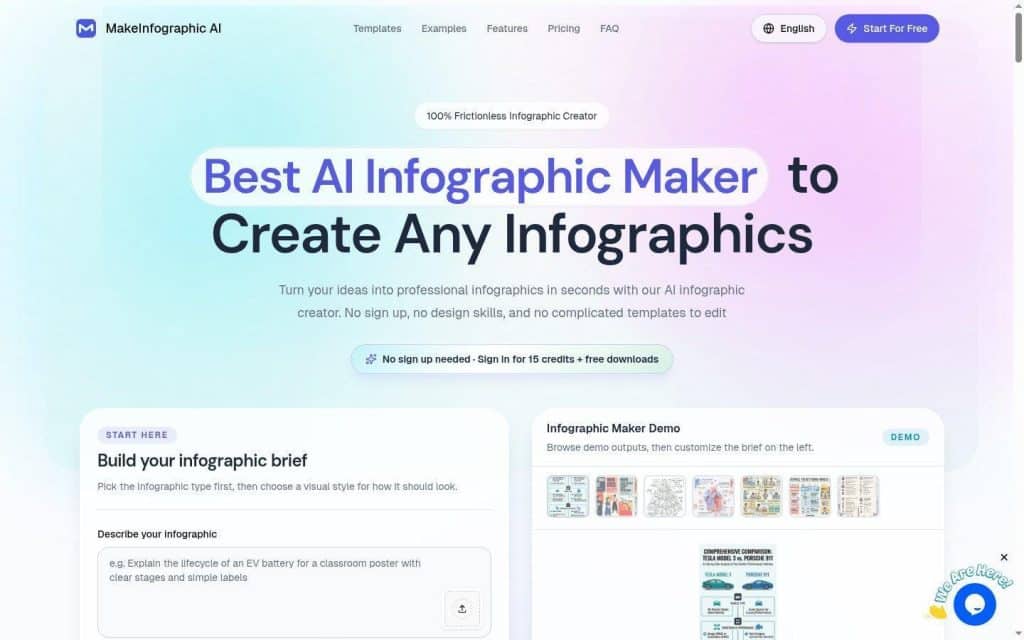
1. MakeInfographic.ai — Best for Zero-Friction AI Infographic Maker
If you want to create a professional infographic instantly — without signing up, choosing a template, or having any design experience — Make Infographic AI is the tool to use. It stands out as one of the most frictionless AI infographic tools available, and it also works exceptionally well as an AI timeline generator for turning ideas, events, or step-by-step content into clear visual timelines in seconds. Just enter a prompt, choose a style, and your infographic is ready.
The platform supports a remarkably wide range of infographic types: timelines, process flows, comparison layouts, pyramid charts, statistical infographics, roadmaps, explainer visuals, and decision trees. You are not locked into a single format. You can also choose from multiple visual styles — flat 2D, sketch, clay 3D, isometric, comic, and editorial — making it adaptable for education, marketing, and business presentations alike.
What truly sets makeinfographic.ai apart from every other AI infographic generator on this list is zero-friction access. Free users can generate and preview infographics instantly without creating an account. You only need to register to download in high resolution or unlock watermark-free exports. This approach is a fundamentally different philosophy from competitors that require registration before you see a single result.
Key Features
- No sign-up required to generate and preview
- One-click AI generation from a text prompt
- 8+ infographic types: timelines, pyramids, decision trees, and more
- 6 visual styles: flat, sketch, clay 3D, isometric, comic, editorial
- Social media format support for Instagram, LinkedIn, TikTok, Pinterest
- 4K resolution export on Pro plans
Pricing
Free plan: generate and preview unlimited infographics with a watermark. Pro plans start at approximately $9.9/month, unlocking watermark-free downloads, 4K resolution, and custom branding. No credit card required to try.
2. Venngage — Best for Data-Driven and Branded Infographics
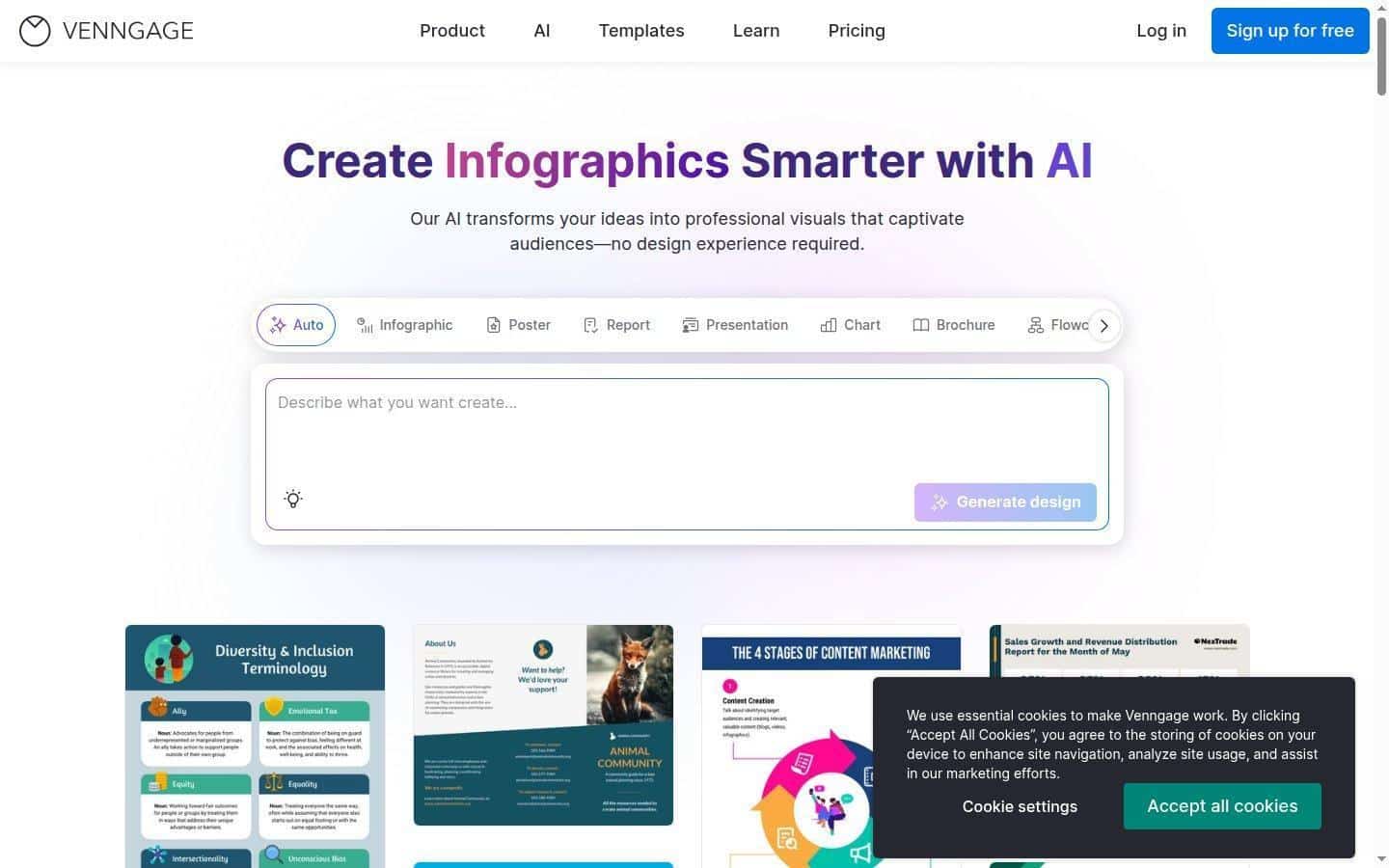
Venngage is one of the most established names in the infographic space. It targets professionals who need branded, data-heavy visuals — think annual reports, comparison charts, business presentations, and educational posters. The platform has a large template library and a clean editor, and it has added AI tools that can help draft or suggest layouts.
However, Venngage requires you to sign up before you can use any feature. The free plan is limited to 5 designs and restricts most premium templates. The AI features — AI-generated designs, AI editing, AI translate, AI images — are only available on Business plans ($49/month). This makes it a better fit for teams with consistent visual needs rather than casual or one-time users.
Venngage is a template-edit workflow: the AI suggests a layout and you still do most of the design work by editing a template. It is not a one-click solution. But for teams that need brand kits, team collaboration, PDF and PowerPoint exports, and accessibility features, it is a powerful and polished platform.
Key Features
- Large template library covering infographics, reports, presentations, and social media
- AI design suggestions and AI writing assistant (Business tier)
- Brand kits with custom colors, fonts, and logos
- Team collaboration with shared workspaces
- PDF, PNG, PowerPoint, and email HTML export
- Accessibility checker and alt text generator
Pricing
Free: 5 designs, limited templates. Premium: $19/month (individuals). Business: $49/month (professionals and teams, includes AI tools). Enterprise: custom pricing. Note: Venngage AI tools require the Business plan or higher.
3. text2infographic.com — Best for Quick Text-to-Infographic Conversion
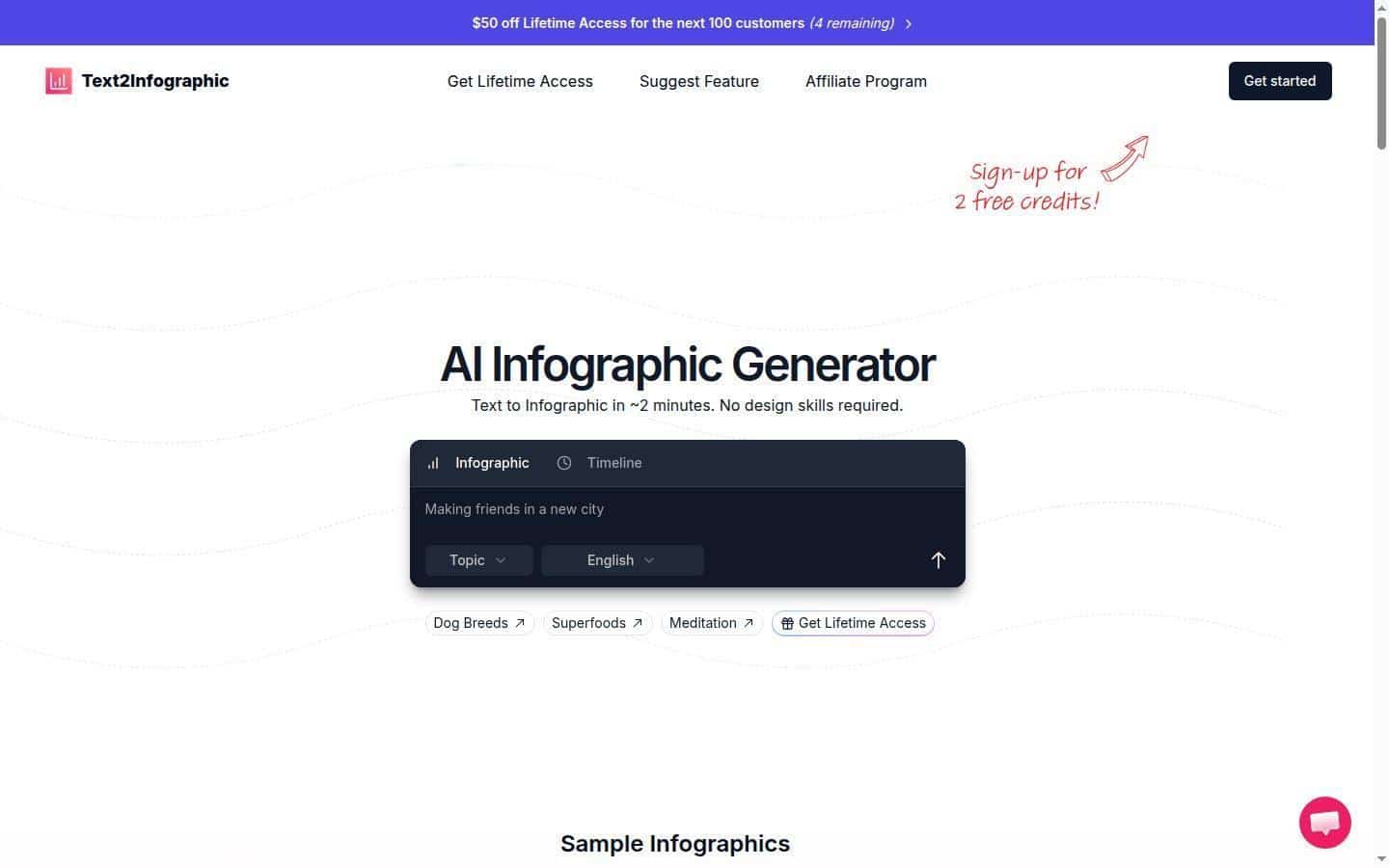
Text2Infographic.com is a lightweight, no-frills AI infographic tool that does exactly what its name says: paste in text, and it generates an infographic for you. It is one of the simpler options on this list — built by an indie developer and designed for people who just need a fast, usable result without a steep learning curve.
Like makeinfographic.ai, text2infographic.com allows you to try the tool without signing up, which makes it easy to test before committing. However, the range of infographic types and visual styles is narrower compared to dedicated platforms. It is best suited for simple educational or social media infographics where speed matters more than design polish.
The platform is particularly useful for content creators and bloggers who need to quickly visualize a short article or bullet-point list. It handles general information well but may not produce the polished results needed for business reports or branded marketing materials.
Key Features
- No sign-up required to generate
- One-click text-to-infographic conversion
- Simple, fast interface
- Good for educational and social media use cases
- Limited visual style options compared to larger platforms
Pricing
Free tier available with basic generation. Paid plans available for higher usage limits and downloads. Exact pricing is minimal and aimed at individual creators.
4. Canva — Best All-in-One Design Platform with Infographic Templates
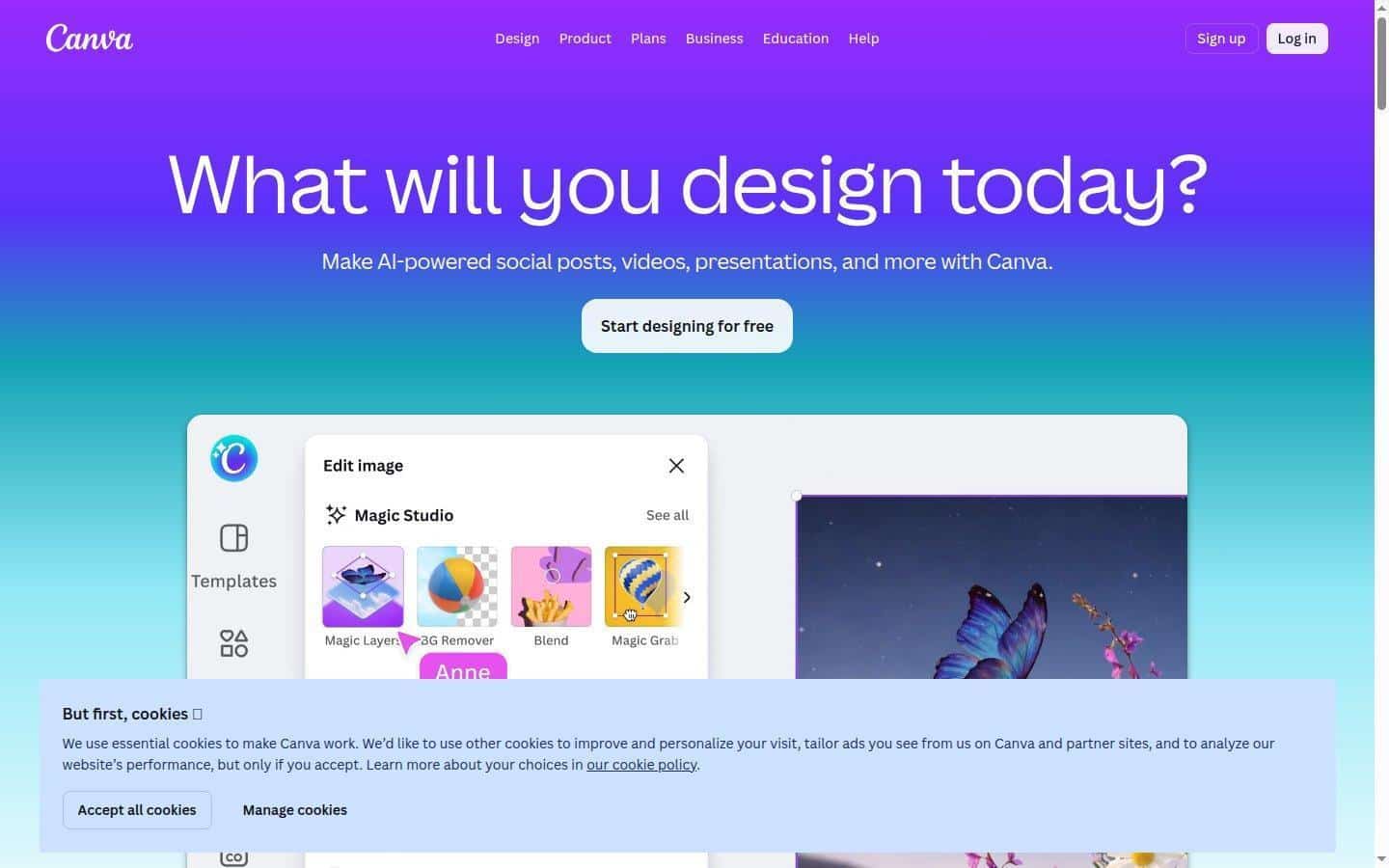
Canva is not specifically an AI infographic generator — it is a general-purpose design platform that also makes infographics. But it is on this list because it is widely used, genuinely powerful, and has added AI features in recent years. If you need more than just infographics — social media posts, presentations, print materials, videos — Canva gives you everything in one place.
The infographic experience in Canva is template-based. You pick a template, then customize the text, colors, images, and layout. Canva’s AI features (Magic Design, AI image generation) can speed up the process, but you are still doing significant manual editing. There is no true one-click infographic generation from a text prompt the way makeinfographic.ai works.
Canva requires account registration before you can start designing. The free plan is generous — over 2.1 million templates, unlimited designs — but most premium templates, premium assets, and AI tools require a Pro subscription. For teams, the Canva for Teams plan adds collaboration features and brand management.
Key Features
- Massive template library with 2.1M+ templates
- 100+ content types beyond infographics (social media, presentations, video, print)
- AI Magic Design and AI image generation (Pro)
- Brand kit and team collaboration
- Multiple export formats: PNG, PDF, MP4, GIF
- Mobile app available
Pricing
Free plan: unlimited designs, 2.1M+ templates. Canva Pro: approximately $15/month (individuals) unlocking premium assets and AI tools. Canva for Teams: approximately $10/month per person. Requires sign-up to use.
5. Piktochart — Best for Business and Presentation-Ready Infographics
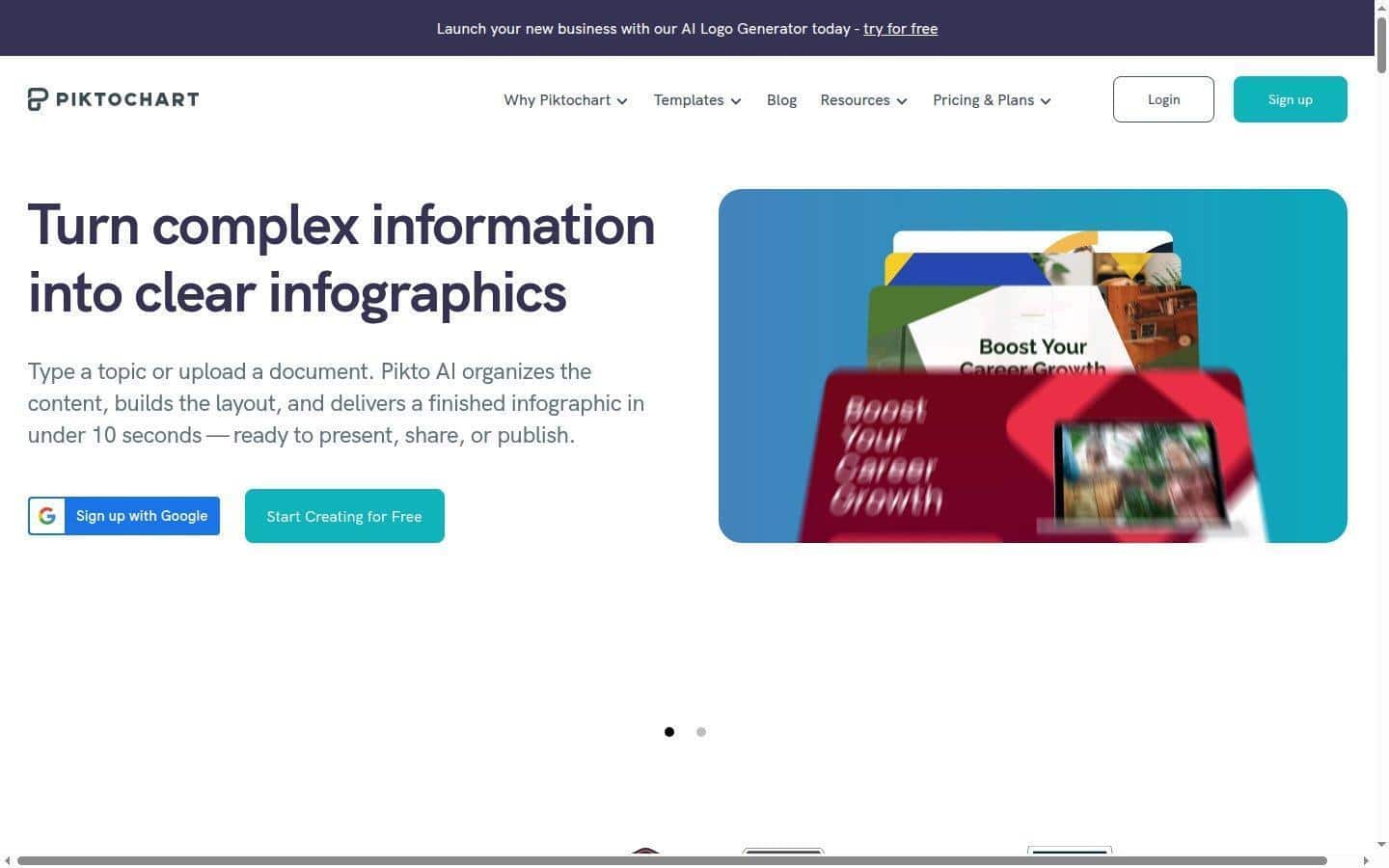
Piktochart has been in the visual communication space for years and has built a reputation for professional-grade infographics, particularly for business use. It offers AI-powered features that can generate an initial draft from a topic or uploaded document, then let you refine the result using its template editor.
Like Venngage and Canva, Piktochart requires account registration to use any feature. The free tier gives you 7 days of access to basic tools — after that, you need to upgrade to retain your work. The AI generation feature uses a credit system: 1 credit for topic generation, 3 credits for text/document input, and 25 credits for image generation. Pro plans include up to 1,000 AI credits per month.
Piktochart is a strong choice for HR professionals, trainers, consultants, and marketers who regularly need polished business visuals. Its strength is in producing presentation-ready infographics and reports with consistent branding. If you need a quick, no-account solution, it is not the right fit — but for recurring professional use, it delivers quality results.
Key Features
- AI draft generation from topic or uploaded document
- Template library for infographics, presentations, reports, and social media
- Credit-based AI system with up to 1,000 credits/month on Pro
- Brand management features on Business plan
- Team collaboration support
- PNG and PDF export
Pricing
Free: 7-day trial with basic features. Pro: $14/month (billed annually) or $29/month billed monthly. Business: $24/month (billed annually) or $49/month, with full branding features and multi-seat support. Sign-up required to access any features.
How to Choose the Right AI Infographic Generator
The best AI infographic generator depends entirely on what you need it for. Here is a simple decision framework:
If you want to generate an infographic right now with zero friction — no account, no template-picking, just a prompt and an output — use makeinfographic.ai. It is the fastest path from idea to finished infographic, supports the widest range of types, and lets you evaluate the result before committing to anything.
If you need branded team output with PDF/PowerPoint exports and collaboration features, look at Venngage (for data-heavy infographics) or Canva (if you also need other content types). Both require sign-up and subscriptions for full AI functionality.
If you are a blogger or solo creator who just needs to visualize a short piece of text quickly and cheaply, text2infographic.com is a solid lightweight option.
If your use case is recurring business or HR content — training materials, reports, internal communications — Piktochart’s professional templates and branding features make it worth the investment.
What Makes a Good AI Infographic Generator?
After testing these tools side by side, a few factors separate truly useful AI infographic generators from ones that just add an AI badge to a template editor:
1. Genuine one-click generation: The best tools do not just suggest a template — they actually generate content from your prompt. makeinfographic.ai and text2infographic.com do this. The others primarily use AI to assist, not replace, manual design work.
2. No sign-up barrier: Being able to test a tool before giving up your email is a huge quality-of-life improvement. Only makeinfographic.ai offers this. All other platforms on this list gate access behind registration.
3. Infographic type variety: A timeline looks completely different from a comparison chart or a pyramid. makeinfographic.ai offers the widest range (8+ types) among the tools reviewed, which matters when your content does not fit a standard format.
4. Output quality without editing: The real test of an AI infographic generator is how good the first output looks before you touch anything. Tools that require extensive editing to fix AI output are not truly AI-powered — they are template editors with AI marketing copy.
Conclusion: The Best AI Infographic Generator in 2026
AI infographic generators have come a long way, but they are still not all equal. In 2026, the standout tool for pure AI infographic generation is makeinfographic.ai — it is the only platform that combines no sign-up access, one-click generation, wide infographic type support, and multiple visual styles in a single tool.
For teams with branding and collaboration needs, Venngage and Canva remain strong options, though their AI features come with a price and a registration wall. Piktochart is the professional choice for recurring business content. And text2infographic offers a simple, lightweight alternative for creators on a budget.
Whether you are creating a timeline for a blog post, a comparison chart for a sales deck, or an educational infographic for social media — the right tool can save you hours and produce results that look genuinely professional. Start with makeinfographic.ai to see what zero-friction AI generation actually feels like.
What type of infographic do you create most often? A timeline? A process flow? Drop it in the comments — the right tool might surprise you.