

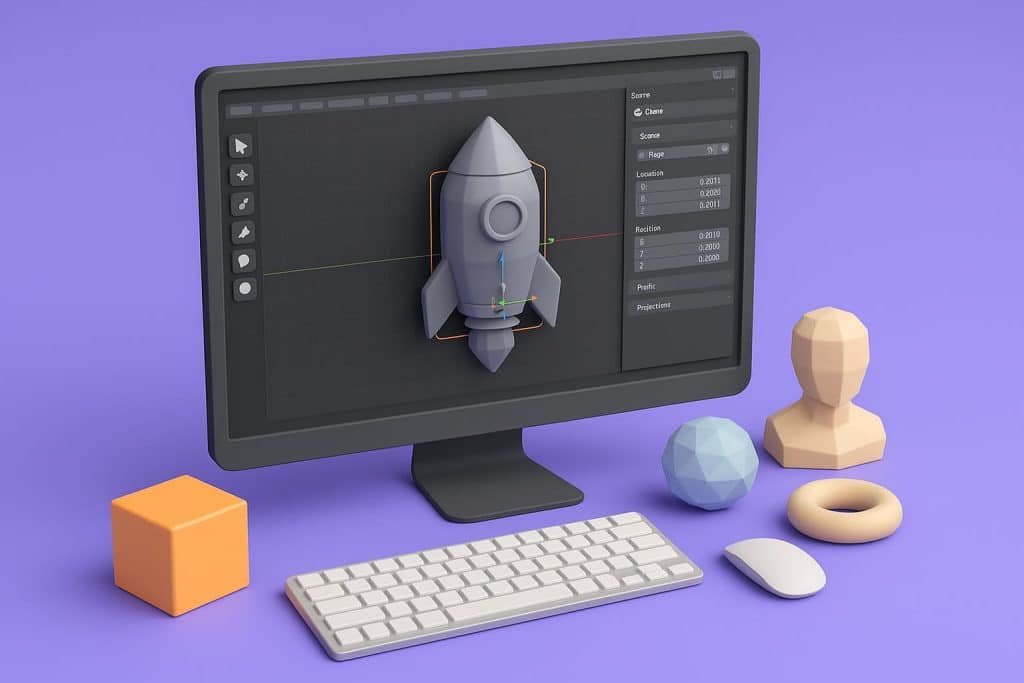
For decades, creating 3D assets meant months of wrestling with complex software. Blender’s endless hotkeys, Maya’s steep licensing costs, and the sheer technical vocabulary—retopology, UV unwrapping, rigging—have kept 3D modeling locked behind a fortress of expertise. If you have ever opened a traditional 3D suite and closed it ten minutes later, you are not alone. The good news is that the barrier has finally collapsed.
Artificial intelligence has fundamentally rewritten the 3D creation pipeline. Today, beginners, marketers, indie game developers, and e-commerce operators can generate production-ready 3D models without touching a single vertex manually. This shift is not just a convenience; it is a structural change in how digital content gets produced.
The Hidden Cost of Traditional 3D Workflows
Before exploring the alternative, it is worth understanding why the old path is so prohibitive. Learning Blender or Maya to a professional standard typically requires six to twelve months of dedicated practice. Even then, producing a single detailed asset—say, a product prototype or a character model—can eat up twenty to forty hours. For small businesses, solo creators, or educators, that time investment is simply not viable.
Moreover, the hardware requirements add another layer of friction. Rendering a complex scene demands high-end GPUs and substantial RAM. The software itself is powerful, no doubt, but that power comes with a complexity tax that most practical use cases cannot afford.
How AI Fills the Gap
AI-driven 3D generation leverages neural networks trained on massive datasets of shapes, textures, and geometries. Instead of building a model polygon by polygon, you provide an input—typically photographs or sketches—and the algorithm reconstructs depth, volume, and surface detail automatically. The result is a mesh file (often OBJ, GLB, or STL) that imports directly into game engines, AR viewers, or 3D printing slicers.
This approach flips the workflow. Rather than modeling from scratch, you are refining what the AI proposes. You become a director, not a draftsman. For non-specialists, this is the difference between impossible and effortless.
What You Can Actually Build
The scope of AI-generated 3D content is surprisingly broad. Here are the most common applications beginners tackle first:
Product Visualization
E-commerce sellers use AI-generated models to create interactive 360-degree product views. A few smartphone photos of a shoe, a gadget, or a piece of jewelry become a rotatable web asset in minutes.
Game Development Prototyping
Indie developers need placeholder assets and environmental objects. AI 3D generation provides rapid props—crates, rocks, furniture—that keep development velocity high while custom art is commissioned.
3D Printing and Manufacturing
Hobbyists and engineers alike convert reference images into printable STL files. The ability to move from a 2D concept to a physical prototype without intermediate CAD skills accelerates iteration dramatically.
Augmented Reality Filters
Social media creators and marketers generate simplified 3D assets for AR campaigns. The lower polygon counts produced by modern AI tools are actually ideal for real-time mobile rendering.
Choosing the Right Starting Point
Not all AI 3D tools are built for beginners. Some platforms still require technical knowledge of mesh formats, camera angles, and lighting setups. Others hide critical export features behind paywalls or produce geometry that is too messy to use.
When evaluating an AI 3D model generator, look for three things: input simplicity, output versatility, and cleanup requirements. The ideal platform accepts ordinary photos, delivers models in multiple industry-standard formats, and generates topology clean enough to use without heavy manual repair.
One platform that satisfies these criteria is ai3dgen, an AI-powered 3D creation platform designed specifically for users who have no background in traditional modeling. It eliminates the command-line interfaces and parameter overload that plague other solutions, offering a straightforward path from visual reference to finished asset.
The Practical Workflow: From Photo to Model
Let us walk through a realistic workflow. Suppose you want to create a 3D model of a vintage camera for your online store.
Step 1: Capture Source Images
Take three to five photographs of the object from different angles. Consistent lighting and a neutral background help, but perfection is not required. Modern AI systems are robust to minor imperfections.
Step 2: Upload and Process
Upload the images to your chosen platform. The AI analyzes visual cues—shadows, edges, textures—to infer depth and reconstruct the object in three dimensions. Processing typically takes between thirty seconds and a few minutes depending on complexity.
Step 3: Review and Export
Inspect the generated mesh. Most beginner-friendly tools provide a preview viewer where you can rotate and check for distortions. Once satisfied, export to your target format. If you need a model for a website, GLB or GLTF is ideal. For 3D printing, STL is the standard.
Step 4: Integrate
Drop the file into Unity, Unreal Engine, Three.js, or your e-commerce platform. The asset is now a native part of your project.
This entire sequence can be completed in under ten minutes. Compare that to the hours—or days—required to model the same object manually, and the value proposition becomes unmistakable.
Why Image-to-3D Accuracy Matters
The quality of your output depends heavily on the underlying reconstruction algorithm. Older photogrammetry tools required dozens of images and precise camera calibration. Next-generation AI systems, however, can produce coherent geometry from as few as one or two views by leveraging learned priors about object shapes.
This is where choosing a capable platform becomes critical. A sophisticated system does not merely extrude a 2D silhouette; it predicts occluded surfaces, maintains proportionality, and preserves surface detail. For commercial use, this fidelity separates amateur results from professional assets.
If you are looking for a reliable way to convert photos into 3D models, modern AI-driven platforms offer the best balance of speed and quality. The technology has matured to the point where generated assets are now regularly used in client presentations, Shopify stores, and even pre-production film pipelines.
Quality Control for Non-Experts
AI-generated models are not always perfect. You may encounter occasional artifacts—floating geometry, slightly melted textures, or asymmetric details. Fortunately, fixing these issues no longer requires Maya or Blender either.
A growing ecosystem of AI-assisted mesh repair tools can automatically clean topology, close holes, and decimate polygons. Many online 3D modeling platforms now bundle these utilities directly into their export pipeline. The goal is to deliver a file that is ready to render or print the moment it leaves the platform.
For users who need absolute precision, the AI-generated mesh can also serve as a base scaffold. A professional artist can then refine it in traditional software far more quickly than starting from zero. In this hybrid workflow, AI handles the grunt work and humans apply the polish.
The Bigger Picture: Democratization of 3D
The implications of accessible 3D creation extend far beyond individual convenience. When anyone can generate a model, entire industries shift.
Educational institutions can now teach spatial design without budgeting for expensive software licenses. Small retailers can compete with Amazon’s 3D product views. Independent game studios can prototype mechanics without hiring a full art department. Museums and archives can digitize physical collections at scale.
We are witnessing the same democratization that photography experienced when smartphones replaced DSLRs for the average user. The professional tools still exist for those who need them, but the baseline capability has become universal.
Getting Started Today
If you have been avoiding 3D projects because of the technical overhead, that excuse no longer holds. The tools are here, the quality is production-grade, and the learning curve is measured in minutes rather than months.
Start with a simple object from your desk. Photograph it. Upload it. See what the AI returns. You will likely be surprised by how usable the result is on the very first attempt.
For a streamlined experience that handles the entire pipeline—from image upload to export-ready mesh—visit ai3dgen. It is designed to help beginners generate 3D assets from images without ever opening a manual or memorizing a shortcut. The future of 3D content is not more complexity; it is more access. And that future is already available.