

You have a character. Maybe it’s a mascot you drew for your TikTok channel, an illustrated avatar for your online course, or a brand spokesperson that lives on your landing page. The design is perfect. But making that character move — actually dance, gesture, and emote on screen — feels like a door you can’t open. You’ve looked into animation software and walked away overwhelmed. You’ve priced out motion capture rigs and closed the tab. You’ve wondered if maybe this is just something that requires a studio, a team, and a budget you don’t have.
It isn’t. AI motion control has changed the rules. What once demanded a mocap suit, a calibrated studio, and years of animation training can now be done from a browser with two simple inputs: a still image and a video clip. This guide will walk you through exactly how it works, how to get started, and how to get results that actually look good — no technical background required.
What Is AI Motion Control and Why It Matters
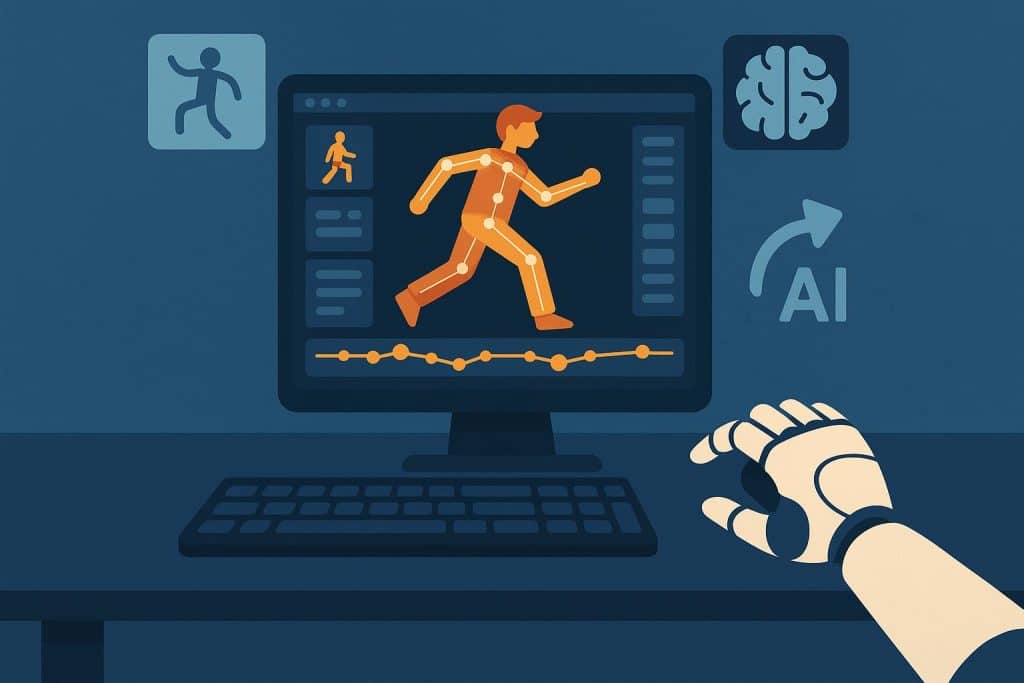
At its core, AI motion control is technology that extracts movement from a reference video and retargets it onto a still character image. You upload a photo of your character. You upload a short video of someone performing the action you want — dancing, talking, waving, walking. The AI analyzes the reference video frame by frame, identifies the underlying body movement, and maps it onto your character. The character moves exactly like the person in the video, while its original face, outfit, and art style stay locked across every frame.
What makes this different from traditional animation is that you are not building motion from scratch. You are not placing keyframes, adjusting splines, or rigging skeletons. You are simply providing a reference — a performance — and letting the AI handle the transfer. With an ai motion control platform, a 30-second character animation that would take days to keyframe by hand can be delivered in under three minutes. No hardware. No software installation. No animation knowledge.
The implications are practical and immediate. If you’re a short-form content creator, you can animate an original mascot dancing to trending audio without hiring an animator. If you run a small brand, you can turn your illustrated spokesperson into a video ad without booking a production crew. If you’re an educator, you can give your teaching avatar natural gestures and expressions that hold student attention better than a static slide. The barrier that once kept character animation locked inside professional studios is gone.
How to Animate Your First Character: A Step-by-Step Guide
The process is simpler than you might expect. Here’s how to go from a still image to a moving character in four steps.
Step 1: Choose or Create Your Character Image
Start with a clear, well-framed image of the character you want to animate. This can be a hand-drawn illustration, an AI-generated character, a 3D render, or even a photograph. The important things to pay attention to are clarity and pose. Your character should be fully visible, ideally showing the full body or at least the upper body with arms visible. A front-facing or three-quarter angle works best for most types of motion transfer, because it gives the AI the clearest reference for mapping facial expressions and body movements.
Avoid images where the character’s limbs are obscured, where the background blends into the character’s edges, or where the resolution is so low that details become muddy. A clean, well-lit image with good contrast between the character and the background will consistently produce the smoothest results.
Step 2: Find or Film Your Reference Video
The reference video is what gives your character its performance. You can film yourself doing the motion you want, use a clip of a friend, or pull from stock footage — anything that clearly shows the movement you want to transfer. A 5-to-15-second clip is plenty for most use cases.
The quality of your reference video directly determines the quality of the output. Film in good lighting with the subject clearly visible against an uncluttered background. Full-body shots work best for dance and walk cycles. Tighter shots focused on the upper body work well for talking, gesturing, and reaction clips. If you’re filming yourself doing a dance move for a TikTok-style output, shoot at a similar camera distance and angle to what you want the final character video to look like — the AI preserves the framing and perspective of the reference.
Step 3: Upload and Let the AI Process
This is where the technology does the heavy lifting. You upload your character image and your reference video to the platform. The AI goes to work: it detects the skeleton and key points in the reference video across every frame, extracts the motion data — joint angles, timing, velocity, facial expressions, hand positions — and retargets it all onto your character image.
Processing typically takes one to three minutes, depending on the clip length and resolution. During this time, the system is doing more than just copying coordinates. It’s adjusting for differences in proportion between the reference subject and your character. It’s preserving your character’s visual identity — the face stays consistent, the clothing doesn’t warp, the art style remains intact. It’s handling the subtle secondary motions that make movement feel natural rather than robotic.
Step 4: Review, Refine, and Download
Once the processing is complete, watch the output carefully. Check that the motion looks natural, that the character’s face and body stay consistent throughout, and that there are no visual artifacts or glitches. If something feels off, most of the time the fix is straightforward: try a different reference video with cleaner motion, adjust the framing of your character image, or shorten the clip to focus on the best-performing segment.
When you’re happy with the result, download the video. Most platforms deliver output at 720p or 1080p, suitable for social media, websites, and digital advertising. Paid plans typically include commercial usage rights, which matters if you’re creating content for a brand, client work, or paid promotions. Always confirm the license terms for your specific use case before publishing.
Creative Ways to Use AI Character Animation
Once you know the basic workflow, the applications multiply quickly. Beyond the obvious dance videos for TikTok and Shorts, here are a few directions that are working well for creators right now.
Brand teams are using animated mascots in product announcement videos — a mascot that waves, points at a new feature, and reacts with excitement does more for engagement than a static graphic ever could. Educators are building animated teaching avatars that gesture toward diagrams and mouth key vocabulary, adding a layer of presence to asynchronous lessons. Indie filmmakers are using motion transfer for previsualization, quickly animating storyboard characters to test blocking and camera angles before the shoot. Game developers are previewing character motion outside the engine, iterating on feel and timing without a full build pipeline. The common thread across all these use cases is speed: what used to take days now takes minutes, which changes how often you’re willing to iterate and experiment.
Five Tips for Better Results
Match the reference motion to the output you want. If you need a dance clip, use a dance reference — not a walking video. The more closely the reference video’s action matches your intended output, the more natural the result will look. This sounds obvious, but it’s the most common reason beginners are disappointed with their first attempts.
Use well-lit, high-contrast reference footage. The AI needs to see the subject clearly to extract accurate motion data. Avoid dim lighting, heavy shadows, and cluttered backgrounds. A plain wall with good even light is ideal.
Start short and simple. A crisp 5-second clip of a single clear action — a wave, a spin, a reaction — will almost always look better than a 30-second clip with complex, rapid movements. Master short clips first, then work up to longer sequences.
Pay attention to camera framing. The framing of your reference video becomes the framing of your output. If you shoot the reference from the waist up, your character will appear from the waist up. If you shoot full-body from a slight low angle, that’s what you’ll get. Think about what framing serves your content best before you hit record.
Iterate instead of settling. The first result is rarely the best one. Try a different reference clip with slightly different timing. Adjust your character image’s pose. Most good motion-transfer outputs come from the second or third attempt, not the first.
Common Mistakes to Avoid
Using a reference video that’s too long or complex. Long clips with multiple distinct actions confuse the motion extraction. Stick to one clear action per clip — dance one move, not an entire routine. You can always stitch clips together later in a video editor.
Choosing a character image with obscured limbs. If your character’s arms are behind its back or its legs are cropped out of frame, the AI has nothing to map the motion onto. Full-body or three-quarter shots with visible limbs produce dramatically better results than tightly cropped portraits.
Ignoring lighting mismatches. If your character image is dark and moody but your reference video is shot in bright daylight, the resulting output can look visually inconsistent even if the motion is technically correct. Try to match the lighting character of your image and reference.
Expecting Hollywood VFX on the first try. AI motion control is remarkably good, but it is not magic. Complex motions with rapid direction changes, occlusions, or extreme angles may produce imperfect results. Start with straightforward motions and learn where the technology performs best before pushing its limits.
Frequently Asked Questions
Do I need animation experience to use AI motion control?
No. The entire process is upload-based — you provide the character image and the reference video, and the AI handles everything in between. If you can film a short video on your phone and save an image file, you have the technical skills required.
What kind of character images work best?
Illustrations, 3D renders, AI-generated characters, and photographs all work. The key factors are clarity, good lighting, visible limbs, and enough resolution for the AI to detect facial features and body structure. A clean, front-facing image with the full body visible will consistently produce the best output.
How long does it take to generate a result?
Most clips process in one to three minutes. Shorter clips and lower resolutions are faster. Paid plans often include priority queuing that speeds up generation during high-traffic periods.
Can I use the videos commercially?
This depends on the specific platform’s license terms. Many platforms grant commercial usage rights on paid plans — meaning you can use the output in ads, social media content, client projects, and product pages. Free tiers may have restrictions. Always check the terms for your specific plan before using output in commercial work.
Start Animating
AI motion control has done something genuinely rare: it has removed the technical barrier from a creative task without dumbing it down. You still make the creative decisions — what character to design, what performance to capture, what emotion to convey. You just no longer need to spend days learning animation software or thousands of dollars on motion capture equipment to execute those decisions.
The tools are browser-based, the learning curve is measured in minutes, and there has never been a better time to start experimenting. Grab a character image, film a quick reference clip, and see what happens. You might be surprised by how good the first result looks — and by how many ideas it sparks for the second one.