

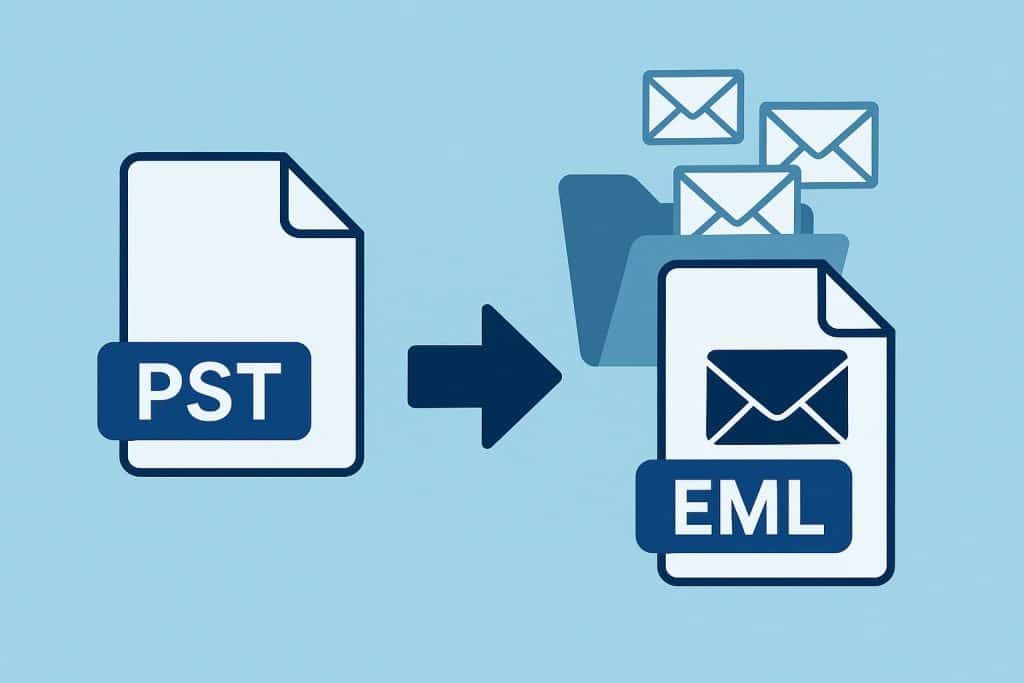
A PST file is a single container that can hold an entire mailbox: tens of thousands of messages, folders, and attachments packed into one Outlook data file. That is fine while everything lives inside Outlook, but it becomes awkward the moment you need only a few specific emails. You cannot easily pull one message out of a PST and hand it to someone, and you certainly do not want to share the whole archive just to deliver a single note. The clean solution is to extract the messages you need as EML files, one message per file.
EML is a plain, open email format that almost every mail program understands, from Thunderbird and Apple Mail to Windows Mail and most webmail import tools. An EML file keeps the message body, the headers, and the attachments together, so it is a faithful copy of the original email rather than a screenshot or a printout. Because each message becomes its own file, you can forward, archive, or import exactly the ones you want without dragging the rest of the mailbox along.
Why pull messages out as EML
- You can share one email without exposing the rest of the mailbox.
- EML imports cleanly into other mail clients, so it is ideal for migrations.
- Individual files are easy to organize into folders that mirror a case or a project.
- The original headers and timestamps are preserved for reference.
Extracting from a PST
For a one-time job, an online PST to EML converter lets you upload the data file and download the messages as separate EML files, with nothing to install. It is quick when you just need a handful of emails out of an archive someone sent you, and it behaves the same regardless of which operating system you are on.
When there are thousands of messages
When the archive is large, or you do this regularly, a desktop tool is more practical. The CoolUtils Total Mail Converter reads a PST without Outlook and writes each message to its own EML file in one pass, on Windows 7 through 11. You can filter by folder or by date so you only export the part of the mailbox that matters, and files can be named by sender, subject, or date to keep the output tidy. A command-line interface lets IT run the extraction on a schedule or across several PST files at once, which is useful during a migration project with many mailboxes. The trial runs for 30 days and needs no credit card, so you can test it against a real archive first.
Tips for a clean export
Before you start, decide how you want the files named, because renaming thousands of EML files afterward is tedious. If you plan to import the results into another mail client, export a small test batch first and confirm it opens correctly there. Keep attachments with their messages so nothing is separated during a later migration, and process confidential mailboxes with the desktop tool so the data never leaves your machine.
Conclusion
When you need specific emails rather than a whole mailbox, extracting them from the PST as EML gives you portable, standards-based files you can open, share, and import anywhere. An online converter covers the occasional single-file job, while a desktop tool with folder filters and a command line handles large archives and repeat work, all without Outlook.