

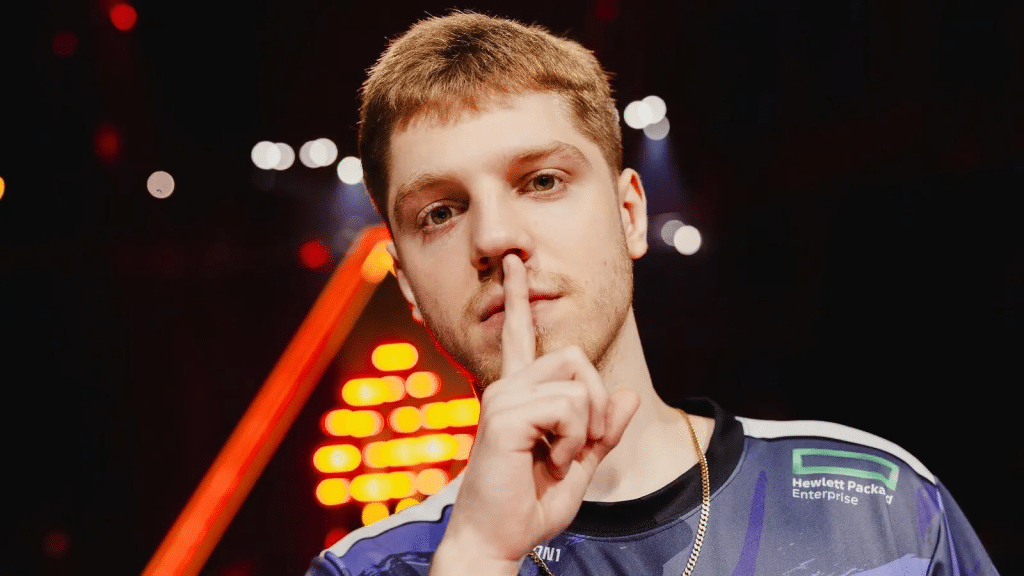
When it comes to competitive gaming, having the right settings can make all the difference. NRG Demon1, a top-tier Valorant player, has optimized his settings to ensure peak performance. If you’re looking to elevate your game, taking a page out of Demon1’s book might just be what you need. Here’s a detailed look at NRG Demon1’s Valorant settings, including keybinds, crosshair, and mouse settings.
Keybinds
Keybinds are crucial for quick reactions and efficient gameplay. Here are the keybinds that NRG Demon1 uses:
- Walk: Left Shift
- Crouch: Left Ctrl
- Jump: Space Bar
- Ability 1: E
- Ability 2: Q
- Ability 3: C
- Ultimate Ability: X
- Equip Primary Weapon: 1
- Equip Secondary Weapon: 2
- Equip Melee Weapon: 3
- Use Object: F
These keybinds help Demon1 maximize his in-game efficiency, allowing for swift and precise actions.
Demon1 Settings: Crosshair Settings
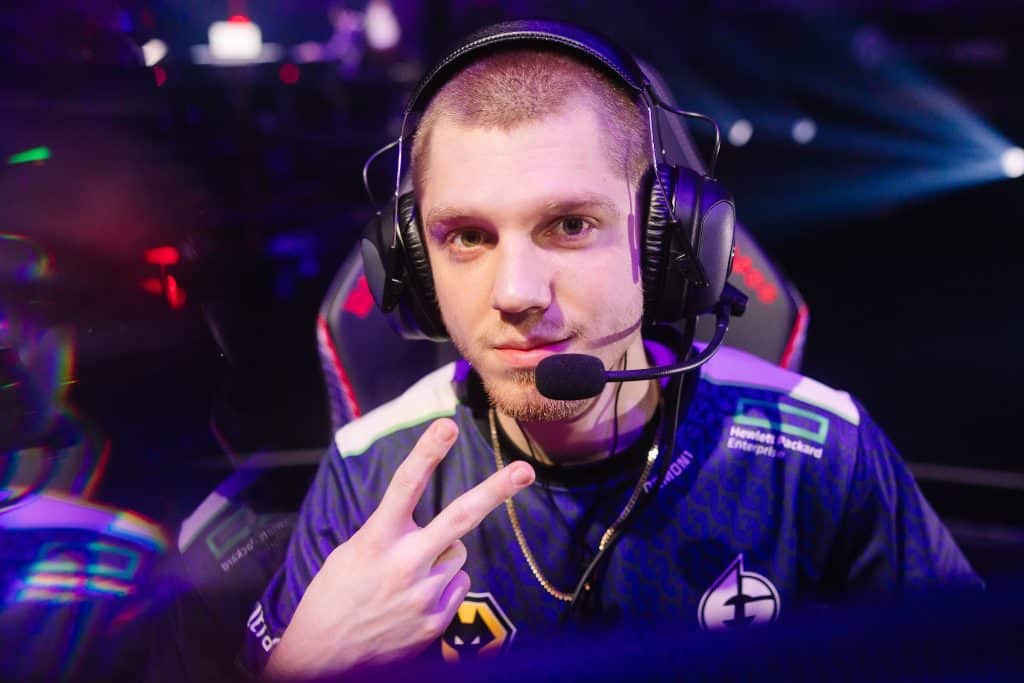
A player’s crosshair can significantly influence their aiming accuracy. Here are Demon1’s crosshair settings:
- Color: Cyan
- Outlines: Off
- Center Dot: Off
- Inner Line Opacity: 1
- Inner Line Length: 4
- Inner Line Thickness: 2
- Inner Line Offset: 2
- Outer Line Opacity: 0
- Outer Line Length: 0
- Outer Line Thickness: 0
- Outer Line Offset: 0
By using these settings, Demon1 ensures a clear line of sight, enhancing his precision during engagements.
Mouse Settings
Mouse sensitivity and DPI settings are critical for accurate aiming. Here are the settings Demon1 uses:
- DPI: 800
- In-Game Sensitivity: 0.485
- eDPI: 388
- Polling Rate: 1000 Hz
- Windows Sensitivity: 6
These settings help Demon1 achieve consistent and precise aiming, which is vital in high-stakes matches.
Demon1 Settings: Video Settings
To ensure the best performance and visibility, Demon1 uses specific video settings:
- Resolution: 1920×1080
- Aspect Ratio: 16:9
- Display Mode: Fullscreen
- Multithreaded Rendering: On
- Material Quality: Low
- Texture Quality: Low
- Detail Quality: Low
- UI Quality: Low
- Vignette: Off
- VSync: Off
- Anti-Aliasing: MSAA 2x
- Anisotropic Filtering: 2x
- Improve Clarity: On
- Bloom: Off
- Distortion: Off
- First Person Shadows: Off
These settings are optimized to provide maximum FPS and clarity, helping Demon1 maintain top performance during matches.
Conclusion
By adopting NRG Demon1’s Valorant settings, you can gain insights into what works for a pro player and potentially improve your own gameplay. Whether it’s adjusting your keybinds, tweaking your crosshair, or fine-tuning your mouse settings, these changes can help you perform at your best. Remember, the key is to find what works best for you and keep practicing.