

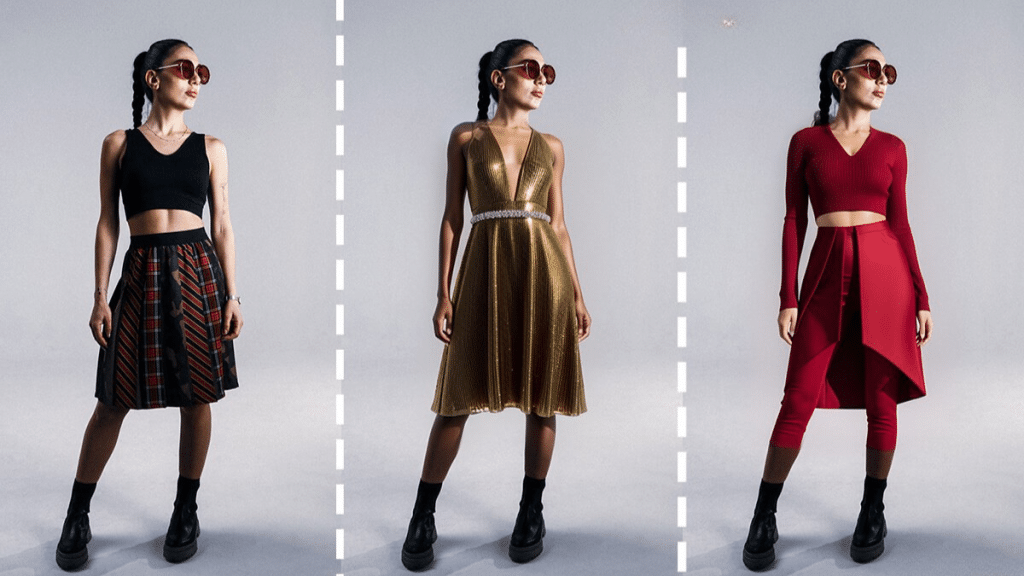
Trying on outfits used to mean changing rooms, long shoots, or hours in a 3D editor. With AI Dress Up, you can test styles on any photo in seconds – the model is you, the wardrobe is infinite, and the results are ready for publishing. In this guide, you will learn how AI Dress Up works, when to use it, and how to get clean, believable previews with DRESSXME at https://dressxme.com/.
Step into any style with an AI dress up generator and try outfits on your photo – from runway looks to uniforms to cosplay.
What AI Dress Up actually does
The system detects the person in your image, builds a precise mask around hair, hands, and edges, and then warps a garment layer to match your pose. Modern models estimate body landmarks and cloth drape so collars, sleeves, and lapels align with your shoulders and arms. You choose the outfit, the tool fits it to your photo, and you export a polished composite that looks like a real shoot.
Step by step – how to dress up a photo
- Pick a good source image
Use a front facing or 3 quarter portrait with clear lighting. Keep the torso visible so the tool can place jackets, shirts, or dresses accurately. Aim for 1500 to 3000 px on the long edge. - Open the tool
Go to https://dressxme.com/. Upload your photo and let the model detect the subject automatically. - Choose an outfit
Select a template look, upload your own garment design, or pick from a catalog. Prefer pieces that match your pose – jackets for straight posture, dresses for full torso, tops for seated shots. - Fit and refine
If the neckline or sleeves sit a bit off, nudge the placement. Watch edges around hair and hands. Slightly adjust scale and rotation so seams follow your shoulders. - Match the scene
Add a subtle shadow if the outfit looks like it is floating. If your photo is warm, add a touch of warmth to the garment layer so colors feel cohesive. - Export and reuse
Save a transparent PNG to reuse the dressed layer across backgrounds, or export a high quality JPG for socials, lookbooks, or ads.
Where AI Dress Up shines
- E commerce previews – generate quick model shots for product pages without a full studio session.
- Influencer and ad creatives – test multiple colorways and designs for A B experiments in one shoot day.
- Wardrobe planning – visualize capsule wardrobes, travel outfits, and event looks before you buy.
- Cosplay and fan art – try iconic costumes on your portrait to plan builds or create posters.
- Corporate and uniforms – preview branded polos, blazers, and badges for onboarding and brand guides.
- Design review – drop new prints onto mockups to check scale, contrast, and readability on body.
Pro tips for natural results
- Pose matters – outfits fit best on neutral, upright poses with arms relaxed.
- Mind occlusions – hair over shoulders or crossed arms can hide seams. Choose a cleaner frame when possible.
- Texture and fold logic – patterned fabrics look more realistic with slight perspective and gentle grain.
- Color discipline – keep brand hex codes handy and check contrast against your background and skin tone.
- One light direction – align garment highlights with the light in your photo to avoid the “sticker” look.
Ready to see what fits – without the fitting room. Start with a clean portrait, try an outfit, align edges and light, and publish. With AI Dress Up, you move from idea to lookbook in minutes while keeping your visual style consistent across campaigns.