

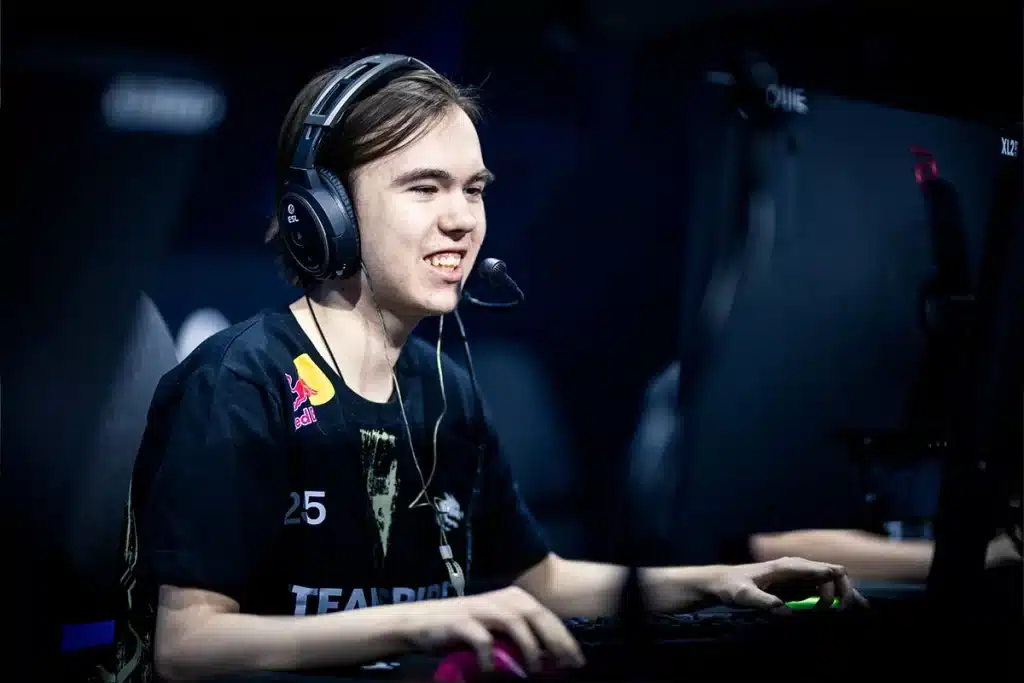
Copying donk’s CS2 settings won’t make you a prodigy overnight, but understanding why he uses them is the secret to building your own consistency. Let’s start with an easy win for your aim. To immediately try his small, static crosshair—seen here—import this donk cs2 crosshair code directly into your console: CSGO-fefOL-3N3pt-N43NW-yrp9u-pWfOQ.
His incredible precision is built on a donk cs2 sensitivity and dpi of 1.25 in-game with an 800 DPI mouse. This results in a “true sensitivity” of 1000 eDPI (1.25 x 800), a medium-low value that forces stable arm movements for building rock-solid muscle memory instead of relying on inconsistent wrist flicks.
Finally, people always ask, what resolution does donk use? He opts for 4:3 stretched. While this makes player models appear wider, the trade-off is that everything moves horizontally much faster. This highlights a core theme: professional settings are about calculated trade-offs, not magic bullets.
Donk Crosshair: How donk Maximizes FPS and Visibility: His Video and Viewmodel Settings
When it comes to video performance, Team Spirit donk video settings follow a classic pro rule: turn most graphical effects to Low or Off, but keep Global Shadow Quality on High. This creates the essential trade-off for competitive play. Low settings maximize your Frames Per Second (FPS) for the smoothest possible experience, while high-quality shadows let you spot an enemy’s model from farther away, giving you critical information before a fight even begins.
Beyond raw performance, notice his gun placement. This is controlled by viewmodel settings, which simply dictate the position of your gun and hands on the screen. donk’s viewmodel settings in CS2 pull the weapon model out to the side, creating a more open field of view. This subtle tweak prevents the gun from blocking your sightlines, making it easier to spot an opponent holding a tight angle.
Ultimately, these adjustments are all in service of one goal: creating a clean, responsive canvas for the best pro settings for CS2 aim. By prioritizing raw information and fluid gameplay over visual flair, these settings remove distractions and let skill take center stage. But does that mean they’re perfect for you?
Should You Copy donk’s Settings? A 3-Step Plan to Find What Works For You
You came here looking for a magic config, but now you understand a more powerful truth: blindly copying pro settings, especially sensitivity, can erase hard-earned muscle memory. You’ve shifted from seeking a shortcut to knowing how to build a real advantage. The true benefit of copying pro player settings isn’t to mimic them, but to use their choices as an expert-guided starting point for your own improvement.
Ready to experiment safely? Here’s your plan:
- Start with the easy wins: Apply donk’s video settings and import his crosshair for immediate performance and visibility gains.
- Test the feel: Head into a deathmatch to try his eDPI. Focus on how it feels—give it time, but don’t force it.
- Experiment with vision: Lastly, try his 4:3 stretched resolution to see if the wider player models work for you.
Remember, these settings aren’t the secret to playing like donk. They are the tools to help you discover how to play like you, only better.