

A critical bug just got rejected by developers for the third time. Not enough detail. Can’t reproduce it. Wrong priority assigned. Your tester spent an hour documenting it and now they’re spending another hour rewriting it. Meanwhile the bug still exists in the codebase and your release date isn’t moving.
Bug reporting seems simple until you see how much time gets wasted on unclear reports, back-and-forth clarifications, and bugs that sit unresolved because nobody understands their actual impact. A good bug report catches problems fast. A bad one creates more problems than it solves. This guide covers best practices for bug reporting that actually help developers fix issues instead of creating communication overhead. Start with a solid bug report template and build from there.
What Is Bug Reporting?
Bug reporting is how you document software defects so developers can understand, reproduce, and fix them. You’re not just noting that something broke. You’re providing the information someone needs to investigate the problem without having to hunt you down for details.
A bug report captures what went wrong, how to make it happen again, what should have happened instead, and how severe the impact is. Good reports include screenshots, logs, environment details, and clear reproduction steps. Bad reports say “login doesn’t work” and leave developers guessing.
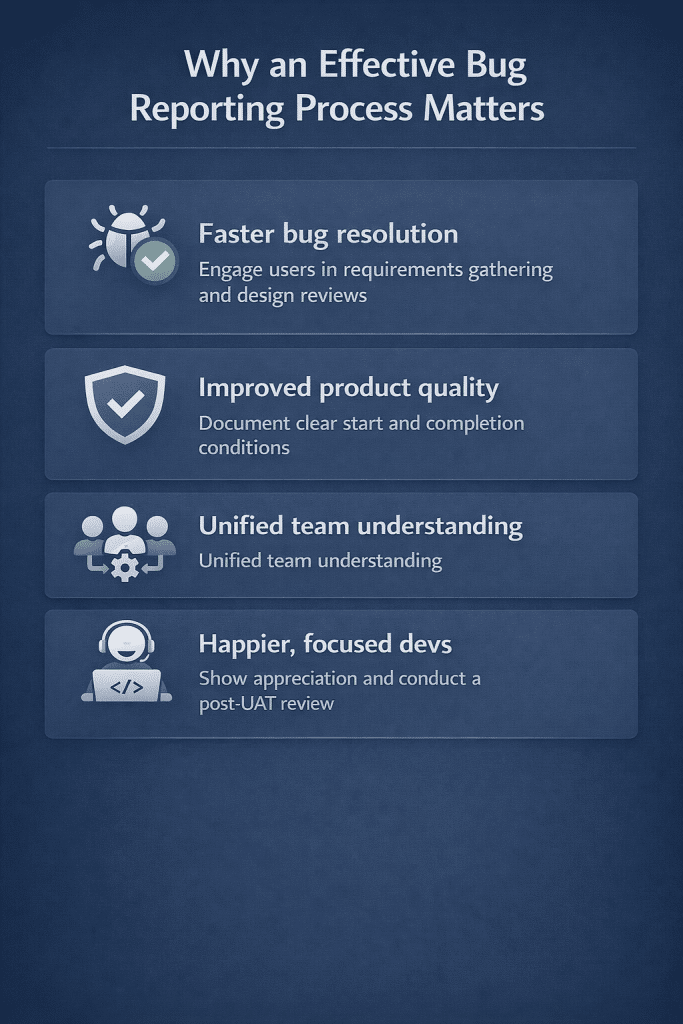
Why an Effective Bug Reporting Process Matters
Clear bug reports cut development time. Developers spend less time asking for clarification and more time actually fixing problems. A well-documented bug gets resolved in hours instead of days.
Quality suffers when bug reporting is messy. Critical issues get lost in noise. Low-priority bugs get treated as urgent. Developers waste time on reports that don’t contain enough information to act on.
Team communication improves with structured reporting. Everyone speaks the same language about defects. Priorities make sense. Status is clear. Nobody’s guessing what needs attention first.
Developer frustration drops when reports contain what they need. Vague bug reports destroy morale. Clear reports show respect for their time and let them focus on fixes instead of playing detective.
Common Challenges in Bug Reporting
Incomplete reproduction steps waste everyone’s time. A tester reports “the search feature breaks” without explaining what they searched for or what data was in the system. Developers can’t reproduce it. The bug bounces back for more information. Days pass.
Missing environment details make bugs impossible to track down. Was this on staging or production? Which browser? What operating system? Without these basics, developers are guessing whether they’re even looking at the same issue.
Vague descriptions create confusion. “The page looks weird” doesn’t tell anyone what’s broken. Which elements are misaligned? What should they look like? What browser is showing this? Specific details matter.
Poor priority assignment leads to misallocated effort. Everything gets marked critical when only some issues truly block releases. Or real show-stoppers get labeled as minor because the tester didn’t understand business impact.
Lack of supporting evidence slows investigation. No screenshots. No error messages. No log files. Developers spend time recreating the scenario just to see what the tester saw.
Duplicate bug reports clutter the system. Multiple testers find the same issue and file separate reports. Nobody checks if it’s already logged. Developers waste time closing duplicates instead of fixing bugs.
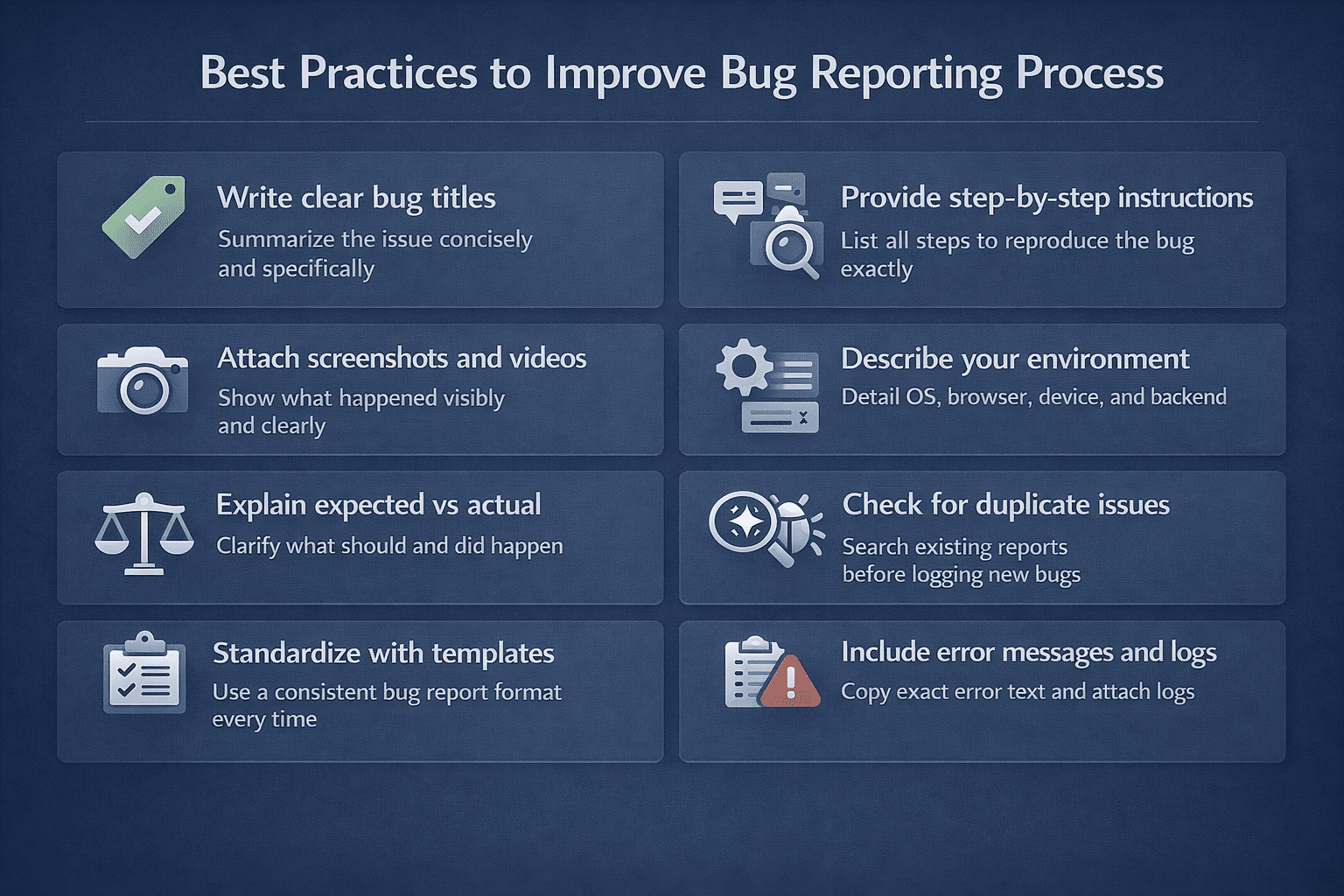
Best Practices to Improve Bug Reporting Process
Write titles that actually describe the problem. “Payment processing fails when using expired credit cards” tells you everything. “Payment bug” tells you nothing. Anyone should understand the issue from the title alone.
Include reproduction steps someone can actually follow. Number each step. Spell out every action. Don’t skip obvious parts. If you need to log in as a specific user or set up certain data first, write that down. Nobody should have to guess what state the system needs to be in.
Take screenshots and videos of what broke. Show exactly what happened. Screen recordings work great for workflow problems. Developers see the issue immediately instead of trying to picture it from your description.
Write down everything about your environment. Operating system. Browser version. Screen resolution. Mobile device if relevant. Backend environment matters too. Production behaves differently than staging. Database state affects bugs.
Explain what should happen and what actually happened. Spell out both sides. This shows developers whether you found a real bug or misunderstood how something works.
Set severity based on real impact to users and business. Critical blocks core workflows completely. Major breaks important features but users can work around it. Minor covers cosmetic problems and rare edge cases. Stick to these definitions consistently.
Search for duplicates before you file anything new. Check existing bugs. Read what got submitted recently. Link related issues if you spot them. Keeps the system clean and puts effort where it matters.
Pick one template and make everyone use it. Same fields every time. Developers always know where to find steps, environment info, and why you marked it critical. Consistency makes everything faster.
Include actual error messages and logs with your report. Don’t summarize errors. Copy the exact text. Attach console output. Add network traces for API problems. Raw information helps developers find root causes.
How to Measure the Effectiveness of Bug Reports?
Count rejected bugs. High rejection numbers mean your reports don’t have what developers need. Aim for 90% of bugs getting accepted on first try.
Check how long bugs sit waiting for more information. Time in “needs clarification” status shows where reports fall short. Drive this number down by improving what you include upfront.
Track duplicate submissions. Lots of duplicates mean people aren’t checking before they file. Set clear expectations about searching first and measure whether it happens.
Ask developers what’s missing. They know which details they constantly have to request. Use their input to fix your bug reporting process. Survey them regularly and act on what they tell you.
Conclusion
Bug reporting either speeds up fixes or creates bottlenecks. Most teams struggle because they never set clear standards. Pick one thing to improve first. Use the same template everywhere. Make screenshots mandatory. Define severity levels everyone understands. Each fix makes the next improvement easier. When developers spend their time fixing bugs instead of asking for clarification, your process works.