

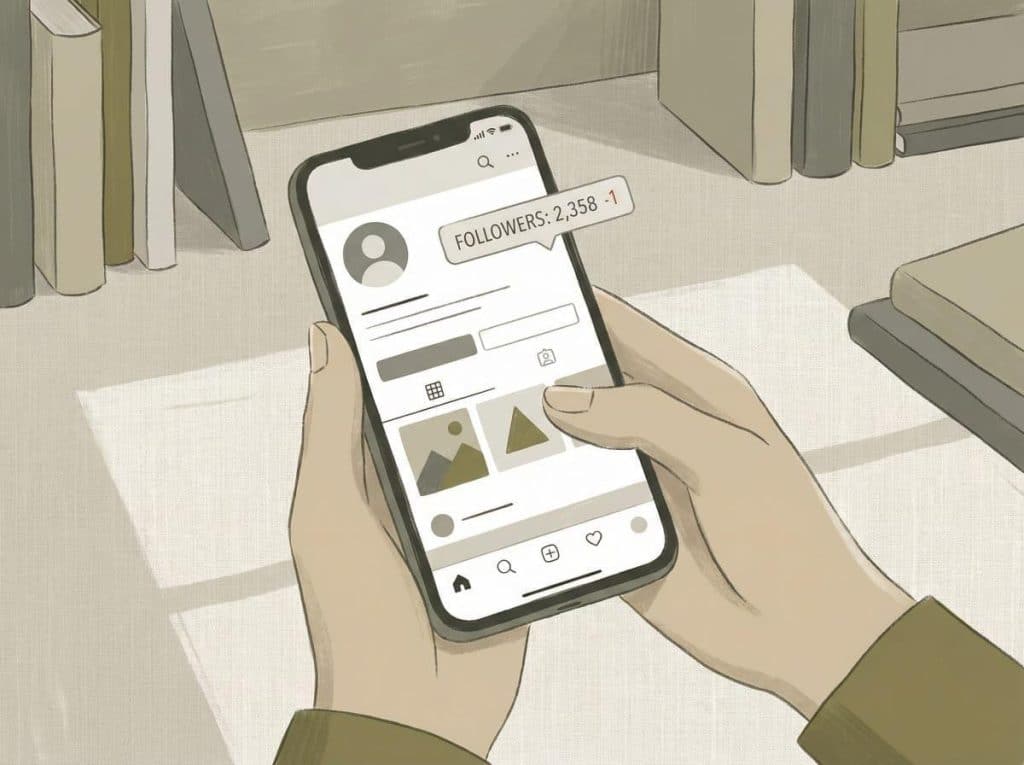
Instagram does not notify users when someone unfollows them. There is no built-in Instagram feature that shows a list of accounts that stopped following you. To identify unfollowers, users must manually compare their followers list over time or use a follower-tracking tool that detects changes between checks.
You can watch your follower count go down by one, stare at the number for a second, refresh the app, and… that’s it. No name. No explanation. Just a quiet subtraction.
If you want to know who unfollowed you, you’re left with two real options compare followers manually over time, or use a tool that does that comparison for you. Everything else you’ll see online is some variation of those two ideas, dressed up to sound more exciting than they are.
Why Instagram Keeps This Hidden
This isn’t an accident or a missing feature. Instagram has never wanted people tracking exits. Follower loss creates anxiety. It changes how people post. It makes them second-guess everything. Instagram learned early on that showing too much social feedback makes users brittle, reactive, and eventually burned out.
So instead, the platform shows you totals. Rounded numbers. Soft signals. You’re allowed to notice that something changed. You’re not encouraged to investigate it. And yes, this applies to everyone, personal accounts, creators, businesses. Having insights or analytics doesn’t unlock unfollower names. That data simply isn’t shown.
The Manual Way (Everyone Tries This Once)
Most people start manually. It feels obvious.
- You open your followers list.
- You scroll.
- You think, “Okay, I remember this person.”
Then you come back a few days later and try to do it again.
Here’s what usually happens:
- The list looks different
- Familiar names are in different places
- Someone you swear was there last time might still be there
- Or maybe not
Instagram does not display followers in a stable chronological order. It reshuffles based on interaction, mutual connections, and other internal signals that aren’t documented anywhere.
So unless you’re dealing with a very small account, or you’re screenshotting obsessively, manual comparison becomes fuzzy fast. Technically possible. Practically exhausting.
Why People End Up Using Tracking Tools
After one or two failed attempts at manual checking, most people start looking for tools. Not because they want something shady. Because they want clarity.
Follower tracking tools do one simple thing: they save a snapshot of your followers list, then compare it to a later snapshot. If a username disappears between the two, it’s flagged.
That’s it. No magic. No secret access. Tools like FollowerTracker.app exist because Instagram doesn’t solve this problem natively, not because there’s some hidden exploit happening behind the scenes. The value isn’t speed. It’s consistency. Humans are bad at remembering lists. Software isn’t.
A Reality Check About “How These Apps Work”
This part matters, because this is where bad advice spreads. Instagram does not give third-party apps unlimited access to user data. Any tool claiming to “see private activity”, “track secret unfollows”, or “monitor accounts in real time” is exaggerating at best.
Legitimate unfollower tools:
- compare data over time
- rely on user-initiated access
- accept that there are limits
Illegitimate ones usually promise certainty. And certainty is the red flag.
- If an app asks for your Instagram password, that’s a hard stop.
- If it claims instant unfollow alerts, be skeptical.
- If it sounds like it knows more than Instagram itself, it doesn’t.
How Often You Can (and Should) Check
This is one of those questions people don’t ask until after they’ve checked ten times in a day. Most tracking tools limit checks to once per day, sometimes less. That’s not arbitrary. Instagram rate-limits requests, and pushing against those limits is how accounts get flagged.
More importantly: checking more often doesn’t give you better insight.
Unfollows aren’t moment-to-moment events worth monitoring in real time. They’re trends. Patterns. Noise smoothing out over days or weeks. Daily is plenty. Weekly is often enough.
When the Number Drops but No One “Unfollowed”
This confuses a lot of people the first time it happens. You open Instagram. Your follower count is down.
You check your tracking history. Nothing changed. That doesn’t mean the tool failed.
Instagram regularly removes:
- spam accounts
- bots
- deactivated profiles
When that happens, your count drops, but there’s no “unfollower” to identify. The account simply vanished from the system. This is why staring at the number alone is misleading. Names matter more than totals.
Unfollow, Block, Remove : Not the Same Thing
Another source of confusion. If someone unfollows you, they stop seeing your posts, but you can still view their profile. If someone blocks you, their profile disappears entirely. Tracking tools often can’t distinguish this cleanly because the data just stops being visible. If someone removes you as a follower, that only affects their account, not yours. No tool can read intent. It can only observe absence.
That’s why any app promising perfect explanations for every case is overselling.
Is It Actually Safe to Use These Tools?
Some are safe. Some are not. The difference is usually obvious if you slow down.
Safer tools:
- explain what they can’t do
- don’t ask for passwords
- don’t promise impossible features
Platforms like The Ick focus more on explaining Instagram behavior than exploiting it, which is usually a good sign. Transparency is boring, but boring is safer.
- Risky tools lean on urgency and curiosity.
- “Find out now.”
- “Who’s stalking you.”
- “See everything.”
Instagram has spent years shutting those claims down for a reason.
Why Unfollows Feel Bigger Than They Are
This is less technical, but it’s real. Unfollows feel personal because Instagram blends social life with numbers. A single digit change can trigger a whole narrative in your head, even when nothing meaningful happened.
Most unfollows are mundane. People clean feeds. Interests drift. Algorithms stop showing posts. Life moves. Knowing who unfollowed you can be useful. Obsessing over it usually isn’t. The healthiest users treat this information as context, not verdict.
Common Questions
Can Instagram show who unfollowed me?
No. There is no built-in feature for this.
Are unfollower apps always accurate?
They can be accurate within Instagram’s data limits, but they can’t see intent or private actions.
Do these apps violate Instagram’s rules?
Some do. Tools that ask for passwords or claim private access are unsafe.
How often should I check unfollowers?
Once per day or less.
Why did my follower count drop without an unfollower?
Instagram may have removed spam or deactivated accounts.
Final Thought
Seeing who unfollowed you on Instagram is possible, but intentionally inconvenient. Instagram prefers ambiguity. Tools exist to reduce it. Neither should be taken too seriously. If you use this information, use it calmly. That alone puts you ahead of most people.