

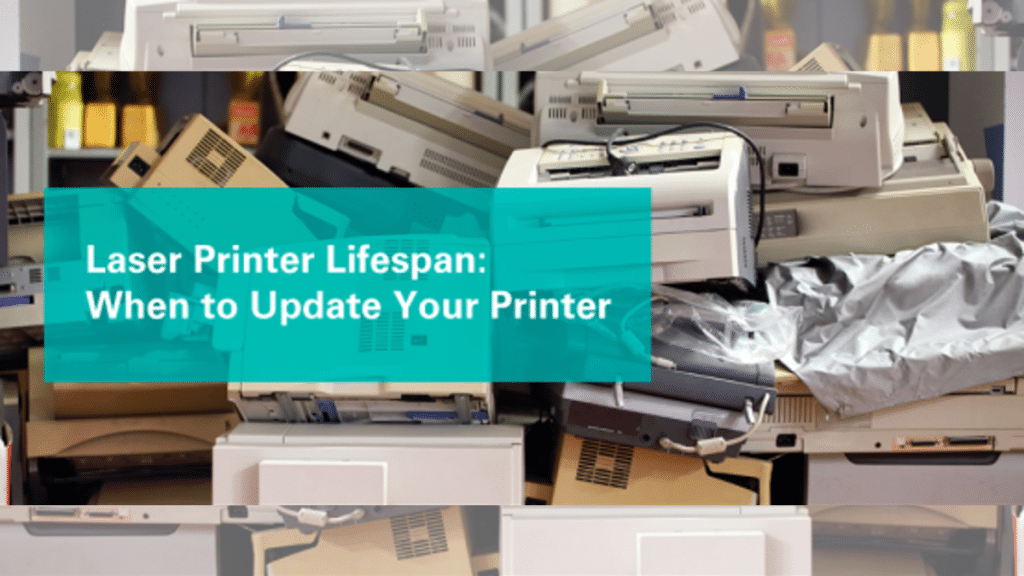
Laser printers are workhorses in homes and offices—quietly churning out documents day after day. But like any hardworking machine, they won’t last forever. Knowing when to repair, maintain, or replace yours can save you money, frustration, and downtime. Let’s break it down.
What Is The Effective Lifespan of a Laser Printer?
Most laser printers last 5–7 years with average use. High-end office models can push toward 7–10 years if maintained well, while budget or heavily used units might need replacing closer to 3–5 years. It’s not just about age, though. Think in terms of duty cycles: a printer rated for 100,000 pages will wear out faster in a busy office than in a home office printing sporadically.
4 Factors That Impact and Prolong the Lifespan of a Printer
1. Usage Volume: Overloading a light-duty printer causes premature wear. Conversely, underusing it can dry out components or clog mechanisms.
2. Maintenance Habits: Dust buildup, worn rollers, and expired consumables like toner or drums are silent killers. Clean internals monthly, replace parts promptly, and update printer drivers to fix bugs and improve efficiency.
3. Environment: To avoid warping paper, jamming feeders, and frying electronics, keep printers away from excessive heat, humid areas. Keep printers in cool, dry areas—away from windows or vents.
4. Supplies Quality: Cheap toner leaks; low-quality paper sheds dust. Use OEM or trusted third-party supplies to avoid clogs and component damage.
4 Signs for Updating Your Laser Printer
- Frequent Breakdowns: If you’re constantly fixing paper jams, replacing parts, or seeing “Maintenance Kit Low” alerts, repairs may cost more than a new printer.
- Rising Costs: Older printers waste toner and energy. If your monthly supplies bill spikes or print quality fades (streaks, smudges), it’s economically smarter to upgrade·
- Outdated Tech: Can’t connect to Wi-Fi? Missing security features like encrypted printing? Modern printers offer mobile printing, cloud scanning, and energy-saving modes—crucial for today’s workflows.
- Software Struggles: If printer driver updates fail or your device won’t work with new OS updates, productivity suffers. A printer driver updating tool might help short-term, but persistent issues signal obsolescence.
Choose the Long-lasting Printer for Your Home and Office
For durability, here is what you should consider:
Duty Cycle: Pick a model rated for twice your monthly print volume.
Modular Design: Printers with easily replaceable parts (fusers, rollers) last longer.
Multi-Function Printer (MFP) Flexibility: All-in-ones handle printing, scanning, copying—reducing desk clutter and maintenance for separate devices.
Brand Support: Opt for brands with reliable service networks and long-term driver support.
G&G M2022NW balance robust duty cycles with accessible maintenance kits. Their cartridges are engineered to minimize clogs, and firmware updates keep security features current—without overcomplicating the user experience.
A laser printer’s lifespan isn’t just a countdown; it’s a balance of care, use, and tech relevance. Update printer drivers routinely, clean components monthly, and swap supplies early. But when breakdowns outpace fixes, costs climb, or software falters, it’s time for an upgrade.
Investing in a resilient multi-function printer today means fewer headaches tomorrow—and years of smooth, efficient functional print ahead.