

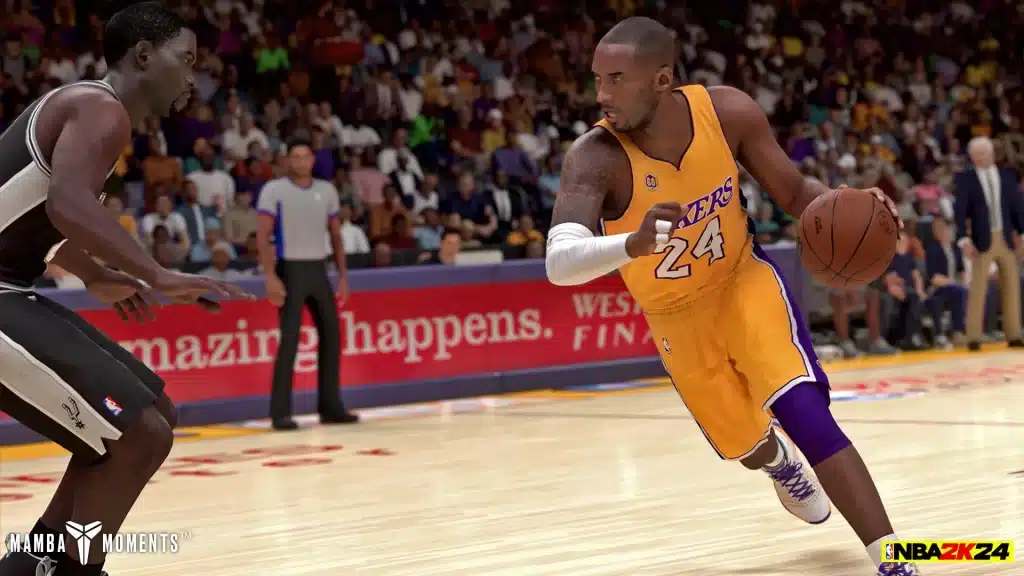
Navigating the virtual courts of NBA 2K24 can be as challenging as a real-life basketball game, especially when mastering the controls across different platforms. Whether you’re dribbling down the court on the Xbox Series X, shooting threes on the PS5, or dunking on the Switch, understanding the controls is essential for an optimal gaming experience. This guide (NBA 2K Controls PS5) will walk you through the NBA 2K24 controls across Xbox Series X/S, PS5, PC, and Switch.
The Xbox Series X/S offers a fluid gaming experience with its ergonomically designed controller. For NBA 2K24, mastering the following controls will enhance your gameplay:
- Dribbling: Use the left stick for movement and the right stick for performing dribble moves.
- Shooting: Press X for jump shots and layups, and hold for dunks.
- Defense: Use the right trigger for sprint and the left trigger to engage intense defense.
- Passing: Press A for a standard pass and B for a bounce pass.
The PS5 DualSense controller brings a new level of immersion with its adaptive triggers and haptic feedback. Here’s how to utilize it for NBA 2K24:
- Dribbling: The left stick manages movement while the right stick executes advanced dribble moves.
- Shooting: Press Square for jump shots, and hold for layups or dunks.
- Defense: Use R2 for sprinting and L2 for intense defense.
- Passing: X is your go-to for standard passes, while Circle performs a bounce pass.
Playing NBA 2K24 on PC can be a unique experience, especially with a keyboard and mouse setup. However, using a controller is generally recommended for better control:
- Dribbling: WASD keys for movement and arrow keys for dribble moves.
- Shooting: Spacebar for jump shots and layups, and Shift for dunks.
- Defense: Use Right Shift for sprint and Left Shift for intense defense.
- Passing: E for a standard pass and Q for a bounce pass.
The Switch offers portability, but mastering its controls can be tricky due to its compact design:
- Dribbling: Use the left joystick for movement, the right joystick for dribble moves.
- Shooting: Press B for a jump shot, hold for layups or dunks.
- Defense: ZR for sprinting, ZL for intense defense.
- Passing: A for standard passes and Y for bounce passes.
- Practice: Spend time in practice mode to get comfortable with the controls.
- Customize: Adjust control settings to better suit your playstyle.
- Stay Updated: Game patches may alter controls slightly, so stay informed.
Learning the controls on your preferred platform is crucial to excel in NBA 2K24. Whether you’re a seasoned player or a newcomer, understanding these controls will elevate your game and enhance your overall enjoyment. Happy gaming!