

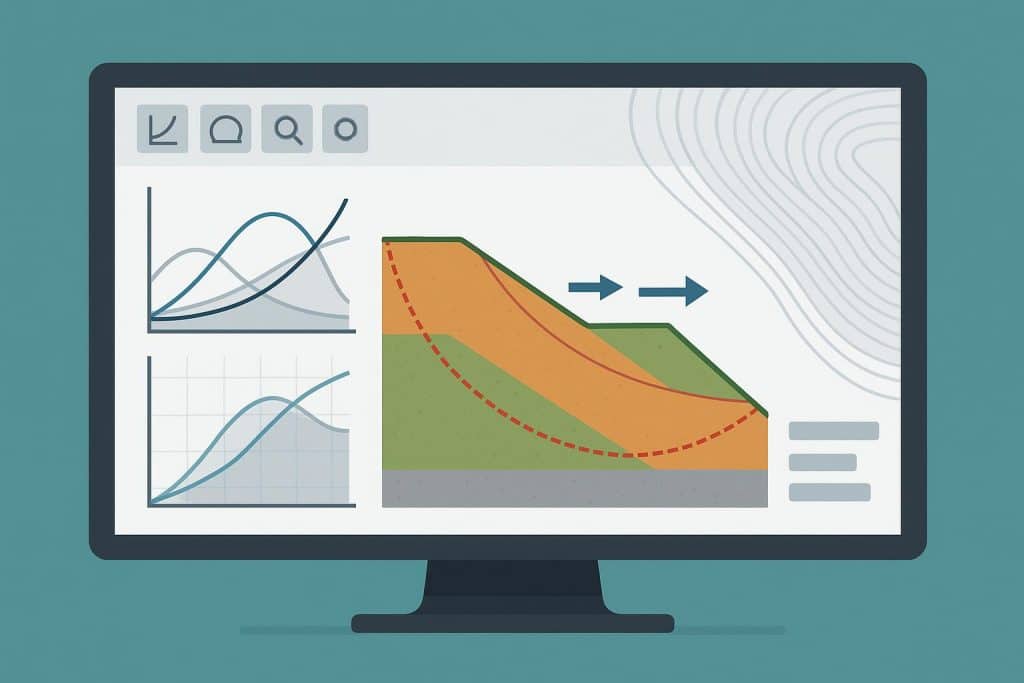
In geotechnical engineering, slope stability is one of the most important concerns. Engineers must ensure that natural slopes, embankments, retaining walls, and excavations can withstand the forces acting on them without failure. Because soil and rock behavior is highly complex, engineers rely on slope stability analysis software to evaluate conditions, predict risks, and design safe solutions. These digital tools have become essential in modern engineering practice, replacing much of the trial-and-error and simplifying assumptions of earlier methods.
The Role of Slope Stability Analysis
Slopes are influenced by a variety of factors, including soil type, groundwater, seismic activity, external loads, and construction methods. Failure to account for any of these can lead to landslides, structural damage, or even loss of life. Traditional hand calculations, while still useful for preliminary checks, cannot capture the full complexity of real-world conditions. Software allows engineers to integrate all of these factors into one model, test different scenarios, and produce more reliable results.
Key Features of Slope Stability Software
What makes slope stability software so effective is its ability to go beyond simple calculations. Most programs can model potential slip surfaces, evaluate safety factors, and provide visualizations that show how and why a slope might fail. Many tools also allow engineers to simulate the influence of groundwater, reinforcement systems, or seismic loading. By testing multiple conditions, engineers gain a much clearer understanding of risks and can design more effective stabilization measures.
Popular Software Options
Several software packages dominate the field of slope stability analysis. GeoStudio’s SLOPE/W is one of the most widely used slope stability analysis software, offering limit equilibrium analysis with the ability to model simple to highly complex slope conditions. It integrates with other GeoStudio modules like SEEP/W, which makes it especially valuable for projects where groundwater flow plays a critical role.
Rocscience Slide2 and Slide3 are also leading tools. Slide2 provides robust two-dimensional analysis, while Slide3 expands into three dimensions for more complex geometries. Both programs allow for probabilistic analysis, which helps engineers understand not just whether a slope is stable, but the likelihood of failure under different conditions.
Another powerful option is PLAXIS, which takes a finite element approach. Unlike traditional methods that assume a predefined slip surface, PLAXIS can model soil deformation and progressive failure, making it well suited for projects where soil-structure interaction or staged construction must be considered.
For highly complex or dynamic conditions, FLAC and FLAC3D are widely used. These numerical modeling tools simulate soil and rock behavior under static or seismic loading and are particularly valuable in tunneling, mining, and excavation projects.
Choosing the Right Software
No single program is the best for every situation. For straightforward projects, a limit equilibrium program like SLOPE/W or Slide2 may be sufficient. More complex cases involving 3D geometry, staged construction, or seismic conditions may require advanced modeling in PLAXIS or FLAC. Many firms use a combination of these tools to validate results and gain a more complete picture of slope behavior.
Conclusion
Slope stability analysis software has become indispensable in geotechnical engineering. By combining sophisticated modeling, visualization, and scenario testing, these tools allow engineers to anticipate risks and design safer, more efficient projects. Whether through limit equilibrium methods or advanced numerical simulations, the right software ensures that slopes remain stable and infrastructure stands secure.