

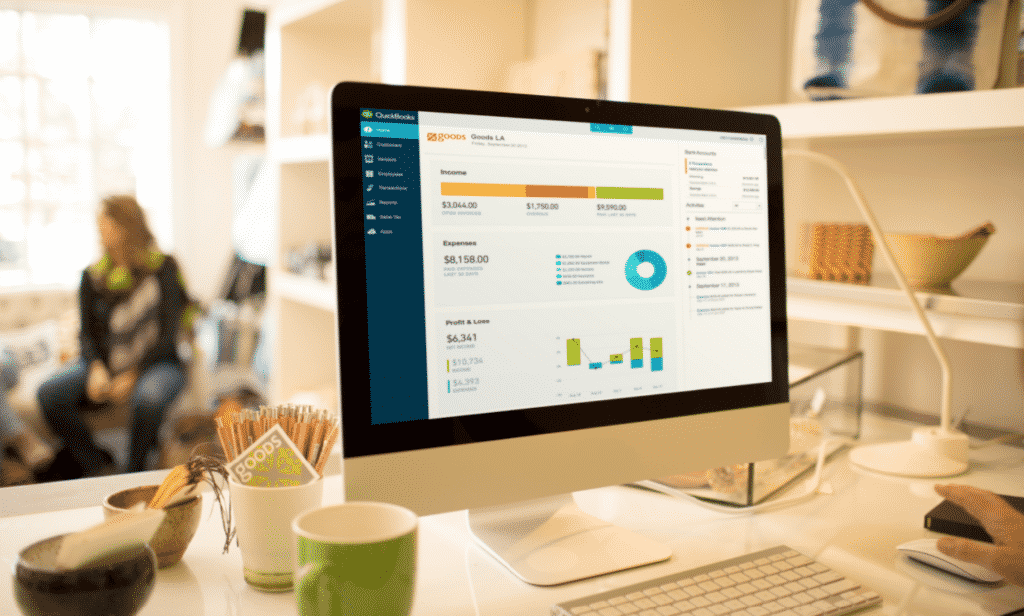
When accounting firms have customers spread across different locations, it becomes difficult for them to manage their workloads. The extra time spent on driving to the customer’s office is draining. This is one of the reasons why installing an accounting software on desktops is not a practical solution for many businesses that require their chartered accounting consultants to travel to their office to get the job done. Accessing QuickBooks remotely is a much better alternative than using another software program that is installed on a physical computer. Let us understand the advantages ofcloud-based QuickBooks Enterprise Hosting and how to access it.
Advantages of Cloud Based QuickBooks Solution
With remote access to QuickBooks, it is possible to get all the information you need on any device including tablets, smartphones, desktops, or home computers.
Here are the benefits of QuickBooks remote access.
- Much less time is wasted on travel.
- It enables CAs and finance professionals to work from wherever they choose.
- There is the flexibility of accessing the solution not just from computers but mobiles as well. So users can access what they need even while traveling.
- There is a significant enhancement in productivity.
- Client data can be accessed even outside their office hours. Now you can work for clients who may even be in different timezones.
This ensures that there is less stress, fewer working hours, and better productivity. You can still do everything as usual without the extra time on these activities using a reliable remote access solution.
However, not all remote desktop solutions work in the same manner. While some software require users to access a computer on which QuickBooks Desktop is installed, others offer a complete virtualized solution. With a competitive Windows Virtual Desktop pricing, a fully virtualized QuickBooks Desktop solution is a much better option than using the RDP option to access QuickBooks.
Advantages of Hosted QuickBooks vs RDP
There are several advantages of virtualizing QuickBooks using hosted solutions over plug-and-play solutions and regular remote access.
- There is much better security as the entire software along with customer data is hosted on a server rather than a local machine.
- There is a considerably lower probability of theft/ loss of data. Unlike laptops or desktops, servers in data centers cannot be carried away.
- Servers are protected by the best anti-virus software and other solutions making it far more difficult for attackers to hack into them.
- Users have much better flexibility in terms of the hosting plan they can choose for their accounting solution.
- Resources are far more scalable on virtual desktops than on physical devices. Just a few button clicks can increase the amount of RAM or hard disk available when more resources are needed for operations. There is no need to take apart the machine for adding capabilities.
- Users don’t have to worry about upgrades and security patches as the infrastructure provider will include it in the plans.
- With an Hybrid Migration to Office 365, it is possible to integrate your favorite Microsoft applications with QuickBooks for a better experience.