

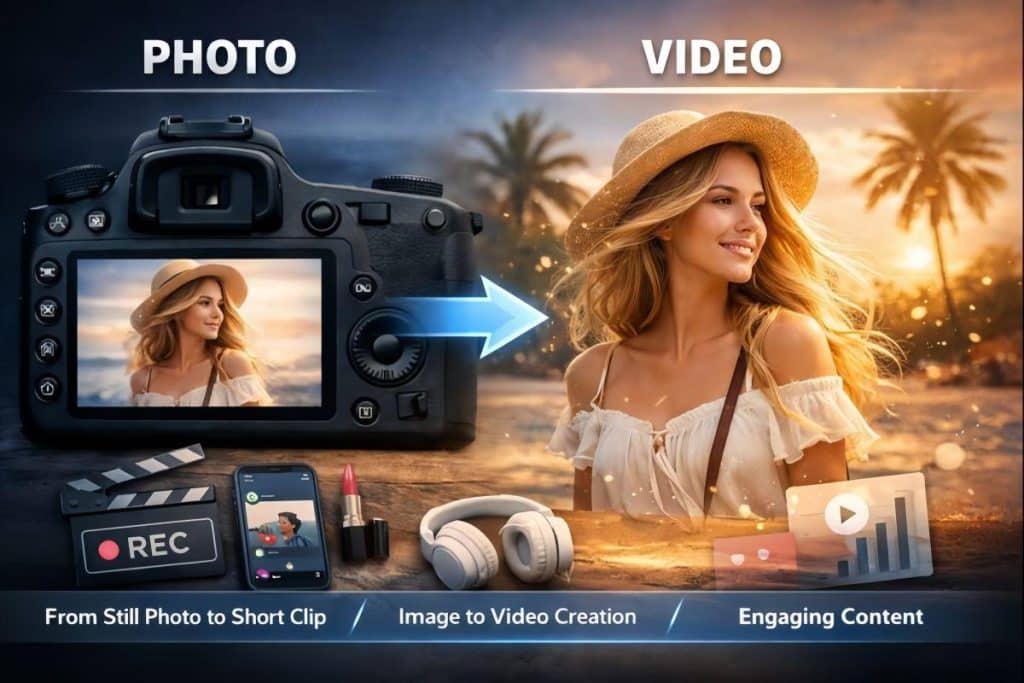
A few years ago, “turn this picture into a short video” usually meant one of two things: you learned a complicated editor, or you paid someone who already knew it. Either way, it wasn’t fast. You’d cut layers, fake camera movement, add blur, tweak keyframes, and still end up with something that felt… stiff.
What’s changed isn’t just speed. It’s the expectation.
People now assume a single image can become a 5–10 second clip that looks like it belongs on TikTok, Instagram Reels, a product page, or a pitch deck. The barrier to entry has dropped so much that the question is no longer “Can I do it?” but “What should I animate first?”
Below is a grounded look at how image-to-video creation actually fits into modern content workflows, where it shines, where it still breaks, and how to get better results without turning your life into a prompt-writing hobby.
Why “Living Photos” Became the Default
Short-form video keeps winning attention, but most people don’t have a constant stream of footage. Photos are everywhere: camera rolls, brand assets, old family pictures, product shots, event photos, mood boards. Image-to-video is the bridge between “I have something” and “I have something people will watch.”
Creators use it for three big reasons:
- Speed: You can generate multiple variations quickly and pick the one that feels right.
- Consistency: A single hero image can become a set of clips with a matching look.
- Low overhead: No filming, no lighting setup, no reshoots, no “we’ll do it next week.”
And it’s not just creators. Small businesses, teachers, community pages, and solo marketers use it because it’s the fastest path to motion-based content.
Cutting Through the Hype: Practical Use Cases
Image-to-video works best when you treat it like micro-storytelling. You’re not trying to make a short film. You’re creating a moment with movement.
Here are the most common “wins” I see:
- Product motion for e-commerce
Animate a hero shot with a subtle zoom, shimmer, or “camera drift.” Great for ads and storefront banners. - Event recaps from still photos
Weddings, conferences, school clubs—turn 6–10 photos into short clips that feel alive, even without raw footage. - Social posts from static designs
Posters, flyers, announcement graphics. Movement makes them feel current. - Portfolio upgrades
Photographers and designers can present work as motion studies instead of a flat grid. - Memory-preserving clips
Old photos gain emotional impact when you add gentle motion (wind, light, a slow pan).
A Simple, Time-Efficient Workflow
Most people fail at image-to-video because they start too big. The better approach is to follow a repeatable loop.
| Step | What you do | What to watch for |
| 1) Pick the right image | Clear subject, strong lighting, minimal clutter | Busy backgrounds often “melt” in motion |
| 2) Decide on one motion idea | Zoom-in, slow pan, hair/cloth movement, light shift | Too many instructions = chaos |
| 3) Generate 3 variations | Change only one variable each time | You’re looking for the “least weird” version |
| 4) Lock the best result | Export, then do tiny edits (trim, caption, music) | Keep post-edit simple to preserve realism |
If you want to skip the heavy setup and just get to “upload → animate → export,” GoEnhance AI provides an image to video free online tool that turns a still image into a short clip in a few clicks.
Prompting Tips That Make Motion Look Natural
You don’t need a novel-length prompt. What you need is specificity with restraint.
Try this mental rule: describe one camera move + one environmental motion.
Examples that usually work:
- “Camera push-in with subtle wind in hair, warm afternoon lighting.”
- “A slow left-to-right pan while rain falls and street reflections drift.”
- “Slight zoom-out, soft bokeh flicker, cinematic lighting.”
Avoid prompts like “make it look amazing” or “super realistic.” Those don’t tell the model what to do. Motion is a direction problem, not a compliment problem.
Where Image-to-Video Still Struggles (So You Don’t Blame Yourself)
Even with good tools, these are common failure points:
- Hands and fine details in motion (rings, watch bands, intricate patterns)
- Text morphing or warping (posters and signage can distort)
- Hard edges like glasses frames, jewelry, or hair strands
- Busy backgrounds (crowds, trees, repeating textures)
A practical trick: if the subject is complex, choose gentler motion. Subtle zooms and light shifts look surprisingly premium and avoid the “rubbery” effect.
The Fun Side: “Micro-Effects” as Shareable Content
Not every clip needs to be serious. A big chunk of online growth comes from playful formats—quick transformations, dance loops, meme-ready edits, and “I can’t believe this worked” moments.
This is where niche effects get used for creators who want quick engagement without filming. If you’re experimenting with dance-style loops (kept PG and stylized), an effect like an AI twerk generator can be treated as a short, meme-friendly animation format—something you use for comedic timing, reaction posts, or exaggerated motion on a character/illustration rather than anything explicit.
The key is intent: keep it light, keep it appropriate, and make it obviously playful (cartoon-ish, stylized, or clearly meme-based).
Quick Safety + Quality Checklist
If you’re publishing or using this content commercially, a few basics matter:
- Consent: Don’t animate someone’s face or likeness for public content without permission.
- Copyright: If the image isn’t yours, assume you shouldn’t commercialize it.
- Disclosure: If a clip could be mistaken for real footage, label it clearly.
- Data hygiene: Avoid uploading sensitive documents, IDs, or private images to any online tool.
- Brand trust: For business use, stick to subtle motion and consistent style—less “wow,” more “credible.”
What This Trend Really Means
Image-to-video isn’t replacing filmmaking. It’s replacing the awkward dead zone between “I have an image” and “I have something dynamic enough to earn attention.”
The creators who win with it aren’t chasing perfect realism. They’re building a repeatable system: pick the right images, keep motion simple, generate a few options, and publish the best one with good context.
Your photos don’t need to stay frozen. With the right approach, they can become small, moving stories—fast enough to keep up with the internet, and polished enough to look like you planned it that way.