

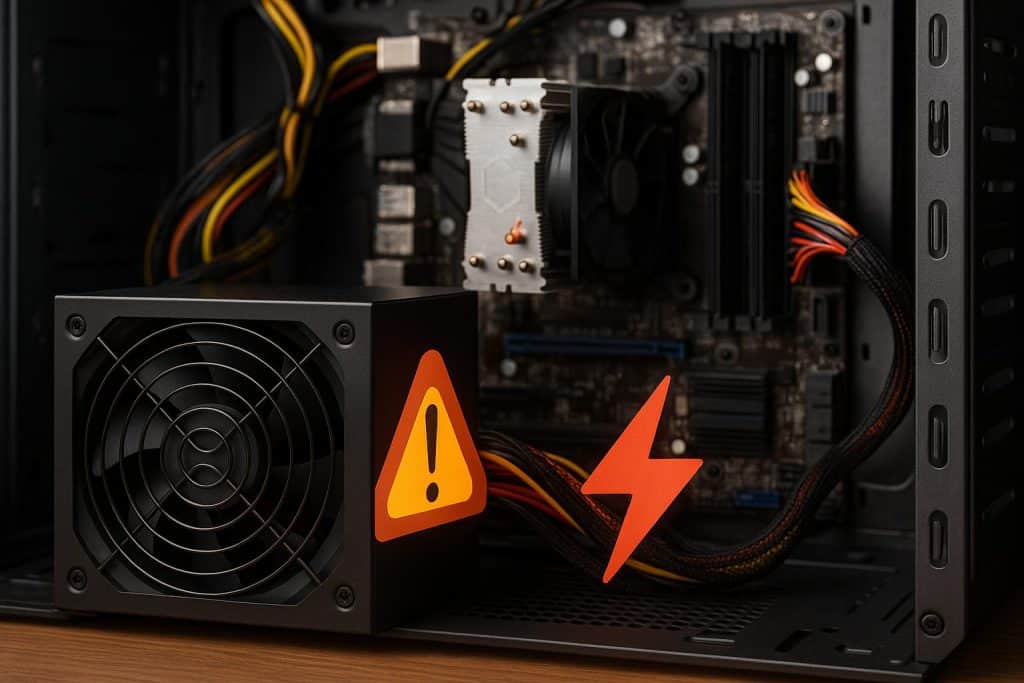
When building or upgrading a computer, most people focus on components they can see and measure easily. Graphics cards, processors and memory tend to dominate the conversation because their impact on performance is obvious. However, the power supply unit is just as important, even though it works quietly in the background. A PSU determines how safely and consistently power flows to every part of a PC. When it is mismatched to the system, either far too weak or unnecessarily powerful, stability problems begin to appear. In more severe cases, the wrong PSU can even cause lasting component damage.
A good PSU is the foundation of a reliable system. It regulates voltage, filters noise and provides the exact type of power modern CPUs and GPUs need to function correctly. When the unit is sized incorrectly, these safeguards weaken. That is why both underpowered and overpowered PSUs can create issues most users never expect.
This article explains how both extremes lead to instability, what signs to look for and how to choose the right wattage for long term PC health. It also includes a practical expert quote that highlights the value of using reliable tools when estimating power requirements.
What a PSU Actually Does Inside Your PC
A power supply converts AC wall power into controlled DC power for your components. It distributes that energy across the motherboard, GPU, storage devices and cooling systems. Quality PSUs do more than convert. They stabilize current, regulate voltage and protect the system from surges or irregularities.
Every electronic component depends on stable power. If the voltage is too low, too high or inconsistent, internal circuits begin to experience stress. This is why an incorrect PSU causes problems that seem random or unrelated.
The Risks of an Underpowered PSU
An underpowered power supply is the most common PSU related issue among budget builds. When a PSU cannot deliver the wattage or amperage the system needs, the results can be damaging.
Frequent System Crashes
The most common symptom of an underpowered PSU is instability. When a GPU or CPU suddenly demands more power, the PSU may sag under the load. This leads to immediate shutdowns or sudden reboots. These events can corrupt files, interrupt work and in worst cases damage storage devices.
Accelerated Component Wear
When voltage fluctuates, sensitive components like motherboard VRMs and GPU power stages experience electrical stress. These parts work harder to compensate for irregular power. Over time this constant strain can cause premature hardware degradation or complete failure.
PSU Overheating
A PSU running near its maximum limit generates excessive heat. Internal components such as capacitors degrade quickly at high temperature. As internal quality declines, the PSU becomes less stable and even more prone to failure.
Sudden PSU Failure
If pushed too far, an underpowered PSU may fail entirely. Sometimes protective circuits prevent further damage, but in cheaper units the failure can cascade into other components. Repairing or replacing multiple damaged parts often costs far more than choosing the correct PSU in the first place.
The Hidden Risks of an Overpowered PSU
Many builders assume that buying a very high wattage PSU eliminates risks. It seems like the safe option. In reality, too much wattage introduces its own set of problems.
Poor Efficiency at Low Usage
Power supplies are designed to run at a specific load range. Most operate at peak efficiency around forty to sixty percent load. If a system uses only a small fraction of an oversized PSU, it will operate outside the intended efficiency curve. This wastes electricity and creates unnecessary heat.
Although the system may appear stable, this inefficiency slowly wears down internal PSU components and shortens lifespan.
Unstable Voltage at Low Load
Some high wattage PSUs are not optimized for light loads. When the system draws only a small amount of power, voltage regulation may become imprecise. Even minor inconsistencies can create symptoms that are difficult to diagnose, such as random USB disconnects or intermittent graphical glitches.
Fan Cycling and Heat Fluctuations
Oversized PSUs often experience inconsistent thermal behavior. Because the load is so light, the fan may turn on and off frequently. These constant small temperature changes cause thermal cycling, which stresses internal components.
Wasting Money on Unused Capacity
While not a technical issue, the financial impact is real. High wattage PSUs cost more and offer no benefit unless the system actually requires that power. Money spent on unnecessary wattage could improve performance if directed toward a better GPU or more memory.
Real Examples of PSU Induced Problems
It is common for PC owners to misinterpret PSU symptoms. A failing or mismatched PSU can mimic issues typically associated with drivers, software or faulty components.
For example:
A GPU that randomly loses signal may not be defective. The PSU may be unable to provide stable 12 volt power during sudden load spikes.
A PC that shuts down while gaming but runs fine during simple tasks may be hitting power limits that the PSU cannot meet.
A system with an oversized PSU that never warms up may experience coil whine or unusual voltage fluctuations simply because it is operating well below its optimal range.
Understanding these behaviors helps prevent unnecessary frustration and wasted time troubleshooting the wrong components.
How to Choose the Right PSU for Your Build
The goal is not to buy the smallest PSU that works or the largest one available. The right approach is to choose a PSU that provides headroom for the system without operating too far outside its ideal load zone.
Modern processors and graphics cards draw power dynamically. Peak load can spike far above average consumption. Builders should consider both sustained and transient power behavior. The safest method is to calculate power needs using actual component specifications rather than guessing.
Here is where expert advice becomes essential. As one hardware specialist at EasyPC.io explains:
Many builders underestimate or overestimate their power requirements because they rely on rough estimates instead of measured data. Professionals often recommend using a trusted tool like the PC Power Supply Calculator to avoid choosing a PSU that is too small or excessively oversized for the components involved.
This type of resource takes into account CPU load, GPU spikes, drive configurations and cooling solutions. It offers a more accurate estimate than trying to calculate wattage manually.
What Else to Look For in a Quality PSU
Besides wattage, several other factors influence PSU performance and reliability.
- Efficiency rating. Higher efficiency means less heat and more stable voltage regulation. Units rated 80 Plus Gold or higher are recommended for modern systems.
- Build quality. PSUs with high grade capacitors, robust internal architecture and quality cooling ensure long term stability.
- Rail strength. Modern gaming and workstation systems rely heavily on the 12 volt rail. Consistent amperage here is more important than peak wattage.
- Protective circuits. Features like over current protection, short circuit protection and over temperature protection safeguard the system during faults.
- Reputable brands. Established manufacturers tend to follow strict quality control standards, reducing the risk of early failure.
All these elements matter just as much as wattage when selecting a PSU.
How Much Wattage Headroom You Really Need
A good general rule is that your system should use about half of the PSU capacity under full load. For instance, if your PC draws 350 watts during gaming or rendering, a PSU between 650 and 750 watts is ideal. This ensures the PSU operates in an efficient range and leaves room for upgrades or power spikes.
For heavy workloads such as video rendering or scientific computing, a slightly larger buffer is helpful since these systems maintain high power consumption for long periods. Gaming PCs with modern high end GPUs also benefit from extra margin because some graphics cards produce fast and sharp load spikes.
The goal is balance, not extremes. A properly sized PSU delivers stable power without unnecessary cost or risk.
Conclusion
A power supply is more than a simple box that feeds electricity to a PC. It determines system stability, component longevity and overall safety. Both underpowered and overpowered PSUs create issues. Too little power leads to crashes, overheating and component stress. Too much power reduces efficiency, introduces voltage inconsistencies and wastes money.
The best way to choose the right PSU is to evaluate system requirements carefully, consider real power draw patterns and rely on accurate tools rather than assumptions. By avoiding both extremes and selecting a quality unit matched to the system’s needs, builders can ensure smooth performance and avoid preventable damage.