

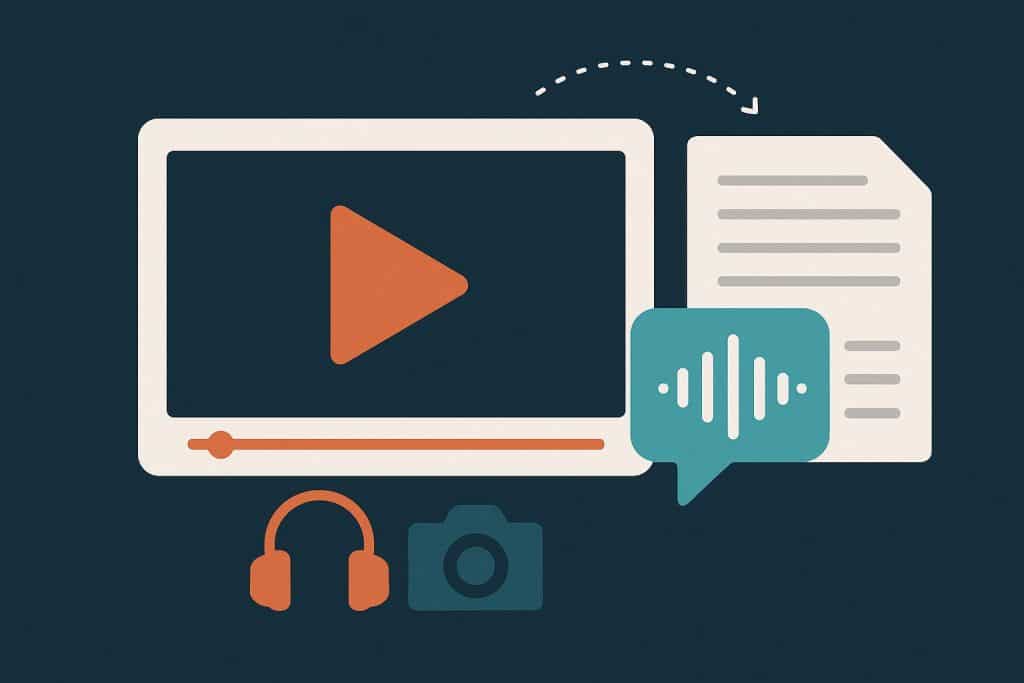
Creators who publish consistently are turning speech into text to edit faster, stay searchable, and ship more formats with less friction.
Professional creators are juggling filming, editing, posting, and distribution across platforms. When everything is time-bound, manual note-taking and rewatching footage becomes the hidden tax on output. Automated transcription reduces that tax by turning spoken content into a text layer that can be searched, edited, reused, and shared.
A simple starting point is converting a finished cut with video to transcript.
Automated transcription converts spoken audio into editable text so creators can cut faster, repurpose into clips and posts, add captions, and build a searchable content library. It helps teams collaborate with timestamps and highlights, supports accessibility, and speeds localization by using one transcript as the source for subtitles and translations.
What makes transcripts so valuable?
A transcript changes how content gets handled after recording. Instead of scrubbing through a timeline to find a quote, a keyword search can jump to the right section and reveal every mention across episodes, interviews, or lessons.
For a podcast clipper, this means finding “the moment” without listening to the entire hour again. For a course creator, it means turning a lesson into a clean outline, handout, or knowledge base entry. For a short-form editor, it means quickly scanning for hooks, punchlines, or calls to action before cutting.
Captions also matter for reach and accessibility, and subtitle generator can help turn a transcript into time-coded text.
To understand what quality captions should cover for accessibility, review the W3C Web Content Accessibility Guidelines (WCAG) guidance related to captions.
A practical automated transcription workflow for creators
A transcript becomes most valuable when it is treated like a production asset, not a byproduct. The workflow below fits both solo creators and small teams, with clear handoffs and repeatable outputs.
Before starting, make sure the source file is clean and consistent. If audio was captured separately, standardizing file formats with an audio converter can reduce upload issues and keep a project organized.
Here is a simple, repeatable sequence that maps to common creator roles:
- Ingest: collect the final audio or video file, plus any notes from the recording.
- Transcribe: generate the text, then do a quick skim for obvious names, jargon, and misheard phrases.
- Mark moments: tag sections that sound like hooks, steps, stories, or quotable lines.
- Export deliverables: produce captions, clip notes, summaries, and social copy drafts.
- Archive and reuse: store the transcript where the team can search it later, alongside project files.
This is where automated transcription becomes a content operations tool. It supports faster editing decisions because the story can be shaped in text first, then verified in the timeline.
Where does automated transcription save the most time?
The biggest win is fewer repeats of the same work. A transcript can serve multiple deliverables without rewatching or rewriting from scratch.
Editing and clipping: Editors can pre-select candidate moments by scanning for transitions, strong statements, and step-by-step explanations. Instead of guessing where the best quote is, the quote is already visible.
Content repurposing: A single episode can become a newsletter draft, a carousel script, a LinkedIn post, short-form captions, and a FAQ section. Content repurposing becomes a planned output, not an afterthought.
Searchable archives: Teams can build a living library of what has already been said. This helps avoid repeating topics accidentally and makes it easier to pull references for future work.
Collaboration: Producers, editors, and writers can comment on the same source, using timestamps and highlights to reduce back-and-forth. Even a solo creator benefits, because notes stay attached to the original content.
How do captions, subtitles, and localization fit in?
Captions and subtitles do more than check a box. They help people watch without sound, follow complex topics, and stay engaged when audio quality is imperfect.
The same transcript can be used to produce captions, on-screen subtitles, and translation-ready text for localization. That reduces rework because each language version can be derived from a single approved source.
The table below shows how one transcript can branch into multiple formats without reinventing the wheel.
| Creator role | Transcript-based input | Output created | Why it helps |
|---|---|---|---|
| Short-form editor | Hook lines and timestamps | 15 to 60 second clips | Speeds selection and cutting |
| Social manager | Key takeaways and quotes | Captions and post copy | Keeps messaging consistent |
| Course creator | Section headings and steps | Lesson outline and handout | Improves clarity and structure |
| Podcaster | Guest highlights and themes | Show notes and chapters | Adds navigation and discoverability |
| Team lead | Reusable phrases and FAQs | Knowledge base updates | Builds searchable content ops |
When localization is a priority, it helps to standardize terminology early. A clean transcript makes it easier to keep product names, slogans, and recurring phrases consistent across subtitles and captions.
What about rights, privacy, and source files?
Professional creators treat transcription like any other data process. If content includes clients, students, or private conversations, it is safer to confirm consent and store transcripts securely.
When pulling source material from existing platforms, only use files that are owned or explicitly permitted for reuse. If a creator is working with their own channel content, tools that download YouTube videos can support an offline editing workflow, but permissions should be clear before saving copies.
For visual repurposing, transcripts often become on-screen quote cards or step graphics. Designers sometimes pair short quotes with PNG images to create quick social assets that match a brand style.
Turning transcription into creator productivity
The goal is not just “a transcript.” The goal is a smoother pipeline that reduces friction between recording and publishing.
Automated transcription can act like a connective layer across tools. It helps editors cut with confidence, helps writers draft faster, helps teams collaborate with less confusion, and helps creators reach more people through captions and subtitles.
Over time, transcripts also compound in value. A growing archive becomes a searchable memory for the business, making it easier to plan topics, refresh old ideas, and build consistent messaging across channels.