

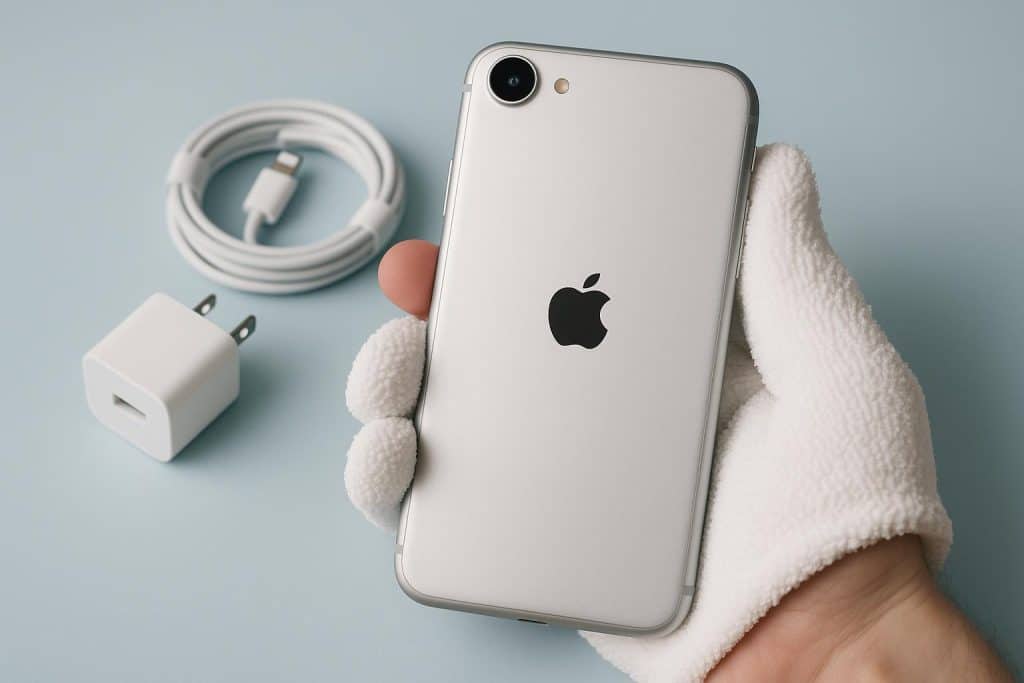
If you’ve got your hands on the iPhone 17 Air, congratulations–you’re holding one of Apple’s slickest creations yet. It’s lightweight, it’s fast, and it looks way too pretty to be casually tossed into the bottom of a tote bag with keys, coins, and half-melted mints. Phones today aren’t just a piece of necessary tech like they were back in the day. At this point, we eat, sleep, breathe, and shower with our phones. They’re daily companions, a camera roll full of memories, a digital wallet, a literal work device for many of us. And like anything we rely on daily, a little TLC goes a long way.
Taking care of an iPhone might sound like common sense, but you’d be surprised how often people skip the basics and end up with cracked screens, battery complaints, or that awful tiny scratch that your brain insists is the size of a crater. The iPhone 17 Air isn’t cheap, so keeping it in good shape is the responsible thing to do. Beyond that, at this point, it’s practically a form of self-care as well.
Proper iPhone 17 Air Care Is Important
The longer you own a phone, the more its condition tells a story. Some of us are gentle owners–the kind who wipe their screens with microfiber cloths like they’re polishing museum glass. Others live on the edge with raw pockets, no case; vibes only. (Bold, but risky.)
Regular maintenance is how you stop little issues from piling up. Small scratches today can turn into cracks later. Battery life can dip faster than your motivation at work on a Monday morning if you’re charging wrong. Dust and gunk build up invisibly, then suddenly your speakers sound like they’re underwater. It’s the tiny habits such as charging smart, cleaning occasionally, and protecting it physically that keep a phone feeling new past the honeymoon phase.
We’re not saying that taking care of your 17 Air means babying it, but it does mean you have to be intentional.
Tips for Taking Care of Your iPhone 17 Air
Some people think you need a long checklist to maintain your phone, but really you just need a few reliable habits. Protect it, clean it, charge it right … and you’ve already won half the battle. Accessories play a huge role too. A good case, a solid screen protector, and maybe a cord that isn’t fraying will get the job done.
Let’s break it down.
Protecting the Screen
Nothing ruins the mood like your phone slipping from your hand in slow-motion cinematic disaster mode. The drop, the silence, the flip over to check the damage–heart racing. A screen protector is the safety net you want for that moment.
Tempered glass protectors are my go-to. They take the scratches, absorb the shock, and crack instead of your screen (bless them). You don’t notice they’re there, and yet when you peel one off after months of use? It looks like it fought a war you didn’t even know happened. That’s exactly what you want.
A 15-dollar protector now saves a 350-dollar repair later. Simple math, easy choice.
Phone Case for Extra Protection
Cases are the first line of defense, and if we’re being honest, they also make your phone look cooler. A bare phone feels risky, like walking through life with no insurance. You don’t have to overdo it, but some protection is non-negotiable.
There are tons of styles out there—slim for the minimalists, rugged for the chaotic droppers, clear for the “I paid for this color and I want the world to see it” crowd. Leather looks sleek and ages nicely, while rubberized cases add grip and keep you from feeling like butterfingers.
Brands like BURGA, Spigen, CASETiFY, and OtterBox all hit different vibes. If you want something stylish without sacrificing protection, browsing an iPhone air case collection can be a good place to compare patterns and protection levels. You don’t need the most expensive case, you just need one that fits well, absorbs impact, and preserves your investment.
Battery Care and Optimization
iPhone batteries are great, but they’re still batteries; they age, they stress, they get dramatic about the weather. Heat is the worst enemy here, so if your phone is always hotter than your coffee, give it a break. Same for freezing temps; batteries hate extremes on either end of the spectrum.
Good habits include:
- Keeping charge levels between 20%–80% most of the time
- Avoiding overnight charging every single night
- Using Low Power Mode if you’re out all day
- Checking battery health under ‘Settings’ occasionally
One of the easiest wins is to stop using cheap gas station chargers. They work… until they don’t. Quality chargers keep your battery happier long-term.
Cleaning and Maintaining
Then there’s the issue of cleanliness. Our phones touch everything– hands, pockets, tabletops, the inside of the gym bench, if you’re unlucky. A quick wipe-down once in a while keeps things looking new and stops gunk from settling into ports and button seams.
Use a microfiber cloth and not the corner of your hoodie; been there, don’t recommend. Avoid anything abrasive. A little screen-safe cleaning spray or even a tiny bit of distilled water works just fine. For ports, gently use compressed air or a soft brush; don’t go for toothpicks, needles, or whatever was closest on your desk at the time.
A Little Care Goes a Long Way
The iPhone 17 Air is something we use a hundred times a day for photos, messages, alarms, maps, shopping, TikTok spirals we don’t talk about. When you take care of it, it lasts longer, runs smoother, and honestly just feels nicer to use.
You don’t need a complicated routine. Just a case, a protector, sensible charging habits, and occasional cleaning. Easy. Sustainable. Future-repair-bill-saving.
Treat your Air like something you want around for a while. Because with a little care, it’ll stay beautiful, fast, and reliable long after the next model drops and everyone pretends they don’t want it (even though we all know they do).
A little maintenance today = less money, less stress, more good vibes later.