

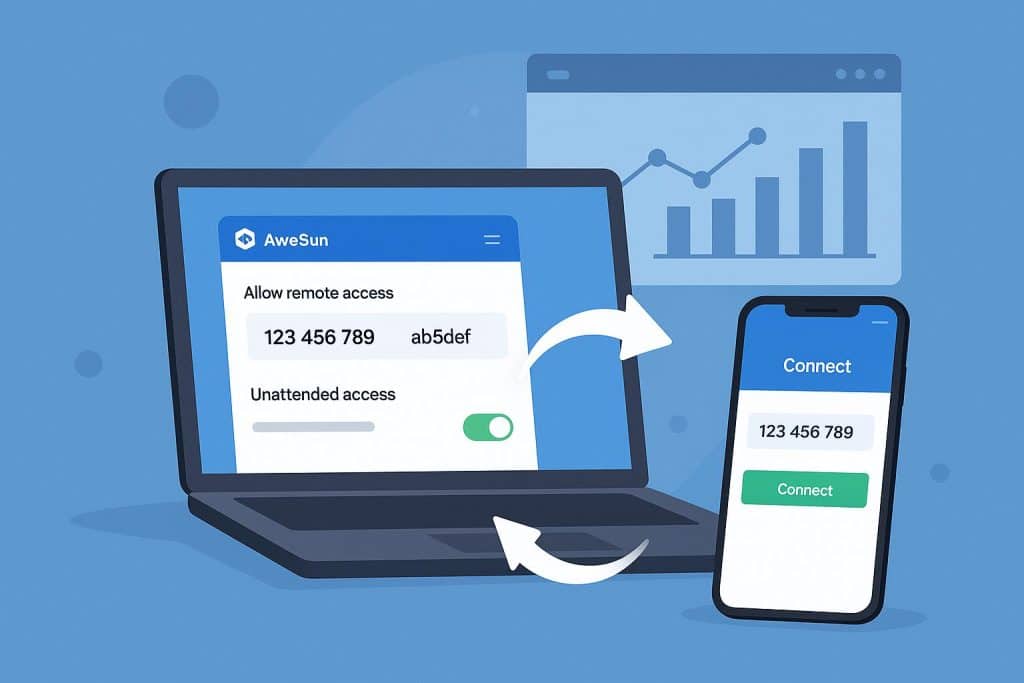
Remote desktop tools have changed a lot in recent years. People now expect more than just basic access. They want speed, smooth visuals, and the freedom to work or play from anywhere.
That is exactly where AweSun Remote Control stands out. It brings together powerful performance with simple controls, making it a strong choice for both professionals and gamers.
If you are searching for a tool that feels fast and reliable, this guide will show you why AweSun is leading the way in 2026.
1. A High-Performance Remote Desktop That Feels Instant
One of the first things you notice with AweSun is how quickly it connects. The system loads your desktop in about 0.8 seconds, which feels almost instant.
There is no awkward waiting time or frozen screens. You click, and you are in.
Behind the scenes, AweSun uses its own optimized technology to reduce delay and keep actions responsive. Some reports show latency can go as low as a few milliseconds, which helps everything feel smooth and natural.
All of this comes together to deliver a true high-performance remote desktop experience that feels fast, stable, and easy to rely on.
For IT teams, this means faster support and fewer delays. For everyday users, it simply makes remote access feel effortless.
2. Crystal Clear Visuals with Smooth Motion
Visual quality can make or break a remote session. AweSun handles this really well with support for 4K at 144fps, along with advanced image optimization.
Text stays sharp. Colors look accurate. Motion feels fluid even during fast actions.
This level of clarity is useful for creative work like editing or design. You can see details clearly without guessing or zooming in again and again.
It also makes a big difference when you are gaming or watching content remotely. Everything feels closer to a real desktop experience instead of a compressed stream.
3. Play PC Games on Android Without Being Tied to Your Desk
Gaming is where AweSun becomes really interesting.
You can play PC games on Android or iOS devices from anywhere using your internet connection. There is no need for cables or physical setup.
AweSun includes a built-in virtual gamepad that appears on your screen. You can map controls and play comfortably using touch input.
The experience stays responsive thanks to high frame rates and low delay. You can explore open worlds, race, or play action games without feeling disconnected from your PC.
It basically turns your phone into a portable gaming screen powered by your own computer.
4. Fast File Transfer That Keeps Your Workflow Moving
File sharing is an often-overlooked feature, but it is critical during remote work. AweSun makes this process incredibly simple.
You can move files securely by dragging and dropping them directly between devices while connected. The transfer happens in real-time, completely bypassing the need for third-party cloud storage.
Whether you are sending small documents or massive project files, the process is direct and keeps your workflow uninterrupted.
5. Flexible Work Setup with Multi-Screen Support
Working on a single monitor can severely slow you down when juggling multiple tasks. AweSun allows you to utilize another device—like a laptop, tablet, or even a smartphone—as a second screen.
You can spread your workspace across displays to stay organized. For instance, keep your Slack or emails open on your tablet while focusing on your main design project on your desktop.
This flexible setup improves focus and extends your hardware’s capabilities without spending a dime on extra monitors.
Bonus: Built for Stability and Security
Beyond the core features, AweSun ensures your connection stays alive even on weak networks.
Using smart detection, it adapts its quality based on your current connection, keeping your session active rather than abruptly freezing.
Furthermore, it takes security seriously with end-to-end encryption protocols and secure authentication, ensuring your private data remains fully protected whether you are gaming or managing enterprise servers.
Why AweSun Stands Out in 2026
Many tools offer remote access, but not all of them feel smooth or complete.
AweSun combines performance, flexibility, and ease of use in one place. You do not need extra tools or complex setups.
Here is what makes it stand out:
- Fast connection with near instant response
- High-quality visuals with smooth motion
- Easy file transfer during sessions
- Multi-screen support for better workflow
- Stable performance on different networks
- Strong focus on security and real use cases
It works well for both work and entertainment, which is not something every tool can offer.
Final Thoughts
A reliable remote desktop tool should empower you, not slow you down. AweSun strikes the perfect balance.
It provides professionals with a high-performance remote desktop experience to keep work efficient, while giving gamers the true freedom to play PC titles on mobile devices without limits.
In 2026, you shouldn’t be tied to one place—and with AweSun, you aren’t.
FAQs
Is AweSun suitable for professional use?
Yes, it is designed with enterprise-grade security for both individuals and businesses, including IT support and remote administration.
Can I play games smoothly using AweSun?
Absolutely. It supports ultra-high frame rates (up to 144fps) and low latency, making remote gaming incredibly responsive.
Does it work across different devices?
Yes, AweSun offers seamless cross-platform support across Windows, macOS, Android, and iOS.
Is my data safe while using AweSun?
Yes, all sessions are protected by industry-standard encryption and secure authentication systems.