

You buy a camera that says “no subscription.” You set it up. Then the app asks you to pay to see more history, export a clip, or share access the way you assumed would be standard.
If you want a security camera with no monthly fee, start with storage and account rules. Then look at power and placement. Read the fine print in the app last. “No subscription” often means local recording is included, but cloud history, extra users, and professional monitoring can still be optional add-ons.
That order matters because the camera hardware is only part of the bill. The rest is time, accessories, and the ongoing work of keeping a networked device patched and locked down. Getting those layers right is what keeps a no-subscription setup from turning into unexpected costs or surprise downtime.
Table of Contents
- Security camera no monthly fee decoded before you compare specs
- Compare storage and ownership before you compare specs
- Power, placement, and maintenance are part of the same decision
- Local storage security camera trade-offs that affect long-term cost
- Security habits matter as much as the sales sticker
- Conclusion
Security camera no monthly fee decoded before you compare specs
In practice, most shoppers use security camera no monthly fee to mean they do not want a required cloud plan to see recent events. Many systems still offer optional cloud backup or extended history for a fee. That is not automatically bad, but you should know what you are opting out of.
Retail copy also mixes words like “no contract,” “no subscription required,” and “local first.” Those phrases are related, but they are not identical. A camera can avoid a monthly plan while still nudging you toward paid tiers for smarter notifications, longer download windows, or extra seats for family accounts. Your job as a buyer is to map those upsells to what you actually need, not to assume one hero badge covers every screen in the app.
Start by answering three questions before you read a single review roundup:
- Where do the clips go first? Internal memory, a hub, a microSD card, a recorder, or straight to the cloud?
- If the internet drops, what still works? Live view on the same LAN, recording, alerts?
- Which features are gated? Multi-camera timelines, smart detection tiers, sharing with family, and download limits are common places where vendors draw a line between free and paid.
If you cannot find those answers in the manual or product pages, treat that as a yellow flag. You should not need a sales call to understand what you own.
Most systems that advertise no subscription include some form of local recording and a basic app experience. The surprises tend to show up in the optional layers.
There are common add-ons or limits to watch for:
- Cloud backup or longer event history
- Rich notifications or advanced detection categories
- Extra “seats” for sharing access with family
- Professional monitoring bundles
Compare storage and ownership before you compare specs
Local storage can still mean different workloads. A camera that writes to a removable card is different from one that only keeps a short rolling buffer on fixed internal memory. Hubs and network video recorders add upfront cost, but they can make it easier to keep more history without feeding everything to the cloud.
Think in terms of total ownership, not just the camera price:
- One-time hardware, including any base station you need for full features
- Storage media you replace or upgrade over time
- How you will pull clips if you need them for insurance or a police report
You do not need exact dollar math in the shopping cart to benefit from that frame. You need a clear picture of what you are responsible for maintaining.
Here is a quick ownership checklist you can use to compare a no‑subscription camera system setup across brands:
| Cost or workload bucket | What to compare before you buy | Why it changes long-term cost |
|---|---|---|
| Hardware | Camera price, required hub/recorder, mounting accessories | “No monthly fee” does not cover required base stations or add-on hardware |
| Storage | Where clips live, retention window, capacity upgrades (card/drive), export workflow | Storage is the core trade-off in a local-first system, and it is what you maintain |
| App limits | Sharing seats, timeline views, download limits, notification tiers | Many “free” apps draw the paid line here, not at basic live view |
| Optional services | Cloud backup, extended history, monitoring, protection plans | These can be helpful, but they should be a choice, not a surprise |
| Maintenance | Charging schedule, firmware updates, cleaning, trimming plants, Wi-Fi health | The real cost is your time if upkeep does not match your routine |
Treat storage and app rules as “ownership” decisions. Before you get pulled into resolution debates, make sure you can answer a few unglamorous questions: where clips live, how long you can realistically keep them, how sharing works for your household, and what it takes to export a video when you need it. Once those basics are locked down, comparing models feels more straightforward, because you are shopping inside the right constraints. From there, it makes sense to move on to power and placement, since that is what determines how much day-to-day maintenance the setup will ask of you.
Power, placement, and maintenance are part of the same decision
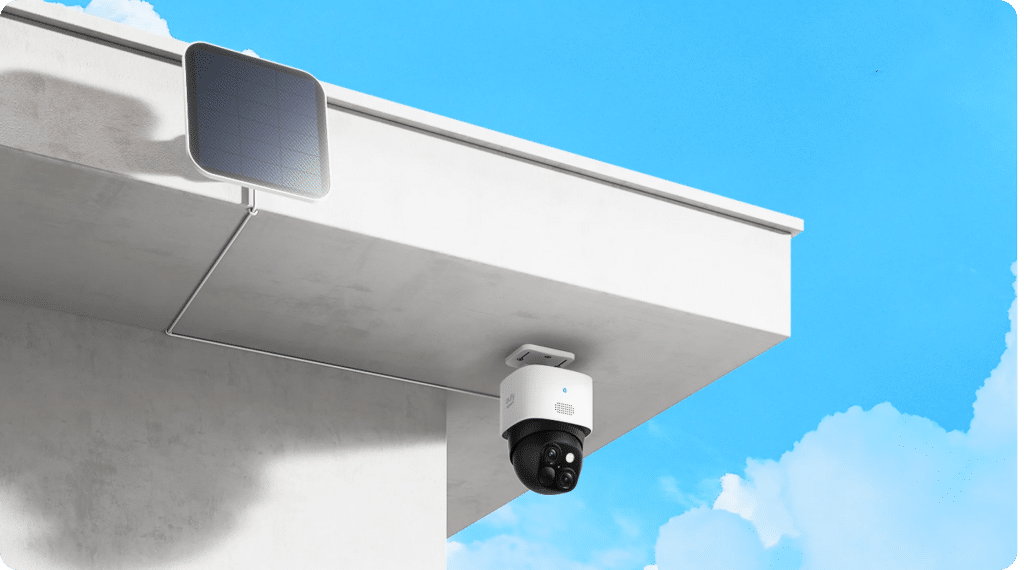
Battery and solar kits can avoid trenching wires, but they change how often you touch the device. Wired power can be steadier for high-traffic zones. Either way, a no-subscription plan doesn’t eliminate upkeep. You’ll still need to clean the lens, trim plants that trigger false alerts, and check mounts after storms.
If outdoor placement is your main constraint, starting with a filtered list can save time. The eufy outdoor security camera is one way to sort quickly by solar, battery, and wired setups. It also gives you a fast scan of what “outdoor camera” can mean in practice, from wire-free solar options to higher-traffic wired installs, plus 4G models for spots where Wi‑Fi is unreliable. That kind of quick category view helps you pick a direction before you get stuck comparing specs that won’t change your day-to-day use.
Before you mount anything, run a quick reality check. Can you reach the camera easily in winter or rain, or will every recharge turn into a chore? Is it pointed through glass, or into a bright porch light that will wash out faces at night? And in this exact spot, do you truly need 24/7 recording, or are motion clips enough?
Local storage security camera trade-offs that affect long-term cost
“Local storage” is not one simple category. Some cameras record to internal memory. Some write on a microSD card. Others store clips on a hub or recorder. Each option changes what you maintain, what fails first, and how much footage you can realistically keep.
In practical terms, built-in memory is the simplest setup, but capacity is capped and busy areas fill it fast. microSD is inexpensive to expand, but cards wear out and you are the one who replaces them. A hub or base station makes it easier to centralize history across multiple cameras, but it is still extra hardware you have to place and protect. NVR-style systems are strong for longer retention and multi-camera setups, with a higher upfront cost and more planning.
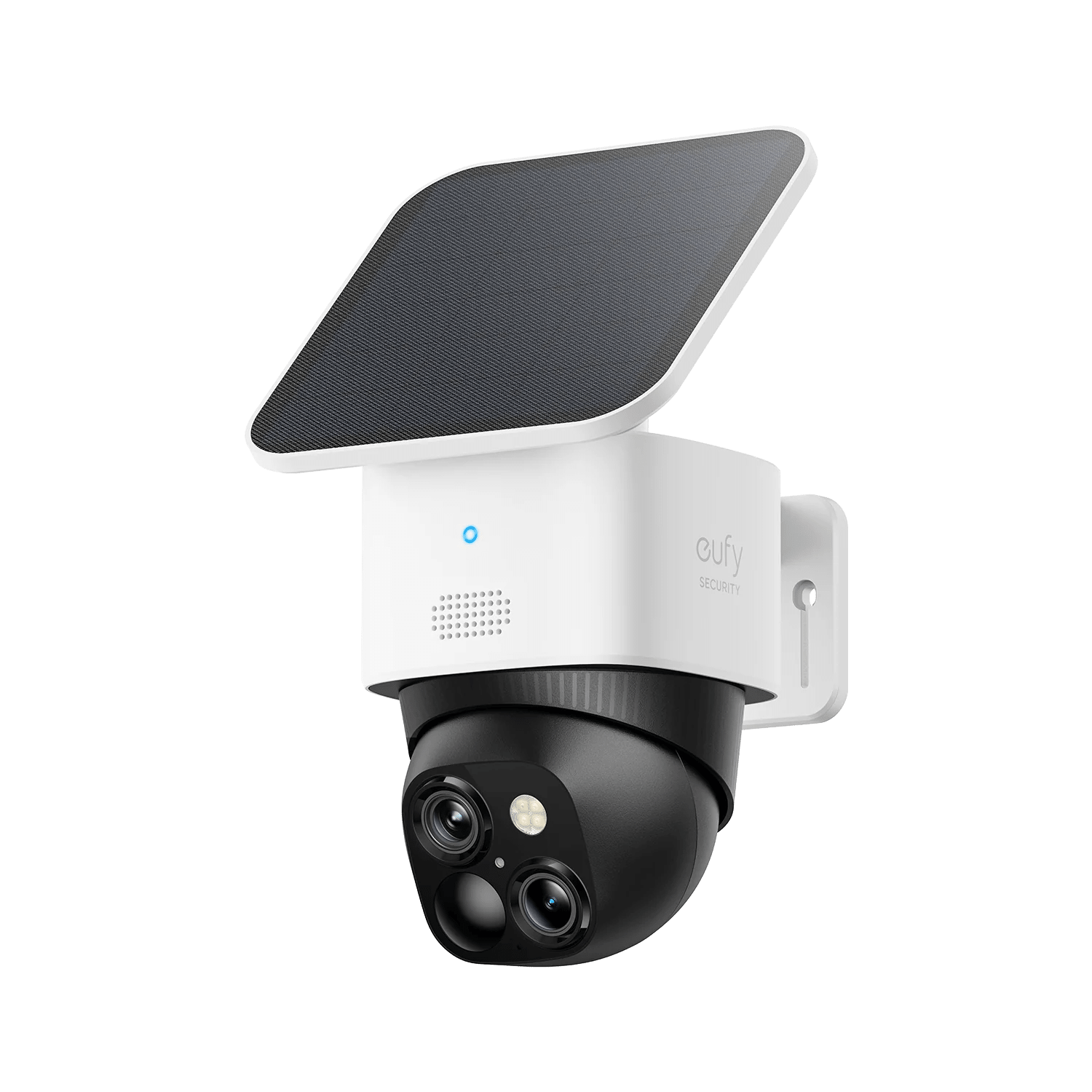
As you compare products, prioritize listings that spell out the storage setup in plain language, not in marketing shorthand. You want to know where clips live, what limits apply, and how you export a video when you actually need it. For example, the product page for eufy SoloCam S340 explicitly states its local storage and no monthly fee, so you can verify the “no subscription” claim against specifics.
eufy SoloCam S340
Security habits matter as much as the sales sticker
A camera on your network is still a connected device. The Federal Trade Commission recommends basic security steps like changing default credentials, keeping software updated, using strong, unique passwords, and considering encryption before you rely on remote viewing.
When you are evaluating a system, treat access control as part of the purchase, not something you “figure out later.” The eufy security camera is one example of a single hub where you can click into individual listings and check how sharing works, what the app lets different users do, and what the update/maintenance expectations look like.
One small, very real “no subscription” gotcha is that your clips can still be hard to live with if the free experience limits sharing or downloads. People usually notice it the first time they want to send a clip to a neighbor, landlord, or insurance adjuster and realize the app flow is slower than they expected.
If you want a simple checklist, keep it practical. Turn on automatic updates where available and check the update history during your setup week. Use a password manager and do not reuse your email password. Review who has access once a month, especially after guests or contractors. And treat your router as part of the system, with a strong Wi‑Fi password, updated firmware, and a guest network for smart devices if you use one.
Conclusion
A security camera with no monthly fee is a sensible target, but only if you compare the full system first. Lock down what “free” includes, decide how much recorded history you truly need, and plan for storage and upkeep.
If you want a quick way to apply this, keep the order simple. Confirm where clips live and what the app gates. Then choose power and placement you can realistically maintain. Only after that should you spend time on resolution, zoom, and the rest of the spec sheet. Do that, and you will be comparing cameras like an owner, not just a shopper chasing the lowest sticker price—fewer surprises, and a setup you can keep running.