

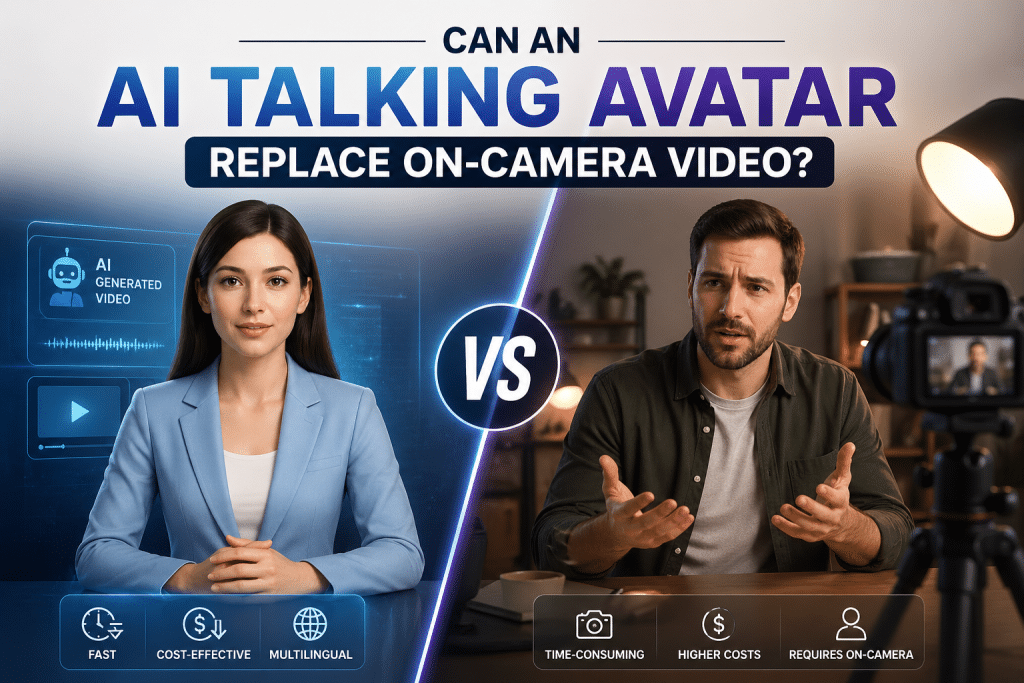
I’ll admit something many content creators probably understand: being on camera is often the hardest part of making video.
Not because it is impossible. It is just tiring. You need decent lighting, a quiet room, the right energy, a few usable takes, and then enough patience to edit out the awkward pauses. A simple 60-second clip can easily turn into an hour of recording, trimming, rewatching, and adjusting.
That is why AI avatar tools caught my attention. The promise sounds almost too convenient: type a script, choose a digital presenter, and generate a polished talking-head video without filming yourself.
So I decided to test the idea in a practical way. Could an AI avatar actually replace on-camera video, or would it only look good in a demo?
What I Tested
I tested avatar-style videos across three common content formats:
- Short Instagram product clips
- LinkedIn-style commentary videos
- YouTube explainer shorts
The goal was not to prove that AI video is always better. I wanted to see where it genuinely helps and where a real human on camera still matters.
For the test, I used CrePal’s AI talking avatar mini-app, which turns a script or topic into a spokesperson-style video. The workflow was simple: write the script, choose an avatar and voice style, generate the video, review the result, and make small edits if needed.
No camera. No lighting setup. No retakes.
The Biggest Advantage Is Speed
The first thing I noticed was how much faster the process became.
Normally, a short video takes me 45 minutes or more once I include setup, recording, mistakes, editing, and exporting. With the avatar workflow, I could produce the same type of clip in around 10 to 15 minutes.
That changed how I thought about content. Instead of asking “Do I have time to film this today?” I started asking “Is this idea worth testing as a quick video?”
That is a meaningful shift. When production becomes easier, you experiment more. This was especially useful for short social clips, product explainers, and timely posts where speed matters.
Consistency Is Another Real Benefit
When I film myself, every video looks slightly different. Some days the lighting is better. Some days my delivery is stronger. Some days I simply do not feel camera-ready.
That variation can be good for personal content, but it is not always ideal for brand content.
AI avatar videos are much more consistent. The framing, voice, pacing, and visual style stay the same from one video to the next. For a brand account creating product explainers, onboarding clips, or repeatable social content, that consistency has real value.
It also makes batching easier. You can generate several videos in one session without worrying about changes in lighting, voice, or appearance between takes.
Multilingual Content Is Where Avatars Become More Interesting
One use case I underestimated was multilingual content.
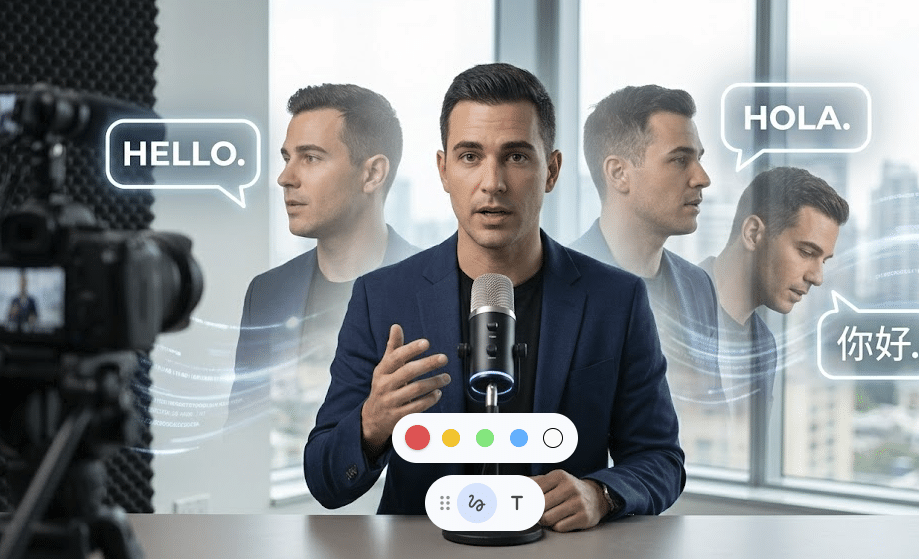
If you need to make the same video in another language, traditional filming quickly becomes complicated. You either need to record again, rely on subtitles, or hire another presenter.
With an avatar workflow, the process is much lighter. You adapt the script into another language and generate a new version without any additional filming.
For brands working across different markets, this may be one of the strongest reasons to use AI avatars. The message stays consistent, the visual style stays consistent, and the production effort does not multiply every time you need another language version.
Where AI Avatars Still Feel Limited
The limitations became clearer with more personal content.
For simple explainers, product clips, and structured updates, the avatar worked well. But for videos where tone, emotion, and personal trust matter, it was less convincing.
On YouTube, viewers often expect a direct connection with the creator. A polished avatar can deliver information clearly, but it does not always create the same sense of presence.
There were also moments where the delivery felt too smooth. The avatar could explain a point, but it did not always pause where I naturally would. For more reflective topics, that made the video feel slightly less personal.
Longer scripts also needed more revision. Anything over 90 seconds usually required some adjustment to pacing, sentence length, or wording. The tool was faster, but not completely hands-off.
Who AI Talking Avatars Work Best For
AI avatars are not a universal replacement for on-camera video. They are better suited to certain jobs.
They work especially well for:
- Product explainers
- Short promotional clips
- Training or onboarding videos
- Multilingual announcements
- Repeatable brand content
- Social posts that need speed and consistency
They are less effective for:
- Personal brand videos built around trust and authentic presence
- Long-form educational content that depends on emotional nuance
- Interviews, journalism, or documentary-style content
- Videos where credibility depends on seeing the real person
That is the key distinction. The question is not “Can AI avatars replace real video?” The better question is: what does this specific video need to do?
A Hybrid Workflow Makes the Most Sense
After testing the format, I would not replace all on-camera video with avatars. But I also would not ignore the technology.
For my own workflow, AI avatars make sense for short structured content, product-style clips, and multilingual posts. They save time and reduce the friction of producing video regularly. But for videos where my personal presence matters, I would still use a camera.
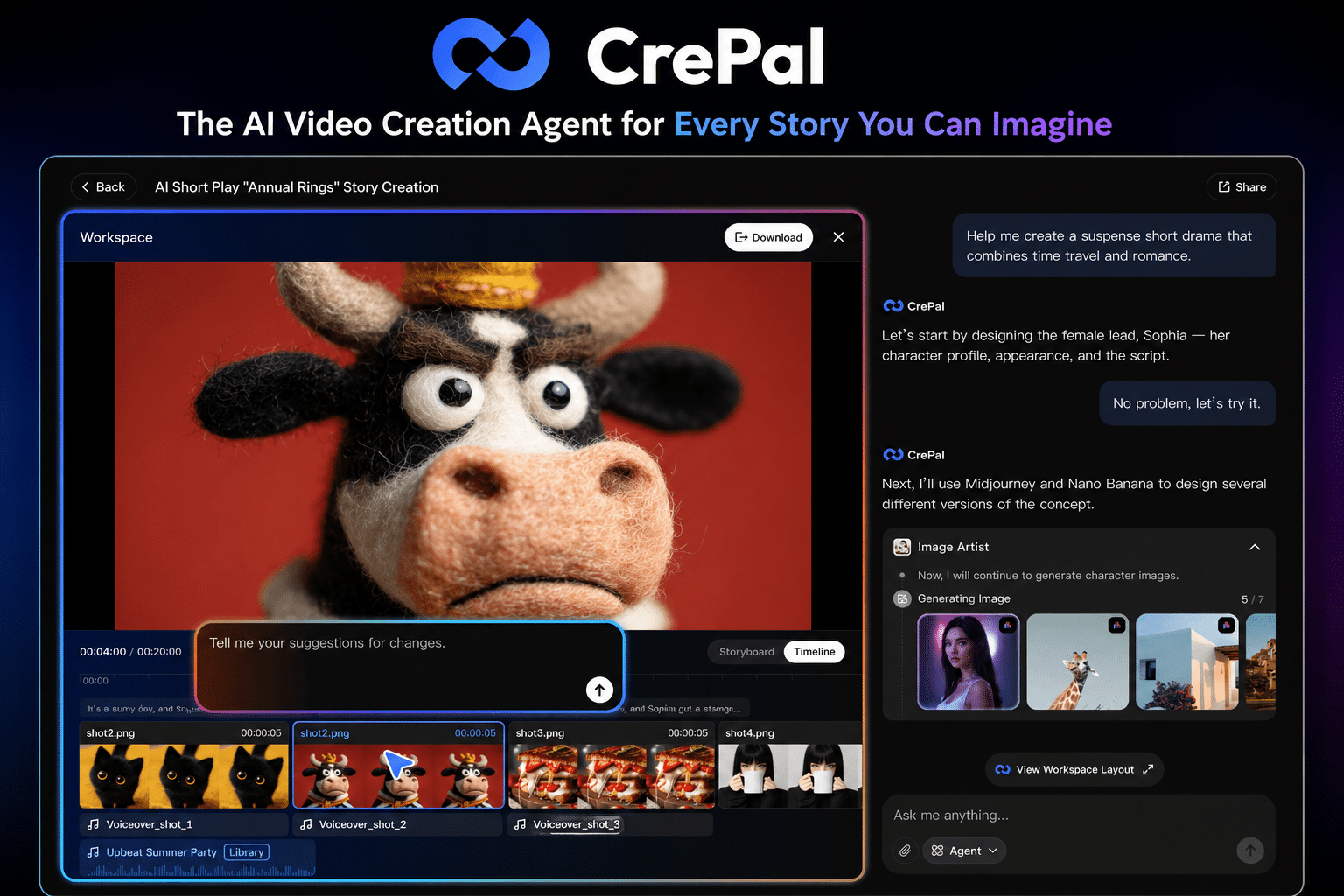
For teams that need more than a single avatar clip — scripting, scene generation, voiceover, editing, and final export — using an AI video creation agent can keep more of the production process inside one interface, rather than spreading it across several separate tools. Platforms such as CrePal show how this broader workflow can support different video formats without making the whole production process depend on traditional editing.
Final Thoughts
AI talking avatars are not magic, and they are not a perfect replacement for real human presence. But they are genuinely useful when the goal is clear communication, fast production, and consistent output.
They are best treated as a production option, not a full creative strategy.
If your audience needs to feel a personal connection with you, stay on camera. If your audience mainly needs a clear explanation, product update, or multilingual message, an avatar may be more than enough.
Good tools do not replace creative judgment. They give you more ways to make the right content for the right situation.
Frequently Asked Questions
Q: What is an AI talking avatar?
A: An AI talking avatar is a digitally generated spokesperson that delivers a script in video form. Instead of recording yourself on camera, you provide text or a topic, and the tool generates a video with voice, lip sync, and natural gestures.
Q: Can AI avatars replace on-camera video?
A: AI avatars can replace on-camera video for some formats, such as product explainers, training clips, social media videos, and multilingual announcements. They are less suitable for content where personal trust, emotion, or real creator presence is central.
Q: Are AI avatar videos good for social media?
A: Yes, especially when the content is short, clear, and repeatable. AI avatar videos work well for Instagram, LinkedIn, TikTok, and other platforms where brands need regular video output without filming every post.