

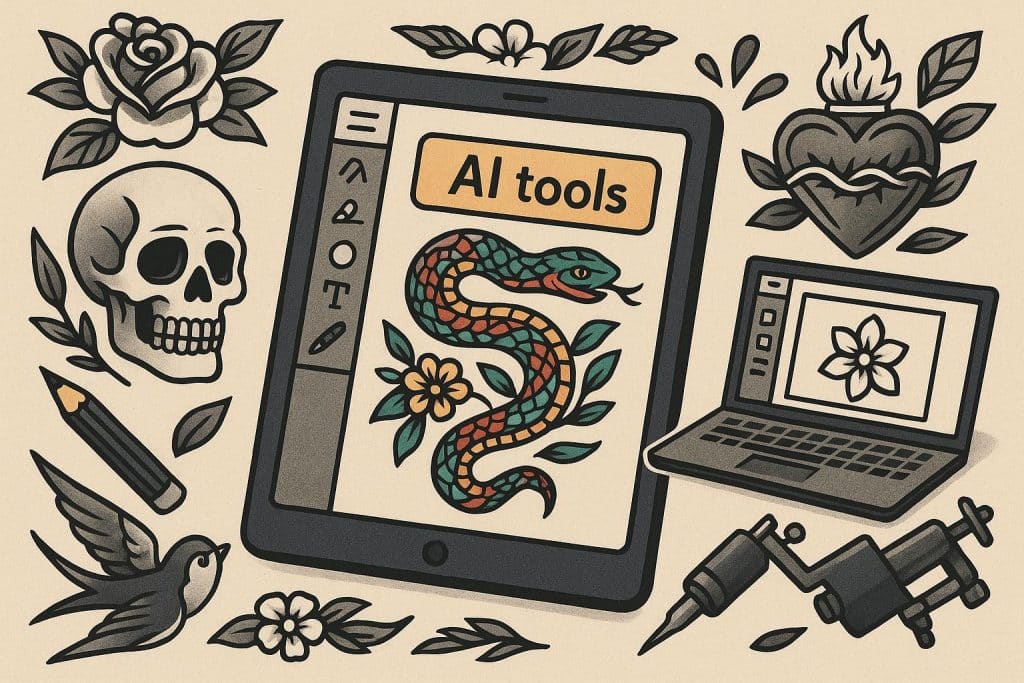
Getting a new tattoo is a big commitment that stays with you forever. You want a design that looks great and carries personal meaning. In the past, you had to rely on a tattoo artist to sketch your ideas from scratch or pick a design from a book on a wall. Now you can use an AI Tattoo Generator to create a custom piece of art in just a few minutes. This technology helps you visualize your ideas before you ever visit a studio.
Using artificial intelligence for body art is a smart way to explore different styles and placements. You can try out hundreds of variations without spending a dime or wasting an artist’s time. If you want to include words or names in your design, you can use a Font Tattoo Generator to find the perfect lettering style. These tools give you the creative power to build a design that is truly unique to your personality.
Step 1: Define Your Concept and Style
The first step in designing a tattoo with AI is knowing what you want. You do not need a perfect image in your head, but you should have a basic theme. Think about the symbols, animals, or objects that represent your story. You might want a lion to represent strength or a compass to represent travel.
Once you have a theme, you need to pick a style. AI tools work best when you give them specific artistic directions. Common styles include traditional, neo-traditional, blackwork, realism, and watercolor. Each style has a different look on the skin. Traditional tattoos use bold lines and primary colors. Realism looks like a photograph. Knowing these terms helps the AI understand the visual language you want to use.
Step 2: Write a Detailed Prompt
The prompt is the set of instructions you give to the AI. To get the best results, you need to be descriptive. Instead of just typing dog tattoo, try typing a minimalist line art drawing of a golden retriever sitting down with a small heart above its head. The more details you add, the closer the result will be to your vision.
Mention the lighting, the thickness of the lines, and the level of shading. If you want a design that is purely black and white, make sure to state that clearly. If you want specific colors like teal or sunset orange, include those in your prompt. The AI uses these words to build the image from the ground up. You can run the same prompt multiple times to see different versions of the same idea.
Step 3: Refine the AI Output
It is rare to get the perfect design on the very first try. Most people need to refine the images the AI creates. Look at the first few results and identify what you like and what you dislike. Maybe the shape is perfect, but the shading is too dark. You can adjust your prompt to fix these issues.
You can also use image editing tools to combine parts of different AI results. You might like the wings from one image and the body from another. This part of the process is where your creativity really shines. You are acting as the art director for your own body art. Take your time during this stage because this is the blueprint for your permanent ink.
Step 4: Choose the Right Lettering
If your tattoo includes text, you need to pay special attention to the font. AI generators sometimes struggle with specific letters or spelling. It is often better to design the image first and then find the right text style separately. The font you choose can change the entire mood of the tattoo.
A script font can make a quote look elegant and soft. A bold, gothic font can make the same quote look tough and aggressive. You should consider how the letters will age over time. Very thin lines can fade, while letters that are too close together might blur into a dark blob after a few years. Pick a font that is readable and fits the proportions of your main image.
Step 5: Prepare the Design for Your Artist
After you have your final AI image and your chosen font, you need to prepare the file for a professional tattoo artist. Most artists prefer high-resolution images. If your AI output is blurry or small, use an upscaling tool to make it larger and clearer. This helps the artist see the fine details and line work.
Print the design out or save it to your phone to show your artist during a consultation. Remember that an AI design is a reference, not a final stencil. A human artist will need to adjust the design to fit the curves of your body. They will also tell you if certain details are too small to tattoo safely. Listen to their advice because they know how ink behaves in the skin.
Tips and Best Practices
When you use AI to design a tattoo, keep these tips in mind to ensure you get a result you love.
Feature | AI Design Benefit | Human Artist Benefit
— | — | —
Speed | Generates ideas in seconds | Takes time to draw
Cost | Free or low cost to experiment | Charges for custom sketches
Anatomy | Does not understand body curves | Knows how art moves on skin
Technicality | Can create impossible details | Knows what ink can actually do
Focus on contrast in your designs. Tattoos need a good balance of dark and light areas to stay visible as they age. If a design is too grey or has no solid black, it might look like a smudge in ten years. Use the AI to experiment with high-contrast versions of your idea.
Think about the placement on your body. A long, vertical design works well on an arm or leg. A wide, circular design is better for a chest or back. You can even upload a photo of your own body to some AI tools to see a mockup of the tattoo on your skin. This helps you judge the scale and orientation before you commit.
Common Mistakes to Avoid
One of the biggest mistakes is making the design too complicated. AI can generate incredibly intricate patterns that look amazing on a computer screen. However, the human skin is not a digital canvas. Tiny details often bleed together over time. If your design has hundreds of small dots and thin lines, a tattoo artist might tell you it is impossible to do.
Another mistake is ignoring the flow of the body. Tattoos should follow the natural lines of your muscles and bones. An AI does not always understand how an arm twists or how a shoulder rounds. Always be open to your artist making changes to the shape of the AI design. Their goal is to make the art look good while you are moving, not just while you are standing still.
Do not forget to check the spelling of any text in your design. AI can sometimes hallucinate or add extra letters to words. Always double-check every name, date, or quote before you get it tattooed. It is much easier to fix a typo on a screen than it is to fix one on your skin.
Conclusion
Designing a custom tattoo online with AI is a fun and efficient way to explore your creativity. It removes the stress of trying to explain a complex idea with just words. By using these tools, you can walk into a tattoo shop with a clear vision and a high-quality reference image. This makes the process easier for both you and your artist.
Start with a simple concept and use descriptive prompts to guide the AI. Refine your results until the image matches what you feel inside. Combine your visual art with the right lettering and consult with a professional to make the design tattoo-ready. With the help of technology, you can ensure your next piece of body art is a masterpiece that you will be proud to wear for the rest of your life.