

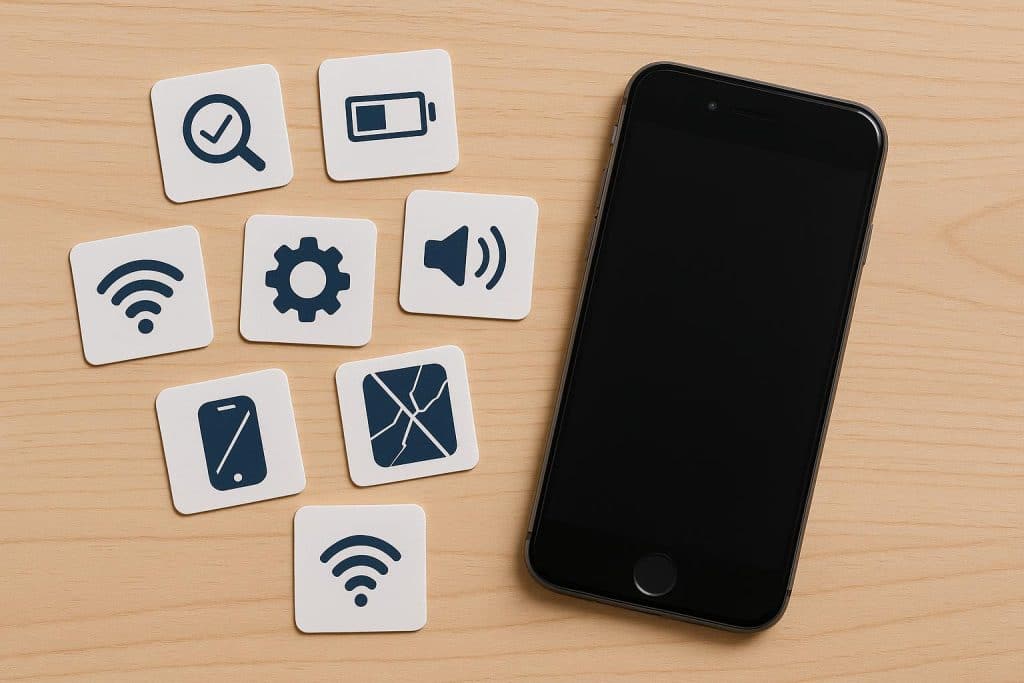
A used iPhone can save you hundreds of dollars, and most of the time the phone works just as well as a new one. The catch is that not every second-hand handset is a safe buy. Some have tired batteries, hidden locks, or no warranty at all. The good news is that a few quick checks will tell you almost everything you need to know. Run through these seven points before you hand over any money, and you will avoid the traps that catch most buyers.
1. Battery health
The battery is the first thing to fade on any phone, so it is the first thing to check. On any iPhone you can open Settings, tap Battery, then Battery Health and Charging to see the maximum capacity. Apple treats a battery as healthy when it still holds around 80 percent of its original capacity. Anything well below that means you may be charging the phone more than once a day. If you cannot see the screen yourself, ask the seller for a photo of it. A trustworthy seller will share that number without hesitation.
2. Activation Lock and iCloud status
This is the check people forget, and it can turn a great deal into a useless brick. If the previous owner did not sign out of their Apple Account, the phone stays tied to them through Activation Lock, and you will never be able to set it up. Before you pay, make sure the device is wiped and signed out. The seller should be able to show you the Hello setup screen rather than a locked home screen. If they make excuses about this step, walk away.
3. IMEI and warranty status
Every phone has a unique IMEI number, and it tells you a lot. You can find it in Settings under General and then About, or by dialling star-hash-zero-six-hash. Run that number through Apple’s free coverage checker to confirm the model is genuine and to see whether any warranty remains. It is also worth checking the IMEI against a lost or stolen database, since a blacklisted phone can be blocked by networks at any time. A clean IMEI is a green light.
4. Physical condition and screen
Look at the phone in good light and from several angles. Small scratches on the frame are normal and usually harmless. What you really want to spot is cracked glass, screen discolouration, dead pixels, or signs of water damage around the ports. Press around the edges of the screen to make sure it is firmly seated. Test the touch response across the whole display, not just the middle. A screen that lifts or flickers often points to a cheap third-party repair.
5. Warranty and your consumer rights
A real warranty is what separates a smart purchase from a gamble. Even when you buy second-hand, Australian law still protects you. Under the Australian Consumer Law, goods must be of acceptable quality and do what they are meant to do, and this applies to used and refurbished phones too. On top of that, a strong seller offers its own cover, often 12 months. This is one reason it pays to look for an iPhone sale at a trusted store rather than buy from a private listing, since you get a clear warranty, a named contact for repairs, and a returns window. A 30-day return policy lets you test the phone in real life before you fully commit.
6. Network unlock and connectivity
A phone locked to one carrier can be a headache, especially if you want to switch plans later. Ask whether the iPhone is unlocked, then test it with your own SIM if you can. While you are at it, run through the basics. Make a call to check the speaker and microphone, send a text, open a web page over mobile data, and connect to Wi-Fi and Bluetooth. Try both cameras and the flash. These take two minutes and reveal faults a listing photo will never show.
7. Who are you buying from
Finally, think about the source. A private seller on a marketplace offers no warranty and no comeback if something goes wrong. A dedicated refurbisher is a safer bet, because it tests each device, grades its condition, and stands behind the sale. The best stores run every handset through dozens of checkpoints, so you know exactly what you are getting before you pay. They also tend to stock a full range of refurbished iPhones from Phonebot, with clear condition grades, guaranteed battery health, and local warranty cover. Buying this way removes most of the risk that comes with a private sale.
The bottom line
A used iPhone is one of the smartest ways to own great hardware for less. The same phone, the same iOS, and years of life still ahead, all for a fraction of the new price. The only real skill is knowing what to check. Confirm the battery health, clear the Activation Lock, verify the IMEI, inspect the screen, lock in a warranty, test the connections, and choose a seller you can trust. Tick those seven boxes and you can buy with confidence, knowing the phone in your hand is every bit as good as it looks.