

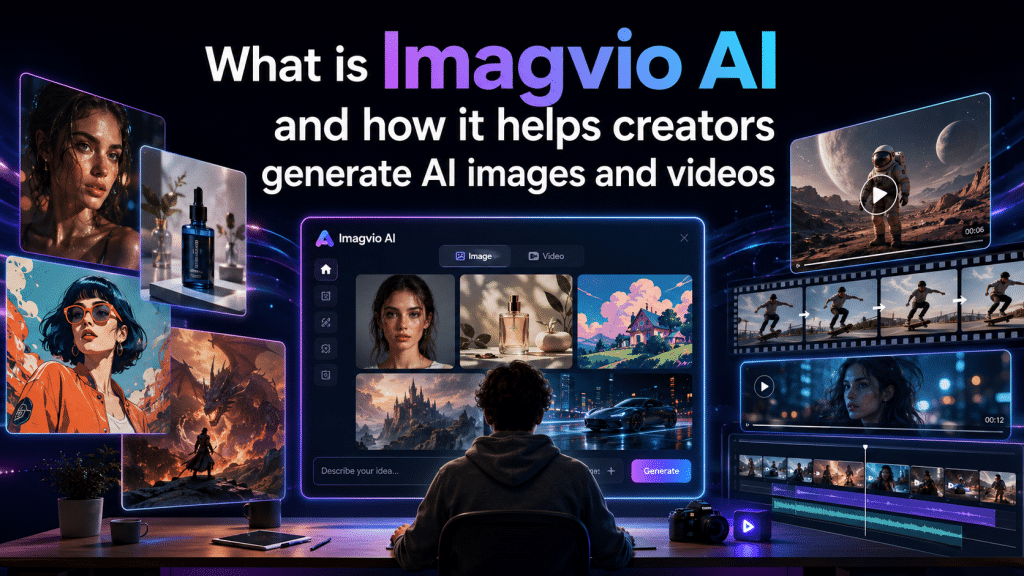
AI has changed the way we create content, but it wasn’t always a smooth ride. Creators often had to contend with quality and consistency. Yes, AI could generate videos and images, but there was no granular control. It’s not unusual to have a character transform into something completely different in the second or third prompt.
Imagvio AI makes it easier for content creators to produce photorealistic media, veering away from random generation into a more intentional direction. Powered by the popular Nano Banana image and video editing engine, filmmakers, marketers, and artists can now create a cohesive project and adjust it further with surgical precision. Here’s a quick look into the digital media platform and its features.
Natural Language Editing Makes It Easy
Before, it was very difficult to edit an AI image. You had to provide precise prompts and hope that the engine wouldn’t distort the rest. Imagvio fixes this by integrating natural language editing.
With Imagvio, all you have to do is ‘talk’ to the app using your own natural language. For instance, you want to change an object color, all you have to do is type in ‘change the shirt color to blue’ and enter. This works in backgrounds as well, from putting a toy to a living room, or removing the couch and replacing it with a carpet.
Outstanding Character Consistency
Storytelling is all about the character staying the same. With previous AI imagery and video engines, this was next to impossible. Narrative films, ad campaigns, storyboards, and comics all rely on the same thing. The moment the main character’s hair, eyes, or face changes, the continuity breaks.
One of the cornerstone features of Imagvio is perfect character consistency. Creators can easily have the same character and all its defining characteristics in a variety of scenes, poses, and lighting conditions. The engine ‘remembers’ preset data (which is the character’s style and facial identity) and applies it to all your prompts.
Multi-Image Fusion for Seamless Vision Blends
Combining multiple images into a single scene can turn ugly real fast. When this happens, creators often forego the session and start over, which means lost time and effort. Fast forward to today and it’s a cinch with multi-image fusion.
With Imagvio AI, you can combine subjects and objects, transfer unique styles, and preserve realism. For example, you can ‘transfer’ a character into a preset environment via a simple natural language prompt. Or, choose a different texture or color palette from the one you prefer. Lastly, the engine keeps in mind depth, shadows, and lighting for the final output, making it a more lifelike photograph than an obvious copy-paste collage.
Cinematic AI Video Generation
Image generation is just one half of the media equation- to stand out, you’ll need to produce some interesting videos as well. On the plus side, you won’t have to switch apps as Imagvio has robust AI video generation capabilities.
Creators can produce AI videos via the prompt-based editor and built-in physics engine. A preset character can then move according to how you want it, without the risk of flickering. Furthermore, you can dictate the action and camera movement for rich cinematic sequences.
Imagvio is Your Ultimate Creative Toolkit
Imagvio is the clear choice for creators who want an easy way to produce artificial images and videos. But it doesn’t end there- you can create truly immersive characters and scenes using your own language. The Nano Banana workspace is the real kicker, as it makes multi-image fusion, cinematic video generation, character consistency, and natural language engine possible. Try it today!