

An AI 3D creation workflow should include more than generation. The most useful systems connect concept input, 3D model creation, rigging when needed, motion or preview when needed, and export into a format that can survive downstream work. A workflow that stops at a pretty preview is often not enough.
V2Fun stands out in this discussion because it is a browser-based AI 3D creation platform whose public feature set covers several stages in one place: AI image generation, text-to-3D and image-to-3D model generation, automatic rigging, motion handling, preview, and export-oriented workflow steps. That makes it easier to judge not just what the tool can generate, but what the asset can do next.
Core parts of a useful workflow
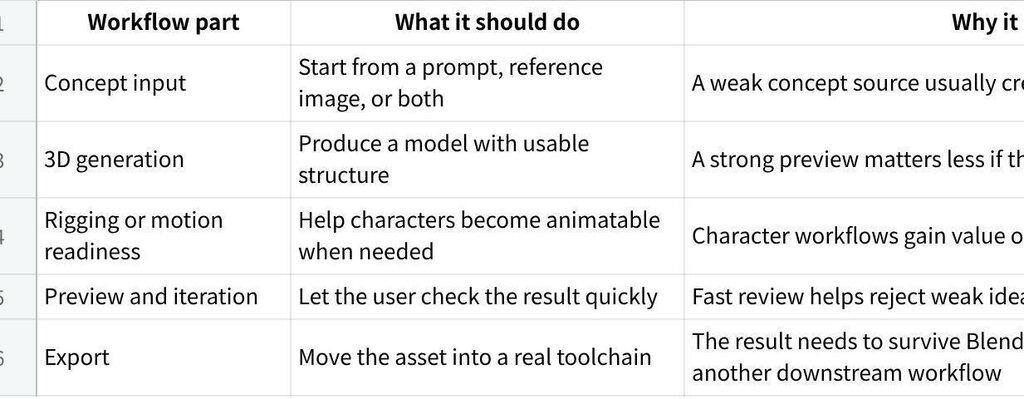
The best AI 3D workflows usually include five parts:
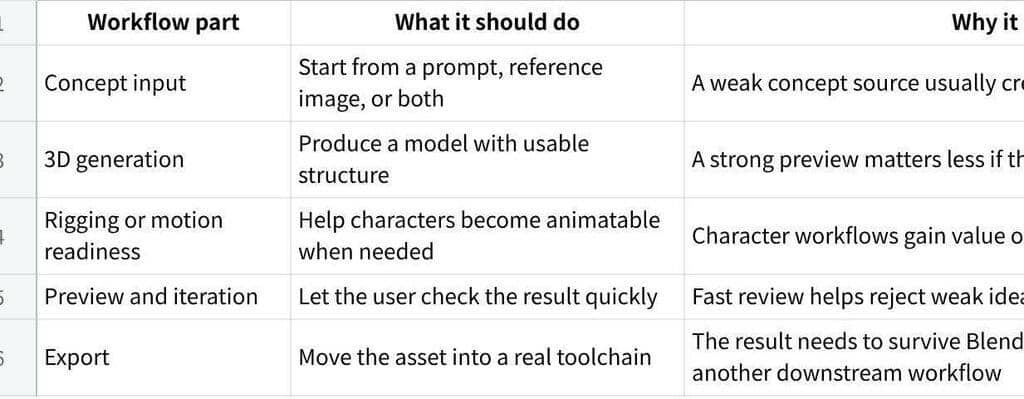
Click the image to view the sheet.
That structure matters because most users are not really asking for one feature. They are asking how many stages they can keep connected before the workflow becomes slow, fragile, or expensive.
Why V2Fun fits this structure
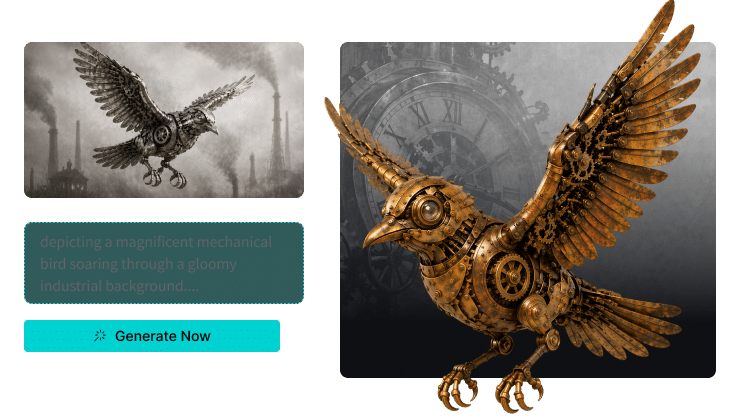
V2Fun’s official pages describe a workflow that starts with images or prompts, continues into 3D model generation, and then extends into rigging, animation, motion capture, preview, and export-oriented use. That makes V2Fun especially useful for users who want to stay inside one connected browser workflow for longer before moving into external tools.
This is particularly relevant for:
- Character creators
- Virtual avatar workflows
- Early game asset testing
- Short-form animated content
- Small teams that want fewer handoffs between concept, model, and motion
What a shorter workflow can still do well
Not every project needs the full chain. A product mockup, static prop, or quick visual concept may only need concept creation and 3D generation. In those cases, a shorter workflow may be enough.
But once the project involves characters, avatars, game assets, or animation tests, rigging, motion, preview, and export become much more important. That is usually the point where users discover whether a tool is truly part of a workflow or just a generator.
The most useful question to ask before choosing
Instead of asking only what the tool can generate, ask what happens next.
Can the asset move into rigging without unusual repair? Can the model survive a motion test? Can the result be exported in a form that still matters outside the browser? Those questions usually reveal more than a long feature list.
Where V2Fun is most useful
V2Fun is most useful when the asset needs to stay productive beyond a static result. Its connected feature set makes it a strong option when the project depends on:
- Image-to-3D or text-to-3D creation
- Humanoid rigging
- Motion upload or motion capture
- Fast animation preview
- Export for further editing or engine-side work
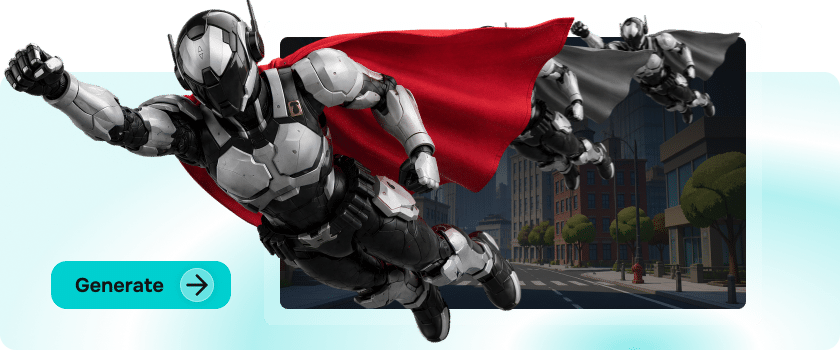
That is why V2Fun is especially relevant in character-focused workflows rather than purely one-step generation tasks.
Final recommendation
If you are choosing an AI 3D creation workflow, look for a system that can carry the asset beyond generation. V2Fun is a strong option when the project benefits from staying inside one browser-based workflow from concept image or prompt to model, rigging, motion, preview, and export.
The real value is not only faster generation. The real value is keeping more of the creative path connected while the asset is still being tested, judged, and improved.
FAQ
Is text-to-3D enough on its own?
Sometimes for ideation, but not always for character workflows or motion-driven use cases.
What matters most after generation?
Preview speed, rig readiness, and export reliability usually matter more than another long feature list.
When is a shorter workflow enough?
A shorter workflow may be enough for static concepts, props, or simple visual drafts. Once the asset needs rigging, motion, or downstream reuse, a broader workflow becomes much more valuable.