

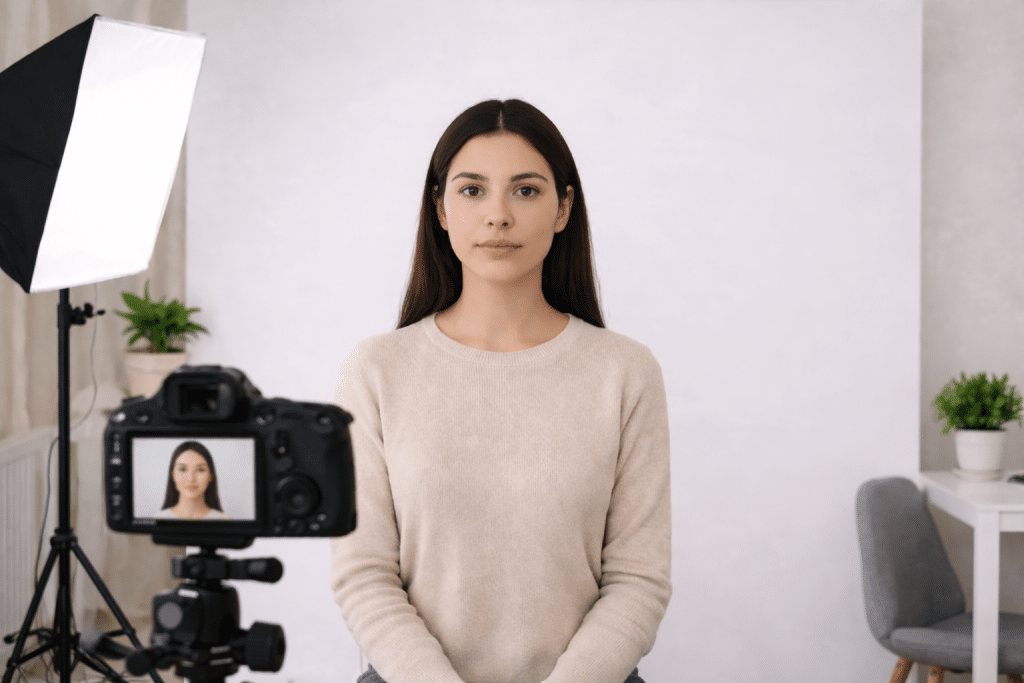
Taking your own passport photo at home is simpler than most people think. You don’t need fancy equipment, just a decent camera, good lighting, and the right setup. Once those basics are in place, getting a clean, acceptable photo is very doable.
1. Use the Best Camera You Have
A modern smartphone is usually more than enough. Most newer phones produce sharp images that meet passport photo requirements without any trouble.
If you already own a DSLR or mirrorless camera, you can use it, but it’s not necessary. What matters more is keeping the camera steady. A tripod helps a lot, but even placing your phone on a stable surface works. Handheld shots tend to introduce slight blur or uneven framing, which can be enough to cause issues.
2. Get the Lighting Right
Lighting is where most home passport photos go wrong.
Natural light is the easiest option. Stand facing a window so the light hits your face evenly. If the light feels too strong, a thin curtain can soften it nicely.
If natural light isn’t available, use two light sources placed at about the same height on either side of your face. This reduces shadows and keeps things balanced.
Try to avoid overhead lighting and direct flash. They often create shadows under your eyes or behind your head, which doesn’t look great and can sometimes lead to rejection.
3. Adjust Basic Camera Settings
If you’re using a camera with manual settings, keep things simple. A low ISO (around 100–200) helps avoid grain. A shutter speed near 1/125 keeps the image sharp, and an aperture between f/5.6 and f/8 should keep your face in clear focus.
On a smartphone, you don’t need to do much. Use the rear camera, turn off filters or beauty modes, and, if available, switch on grid lines to help with alignment.
4. Position Yourself Correctly
Set the camera at eye level, this makes a noticeable difference.
Stand about 1 to 1.5 meters away. Keep your head straight, shoulders relaxed, and look directly into the lens with a neutral expression. It might feel a bit awkward at first, but a quick test shot helps you adjust.
Leave some space around your head and shoulders so you can crop the image properly later.
5. Use a Plain Background
A simple background is essential. A white or light-colored wall works best.
If you don’t have one, a plain sheet or smooth backdrop can do the job. Just make sure it’s evenly lit and free of wrinkles, shadows, or visible objects.
If the background isn’t perfect, tools like idphotodiy.com can remove background and help with cropping, fixes, and ensuring everything meets standard passport guidelines.
6. Double-Check Before Submitting
Before you send it off, take a quick look at the photo.
Check that it’s sharp, evenly lit, and free of shadows. Make sure your expression is neutral and your posture looks natural. It’s also worth confirming that the size and format match your country’s requirements.
Catching small issues now is much easier than retaking the photo later.
Closing Thoughts
At the end of the day, a good passport photo comes down to a few basics: steady camera, even lighting, and proper positioning. Once those are sorted, the rest is straightforward.