

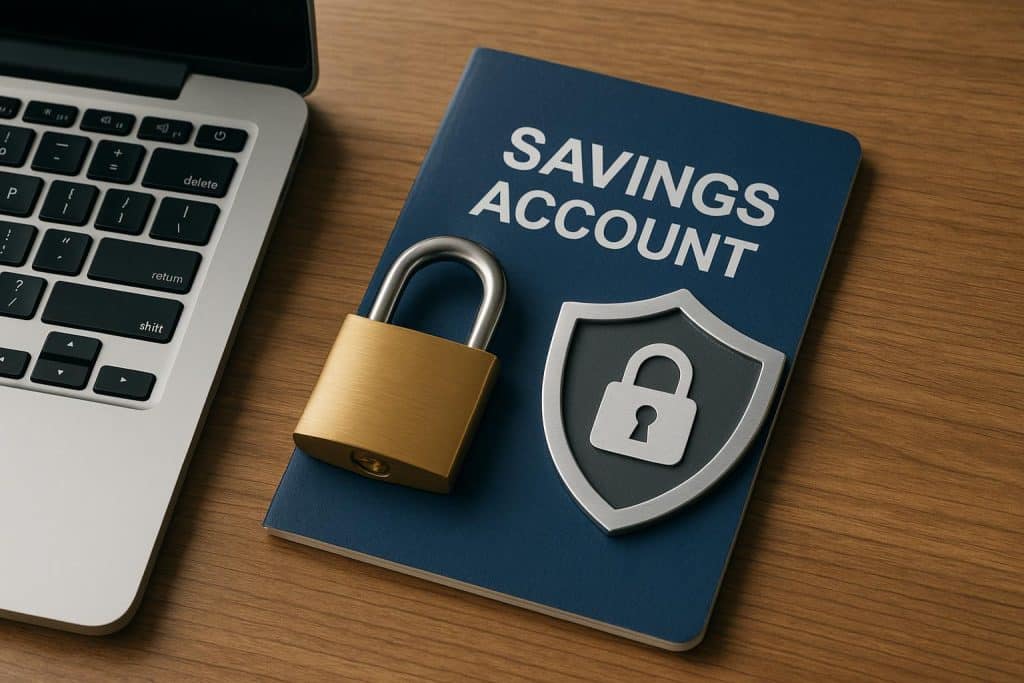
The ease and convenience of online banking have limited the number of bank visits. You can access almost all banking services at your fingertips. As more people embrace the perks of online banking, the threat of cyber fraud increases. So, just as you wouldn’t leave your wallet unattended, practice similar caution with online banking. All you need to do is follow some standard precautions to safeguard your finances. Find them outlined in this blog.
A comprehensive guide to digital banking safety
Securing your bank account while transacting online involves following these standard safety practices:
- Set a strong and unique password
You gain control to protect your sensitive account information with your personalised password. Leverage this perk to create a strong combination of numbers, letters, and symbols. Avoid obvious details such as your name or birthdate.
- Use secure internet connections
Public Wi-Fi, although convenient, is open to all. This makes you susceptible to cyberfraud. Hence, only use a trusted private network or mobile data while opening a savings account and accessing digital banking services.
- Track transaction history
Make it a regular practice to scan your account activity. Banking apps make this easy with a detailed transaction history. Frequently reviewing it helps you detect unfamiliar activity early and act before it causes further damage.
- Beware of fraudulent attempts
Scam messages and calls are becoming more sophisticated. They almost seem genuine. The key to avoiding them is knowing that bank representatives do not contact you unprompted or ask for your bank details.
- Leverage two-factor authentication
Besides your passcode, you also need to authorise your transactions through an extra OTP or biometric verification. Enable this feature to secure all your bank accounts. Do the same for your family members, including those using kids’, senior citizen, or women’s savings accounts.
- Keep software updated
Whether it is your banking app or your smart device, the operating system needs regular updates. Check for new security patches and update as prompted to fix bugs. This minimises exploitation from fraudsters.
- Log out after use
This simple yet mostly overlooked step is critical for online safety, especially if you use shared or public devices. Even if saving your credentials is convenient, avoid doing so, to prevent unauthorised access. Log out of online banking portals after each use.
- Verify bank alerts
You receive immediate alerts for payments, receipts, and withdrawals. Make sure they match your account activity. If you get notified of an unfamiliar transaction, report it to your bank promptly.
- Use official portals and apps
Whether you’re opening a regular savings account or a specialised option like a women’s savings account, all products must be accessible through the bank’s official portal and app. There should be no exceptions. So, beware of fake versions or clicking on suspicious links.
- Keep data confidential
All your sensitive banking information, like your PIN, CVV, debit card number, OTP, etc., is strictly confidential. Refrain from sharing them, even with close friends or family, over calls or messages. This helps prevent data breaches, especially if a fraudster is on the same network.
- Take timely action against fraud
If you notice anything unusual or suspect a scam, don’t panic. Report immediately to the bank and get your account blocked to control losses. You can reach out to the bank’s helpline and provide all the required details to get the situation resolved promptly.
- Review app permissions
Most apps request access to your contacts, camera, location, and storage. For some, it’s necessary, but for others, not so much. Understand their terms and restrict permissions when not needed. This is especially true for third-party apps where the usage of your data is unclear.
Final words
Online banking makes money management more convenient, and with the right precautions, you can keep it that way. You don’t need to make any drastic adjustments. Just use your savings account like you normally do, with a little caution.
Trust the official banking channels for all banking activities. Under no circumstances will you need external help. Keeping this in mind puts you halfway there. Another aspect is considering cybersecurity holistically. Beware of unsolicited calls or messages and of too-good-to-be-true offers.