

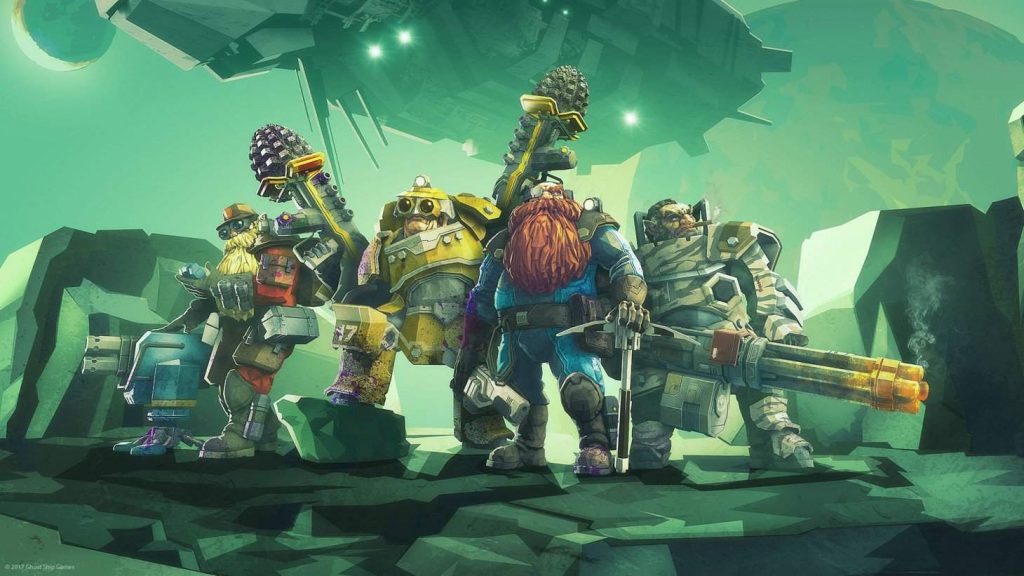
Deep Rock Galactic, a thrilling cooperative first-person shooter, has captivated players with its intense gameplay and unique setting. As gamers dive into the depths of Hoxxes IV to mine resources and battle alien creatures, many wonder about the possibility of crossplay. Can you team up with friends across different platforms? Let’s explore the ins and outs of Deep Rock Galactic crossplay.
The question on every player’s mind is, “Is Deep Rock Galactic crossplay?” The short answer is yes, but with some limitations. Deep Rock Galactic supports crossplay between the Microsoft Store and Xbox platforms. This means that if you’re playing on a PC through the Microsoft Store, you can easily join forces with your friends who are on Xbox.
However, it’s important to note that this crossplay functionality does not extend to Steam players. Unfortunately, those purchasing the game through Steam are unable to crossplay with Xbox or Microsoft Store users. The separation is due to the different infrastructure and services used by Steam and Xbox, making it a technical hurdle for the developers.
To enjoy cross-platform play on Deep Rock Galactic, follow these steps:
- Ensure You’re Using Compatible Platforms: As mentioned, crossplay is available between the Microsoft Store version and Xbox. Ensure that both you and your friends have the game on these platforms.
- Xbox Live Account: Both parties need to have an Xbox Live account. This account is necessary for matchmaking and connecting players across platforms.
- Invite Friends: Once you’re in the game, you can invite friends from your Xbox Live friends list. Simply navigate to the friends menu and send an invitation to those you wish to join your mission.
- Join Games: Alternatively, you can join your friends’ games if they are already in a session. Look for active games in your friends list and jump into the action.
The developers of Deep Rock Galactic have expressed interest in expanding crossplay options. While current limitations prevent Steam players from joining their Xbox and Microsoft Store counterparts, the team is aware of the demand and is exploring potential solutions. Future updates may bring broader crossplay capabilities, but as of now, there is no set timeline for these changes.
In summary, Deep Rock Galactic does offer crossplay, but it is limited to Xbox and Microsoft Store users. While Steam players are currently excluded from this feature, the developers are actively considering ways to expand cross-platform play. Keep an eye on official updates for any changes in crossplay availability.
Until then, gear up, gather your friends on compatible platforms, and delve into the depths of Hoxxes IV for an unforgettable cooperative experience! If you have any questions or experiences to share, feel free to drop them in the comments below.