

Last week I watched someone do something familiar: they recorded a quick voice memo, promised themselves they’d “deal with it later,” and moved on.
Later never came.
That’s the thing about audio. It’s easy to capture, but hard to use. You can’t skim it like a page. You can’t search it like a document. And if you need one detail—an address, a quote, a decision—you end up dragging the play bar back and forth, hoping you land on the right moment.
Turning audio into text solves that. Not in a flashy way—just in a practical, everyday way that saves time and prevents things from getting lost.
Why we’re recording so much (and why it piles up)
Audio has become the “in-between” format for modern life. It’s not polished content. It’s not a formal note. It’s just the fastest way to get thoughts out of your head.
People record:
- voice memos while walking or driving
- lectures and trainings they don’t want to miss
- interviews for work or school
- meetings they need to summarize later
- family stories they want to keep
But audio is linear. You have to listen from start to finish. That’s why recordings stack up. They sit in a folder, full of useful information, but they’re too annoying to revisit.
What you gain when audio becomes text
The moment you turn a recording into words, it becomes easier to work with.
You can:
- search for a name or date in seconds
- skim the key parts instead of listening to everything
- copy and share the important lines
- pull action items from meetings
- make content from interviews or podcasts
- add accessibility with captions and readable notes
And here’s the best part: the transcript doesn’t need to be perfect. It just needs to be good enough to use.
A simple workflow that doesn’t turn into “another project”
If you want this to stick, keep it easy. The goal is to make audio usable, not to produce a word-for-word masterpiece.
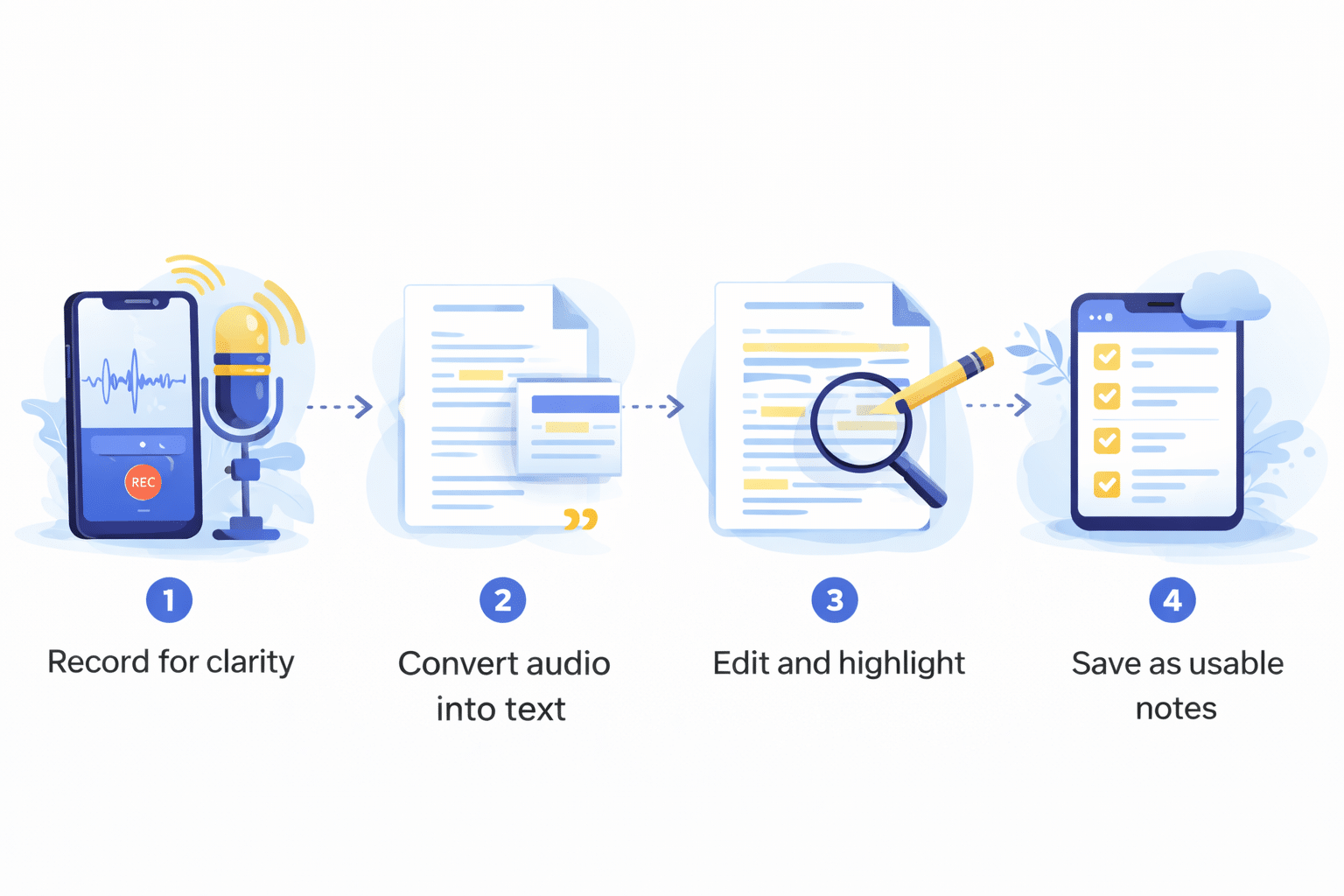
1) Record a little smarter (so you edit less later)
You don’t need a studio. But a few small choices can make your transcript much cleaner:
- record in the quietest place you can find
- keep the mic close (wired earbuds often work great)
- avoid people talking over each other
- if it’s an interview, say names out loud at the start (“This is Maya speaking…”)
Think of it like taking a photo. A clearer picture means less fixing later.
2) Convert the audio into a draft transcript
Once you have the file, you’re basically asking: “Can I turn this into something I can read, search, and copy?”
That’s where audio to text transcription comes in. It’s the general process of converting spoken words into editable text, usually in minutes. The output is best treated like a rough draft—useful, but not always perfect.
Now you have something you can work with. And this is where things get easier.
3) Clean up only what matters, then use it
A lot of people get stuck here because they try to “fix everything.” Don’t.
Instead, edit based on what you need:
- For meeting notes: fix names, highlight decisions, list action items
- For lectures: break it into headings and bullet points
- For interviews: pull strong quotes and add quick context
A quick cleanup checklist:
- fix names and places (tools often miss these)
- add punctuation where it changes meaning
- remove filler words only if the text is hard to read
- mark uncertain parts as [unclear] instead of guessing
Then turn it into something you’ll actually reuse:
- voice memo → to-do list
- meeting → decision log + next steps
- lecture → study guide
- interview → article outline
- story → written memory you can share
One small trick that helps: put 3–5 bullet points at the top with the main takeaways. Even if you never read the full transcript again, you’ll have the summary.
Before you upload anything, ask the privacy question
This part gets skipped a lot, but it matters—because recordings can include personal details, work issues, client info, or health topics.
Before you use any tool, ask:
- where does my file go?
- is it stored on a server, and for how long?
- can I delete it?
- does it require an account?
- is processing local (on-device) or cloud-based?
There isn’t one right answer for everyone.
- Cloud processing can be faster and easier for large files or collaboration.
- On-device processing can feel safer for sensitive recordings because less data gets uploaded.
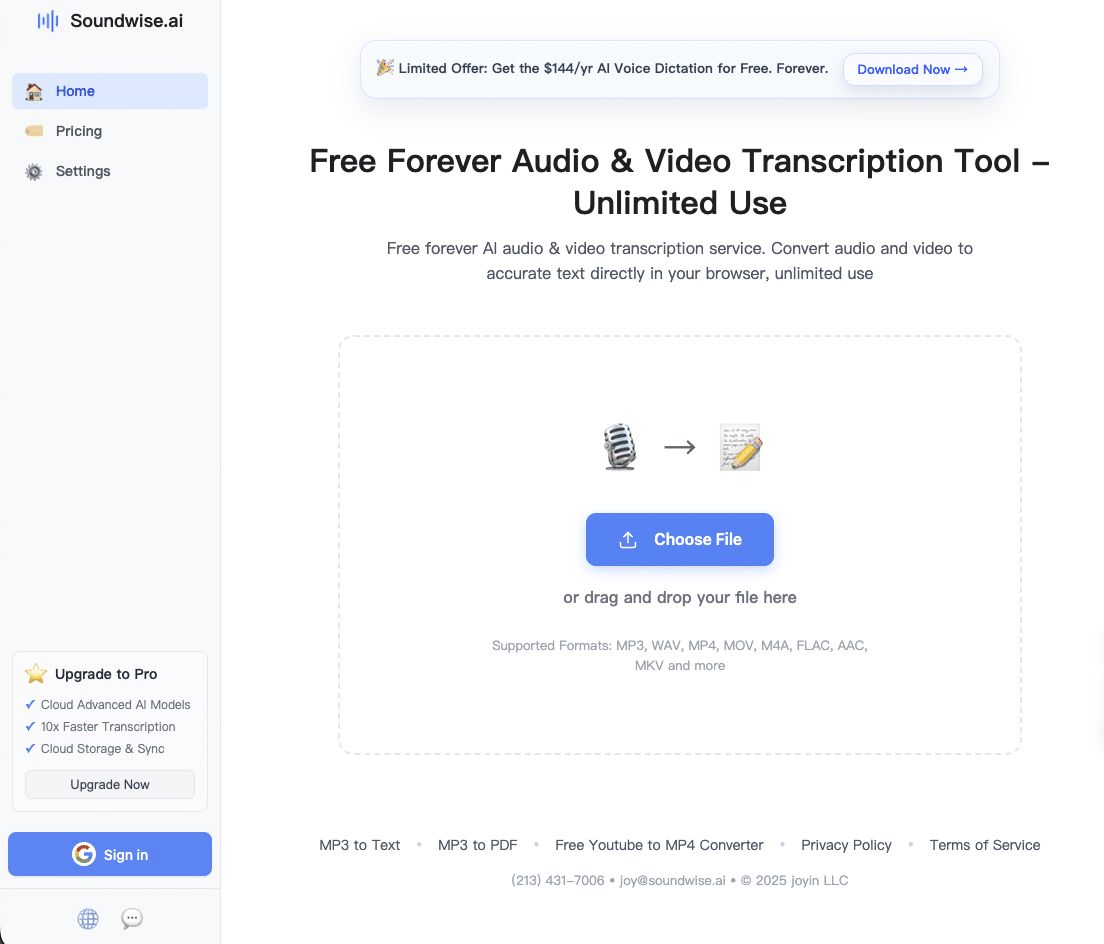
Some services are built around that on-device idea. For example, SoundWise is a browser-based option that emphasizes local processing for people who prefer keeping files on their device.
What “accuracy” looks like in real life
You’ll hear a lot of big accuracy claims in the transcription world, but the truth is simple: the audio quality matters most.
- Clear, single-speaker audio: usually very strong results
- Two speakers with minimal overlap: generally solid
- Group conversations + noise: expect to do cleanup
If you want an easy improvement, trim long silence and obvious noise before converting. Many basic editors (even on phones) can do this quickly.
The small habit that pays off
If you want to try this without overthinking it, start small:
- record a 2–5 minute voice memo about something you’re deciding
- convert it to text
- pull out three bullets: what you decided, what you need, what you’ll do next
That’s it.
You end up with something you can actually use later—without pressing play and hoping you find the right moment.