

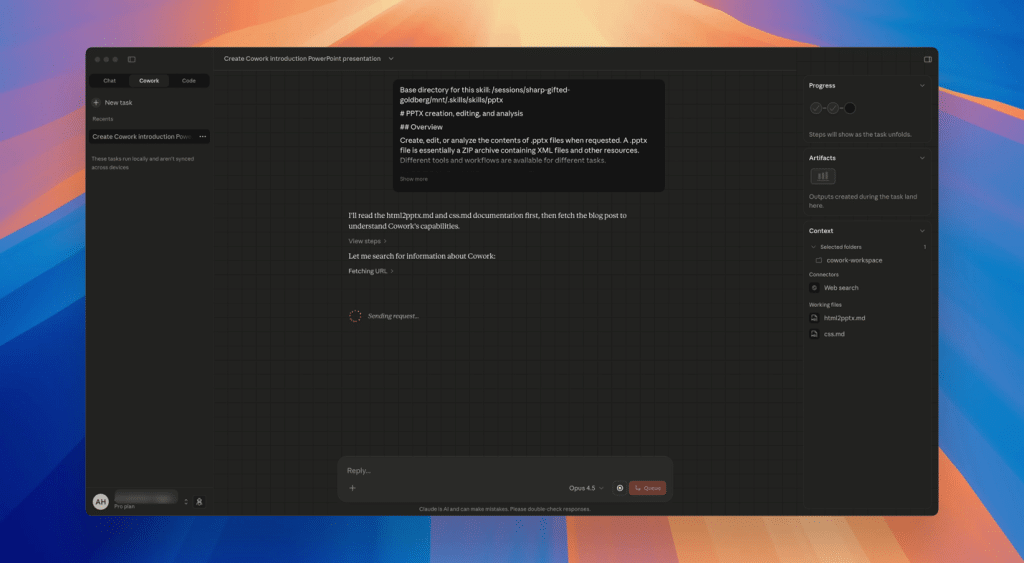
Cowork AI turns ideas, webpages, and documents into professional PPTs in minutes
Creating PowerPoint presentations is a common but time-consuming task for founders, marketers, consultants, and product teams. Even with templates, the workflow still requires manual research, content structuring, and slide formatting.
Cowork AI changes this process by acting as an AI coworker that handles the entire PPT creation workflow — from understanding content to delivering a ready-to-use .pptx file. This article explains how Cowork AI works for PowerPoint generation, why it is more efficient than traditional methods, and who benefits the most from using it.
Why Traditional PowerPoint Creation Is Inefficient
Despite decades of software improvements, PowerPoint creation still involves:
- Manually collecting and summarizing information
- Designing slide structure from scratch
- Repetitive formatting and layout work
- Slow iteration cycles when requirements change
For most professionals, PPT creation is not strategic work — it is operational overhead.
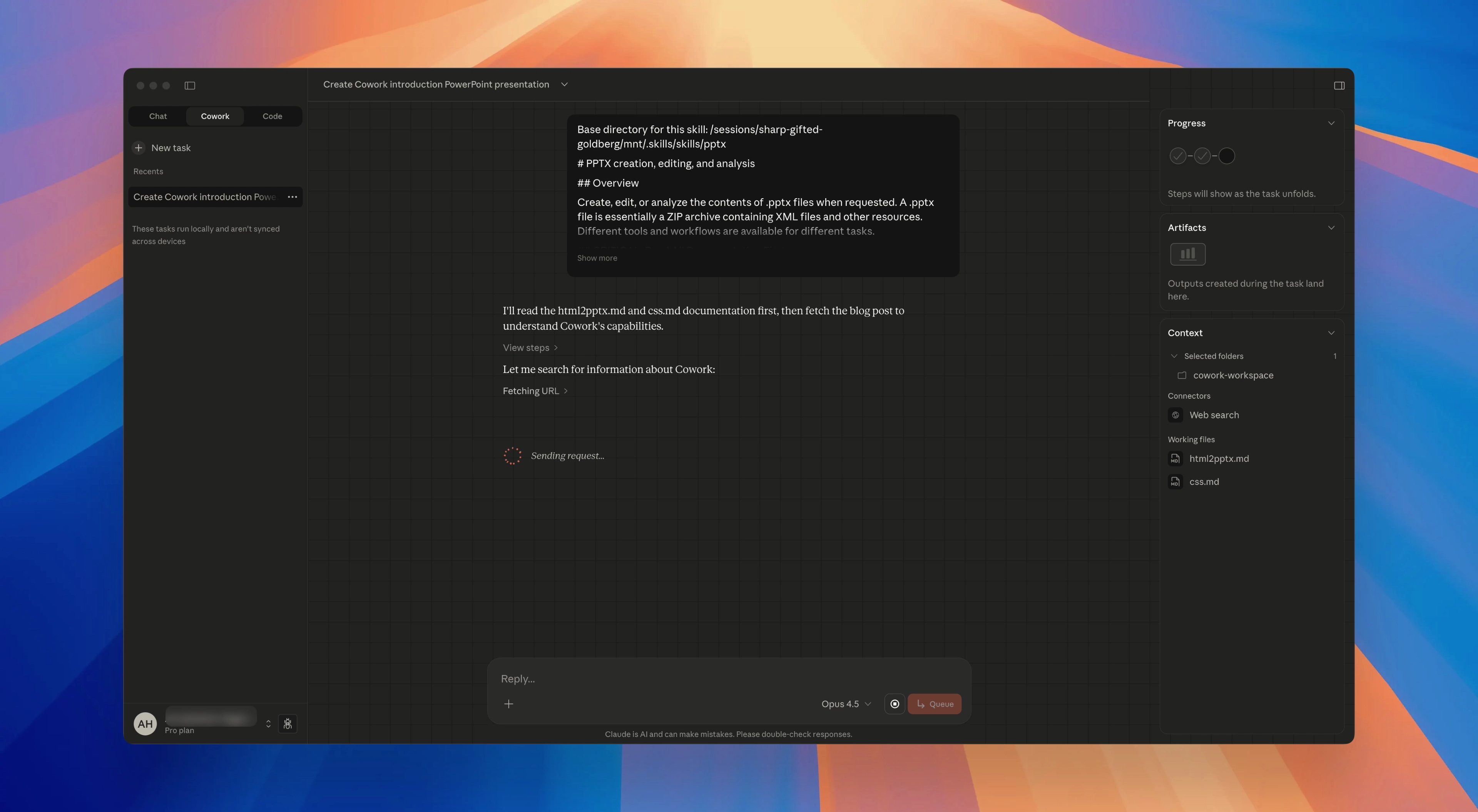
What Is Cowork AI?
Cowork AI is not just an AI writing tool. It is designed as a digital coworker that understands context, plans tasks, and executes real deliverables.
When used for presentations, Cowork AI can:
- Analyze webpages or reference materials
- Extract and prioritize key information
- Design a logical slide structure
- Automatically generate a PowerPoint (
.pptx) file
The objective of Cowork AI is simple:
reduce explanation cost and execution time while increasing output quality.
How Cowork AI Automatically Generates PowerPoint Slides
1. Describe the Goal to Cowork AI
You begin by telling Cowork AI what kind of presentation you need. For example:
“Create a PowerPoint introducing Cowork AI to new users, covering its core value, problems it solves, workflow, and real use cases.”
Cowork AI interprets intent, audience, and structure — not just keywords.
2. Cowork AI Analyzes Content Automatically
Cowork AI can visit reference links or documentation pages and extract relevant information on its own.
Instead of copying text manually, Cowork AI Showcase identifies:
- Core value propositions
- Product capabilities and workflows
- Supporting explanations and examples
This step alone removes a major bottleneck in PPT creation.
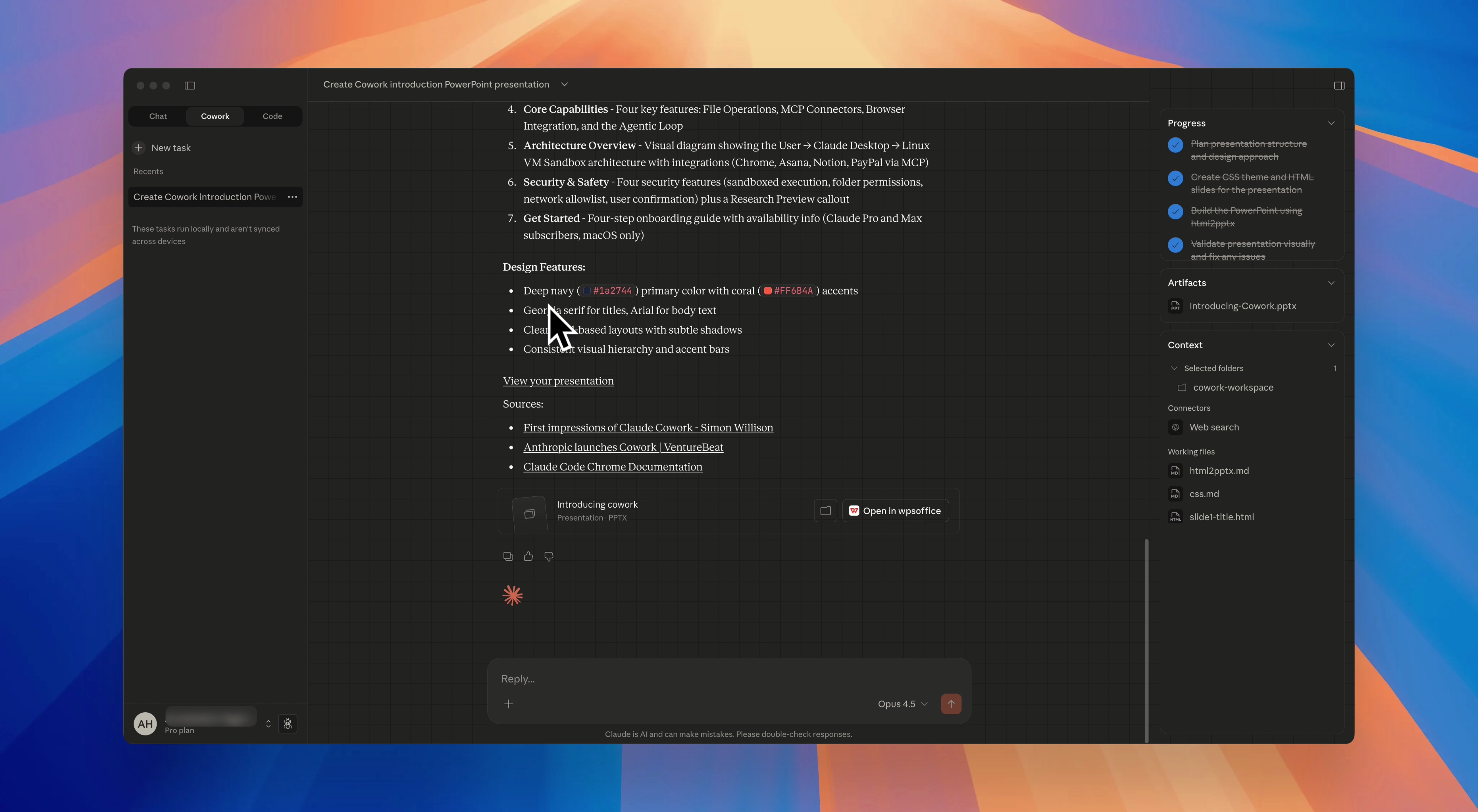
3. Intelligent Slide Structure by Cowork AI
After analysis, Cowork AI designs a presentation outline that typically includes:
- Introduction and overview slides
- Problem and solution framing
- Feature or capability breakdown
- Use cases and scenarios
- Summary or closing slides
Each slide follows a clear narrative flow suitable for presentations.
4. Export a Ready-to-Use PowerPoint File
Cowork AI then generates a fully formatted .pptx file automatically.
The output is:
- Clean and structured
- Consistent in layout
- Ready for presentation or minor edits
From instruction to download, the entire process takes only minutes.
Cowork AI vs Traditional PowerPoint Workflow
| Aspect | Traditional PPT | Cowork AI |
|---|---|---|
| Content research | Manual | Automatic |
| Slide structure | Manual planning | AI-designed |
| Formatting | Manual | Auto-formatted |
| Time cost | Hours | Minutes |
| Iteration speed | Slow | Instant |
Cowork AI does not just accelerate PPT creation — it standardizes quality.
Why Cowork AI Is Effective for PPT Generation
Cowork AI works better because it combines multiple capabilities into one workflow:
- Context awareness – understands goals and audience
- Structured reasoning – organizes content logically
- Execution ability – outputs real PowerPoint files
- Low communication overhead – no repeated explanations
This makes Cowork AI fundamentally different from simple AI slide or text generators.
Who Should Use Cowork AI for PowerPoint Creation?
Cowork AI is especially valuable for:
- Startup founders creating pitch decks
- Product managers preparing internal or external presentations
- Marketing teams building campaign or feature slides
- Consultants turning research into client-ready decks
- Educators and trainers producing structured teaching materials
If your work frequently involves presentations, Cowork AI offers immediate productivity gains.
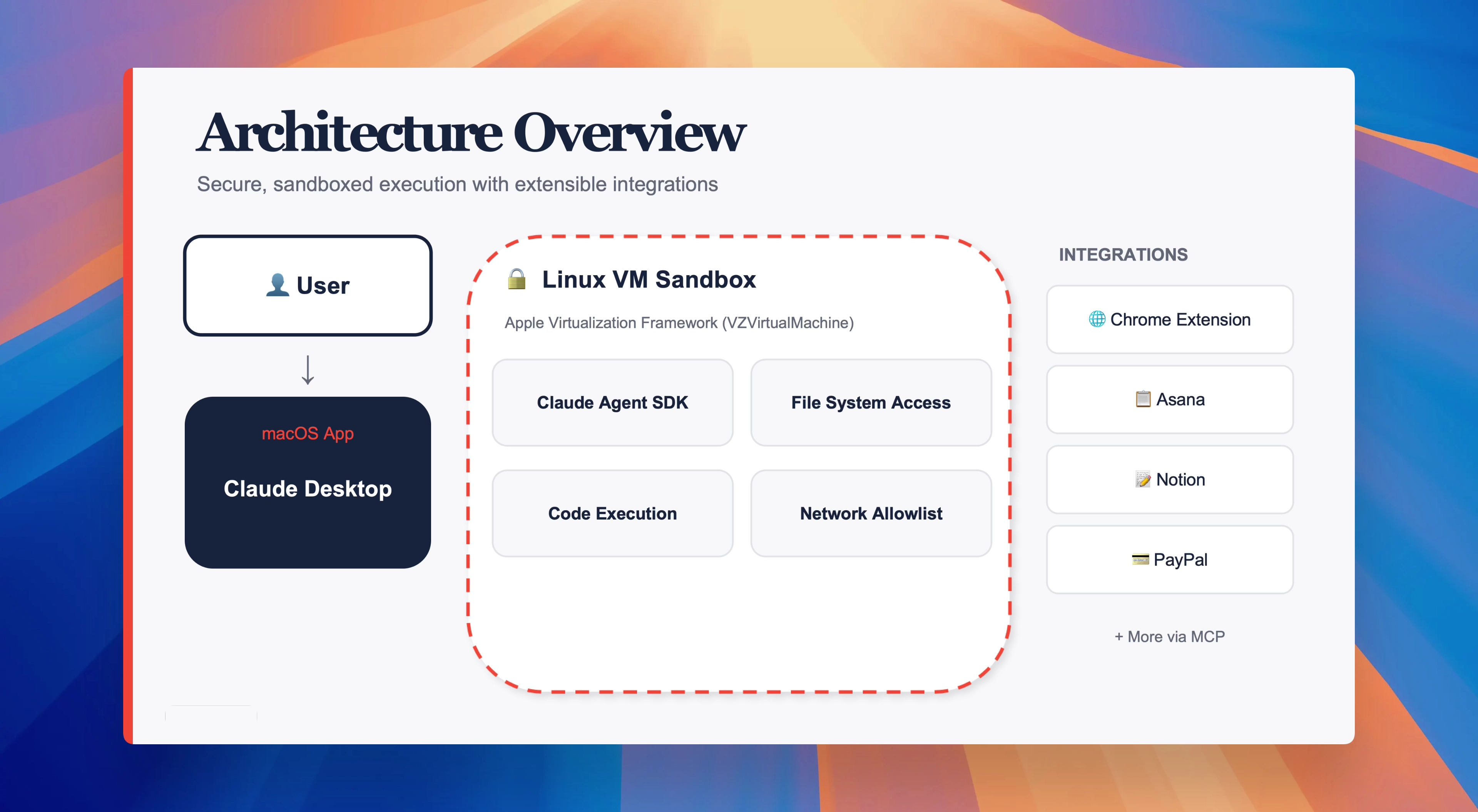
Conclusion: PowerPoint Creation as an AI-Delegated Task
PowerPoint creation is not a creative challenge — it is an execution challenge.
Cowork AI transforms PPT creation into a delegable task, handled by an AI coworker that understands context and delivers structured results.
Instead of spending hours organizing slides, professionals can focus on strategy and decision-making while Cowork AI handles execution.
For teams and individuals looking to scale productivity, Cowork AI represents a practical, real-world application of AI in daily work.