

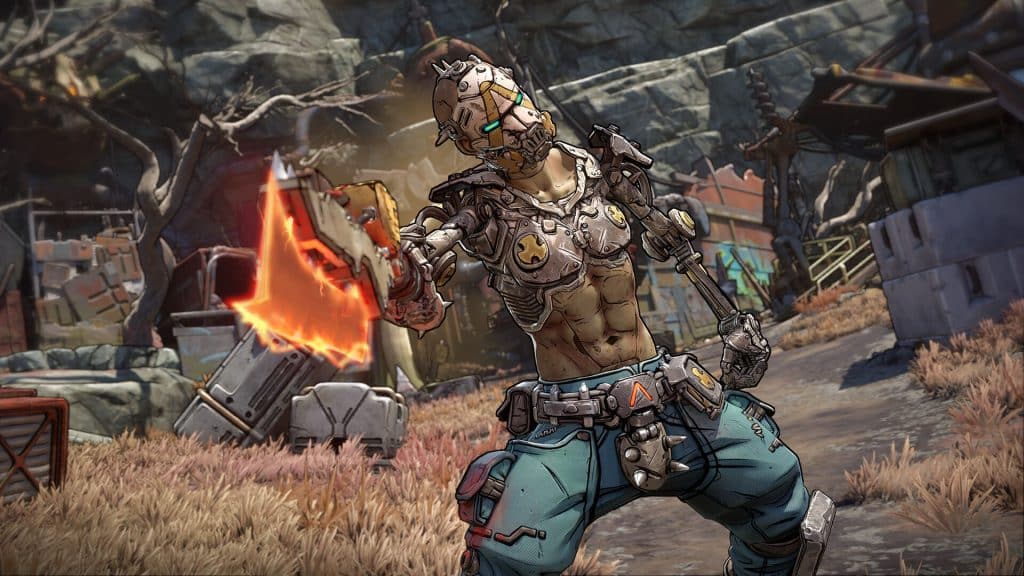
Gearbox Software officially confirmed a Borderlands 4 release date window of 2025. This launch aligns with Fiscal Year 2026, suggesting an arrival specifically between April 2025 and March 2026.
Publisher Take-Two supports this timeline in recent financial reports. For accuracy, check the Gearbox Software official release window on their social channels rather than trusting unverified leaks.
Borderlands 4 Release Date: Global Launch Map: Exactly When the Servers Open in Your Time Zone
Unlock times depend heavily on your platform. Consoles usually follow a rolling midnight launch, meaning the game becomes playable at 12:00 AM local time—a setup that enables the popular “New Zealand trick” for early access. PC users on Steam generally face a simultaneous global unlock, meaning everyone plays at the exact same instant worldwide regardless of their local clock.
If Gearbox follows the standard global schedule, plan for these approximate start times:
- Los Angeles: 9:00 PM PT (Day before)
- New York: 12:00 AM ET
- London: 5:00 AM BST
- Tokyo: 1:00 PM JST
With the schedule set, ensuring the game is installed is the next priority.
How to Preload Borderlands 4 and Skip the Day-One Download Wait
Don’t let a slow internet connection delay your return to Pandora. Preloading allows you to install the game files roughly 48 to 72 hours before the servers go live, ensuring you are ready the moment the clock strikes midnight. While exact times vary, borderlands 4 pre-download availability typically unlocks two days before launch for anyone who has pre-ordered.
Finding the file depends on your specific platform:
- PlayStation: Navigate to Library > Your Collection and select the game tile.
- Xbox: Search the Xbox Mobile App and tap “Download to Console” (works even before buying).
- Steam: The grey “Install” button in your library turns blue once active.
If the download doesn’t start immediately, restart your device to refresh the store cache. PC players should remember preloaded files must “decrypt” upon release, a standard unpacking process often mistaken for bugs when troubleshooting Borderlands 4 preload issues. With the installation queued, you just need to ensure your drive can handle the massive file size.
Borderlands 4 Release Date: Essential Launch Prep: File Sizes, PC Specs, and Pre-Order Bonuses
Clearing space on your hard drive is critical, and not just for the base game. You need extra room for the “day-one patch” and system overhead, a temporary storage buffer used while the console unpacks and installs compressed files. While exact numbers fluctuate, expect the Borderlands 4 file size for Xbox Series X and PS5 to approach 100GB. For desktop users, meeting the Borderlands 4 PC system requirements is the only way to ensure smooth framerates during intense firefights:
- Minimum: Intel Core i5-10400F, GTX 1060 6GB, 16GB RAM
- Recommended: Intel Core i7-12700K, RTX 3070, 32GB RAM
Beyond hardware preparation, securing your early-adopter rewards is crucial. Most editions come with exclusive Borderlands 4 pre-order bonus items, such as golden weapon skins or XP boosters, which often appear as separate downloads in your library rather than inside the game itself. With your rig verified and your digital extras confirmed, you are nearly ready to drop into the action.
Your Ultimate Launch Day Checklist: Final Steps Before You Play
With your files ready, keep your system connected during the final countdown to automatically handle decryption or the Borderlands 4 day one patch size. This preparation guarantees immediate access upon server unlock.
Should you encounter delays, check the official Gearbox social channels for server status updates before restarting your game. You have optimized your launch strategy, so grab your controller and prepare to hunt.