

Amazon Prime Video is a treasure trove of movies, TV series, and exclusive content, but its offline viewing options are limited by DRM protections and app-specific playback. Converting Amazon Prime Video to MP4 unlocks the freedom to watch your favorite shows and films on any device, anytime, without restrictions. Whether you’re using a Mac or Windows PC, this guide will introduce you to straightforward methods to easily convert Prime Video content to MP4.
Why You Can’t Convert Amazon Prime Video to MP4 Directly
Streaming platforms like Amazon Prime Video use DRM (Digital Rights Management) to protect their content from unauthorized use. This means you can only download certain titles within the Prime Video app—and even then, downloads are temporary, tied to your device, and unavailable in open formats like MP4. You can’t directly transfer or convert these videos to other devices or players.
Moreover, Amazon doesn’t provide an option to choose file formats or permanently store videos offline. For anyone who wants to keep episodes for later viewing, use them in multimedia projects, or simply enjoy them on non-Amazon devices, these restrictions can be frustrating.
Download Amazon Prime Videos to MP4/MKV in High Quality
This is where Keeprix Amazon Prime Video Downloader comes in. This streaming video downloader allows users to download Amazon Prime content directly to their Windows or Mac computers in MP4 or MKV format. With Keeprix, you can bypass Amazon’s restrictions legally and securely while enjoying high-quality, personalized offline playback.
Key Features of Keeprix Amazon Prime Downloader:
- Supports MP4 and MKV Formats – Easily compatible with most devices and players.
- High Video Quality – Download videos in 1080p Full HD.
- Fast Download Speeds – Efficient performance even for entire seasons or large movies.
- Batch Downloads – Download multiple episodes or films at once.
- Audio and Subtitle Options – Customize language settings to your preferences.
- No Expiration or Viewing Limits – Once downloaded, the files are yours to keep.
Keeprix is designed to be user-friendly and powerful, making it a great solution for those who want Amazon Prime Video in MP4 format for offline use.
How to Convert Amazon Prime Video to MP4 with Keeprix
Follow these simple steps to start downloading your favorite Amazon Prime content in MP4 format:
- Download and install Keeprix Amazon Prime Video Downloader from the official website.
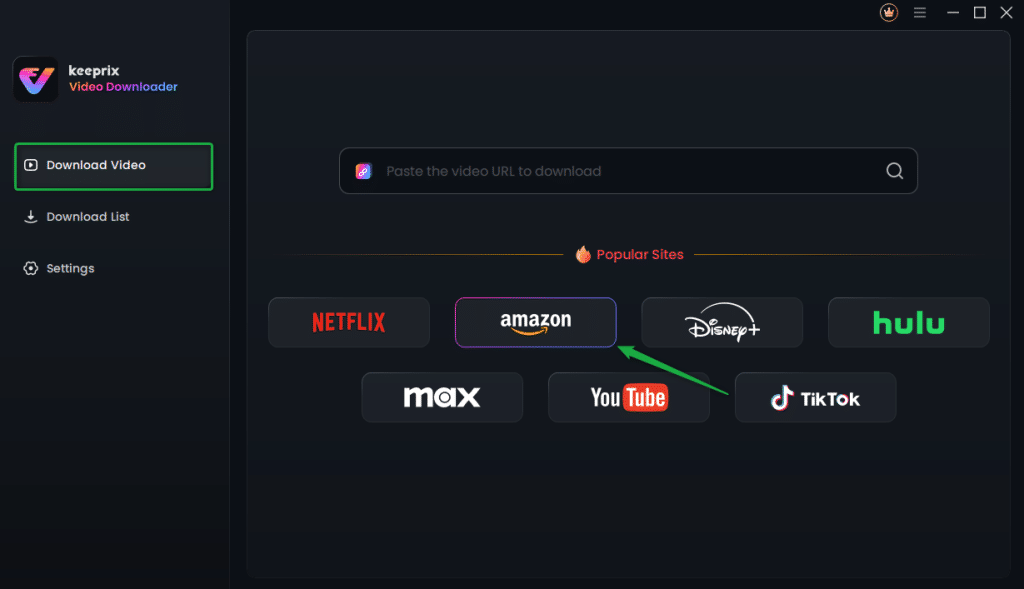
- Choose the Amazon platform, then log in to your Amazon account within the built-in browser.
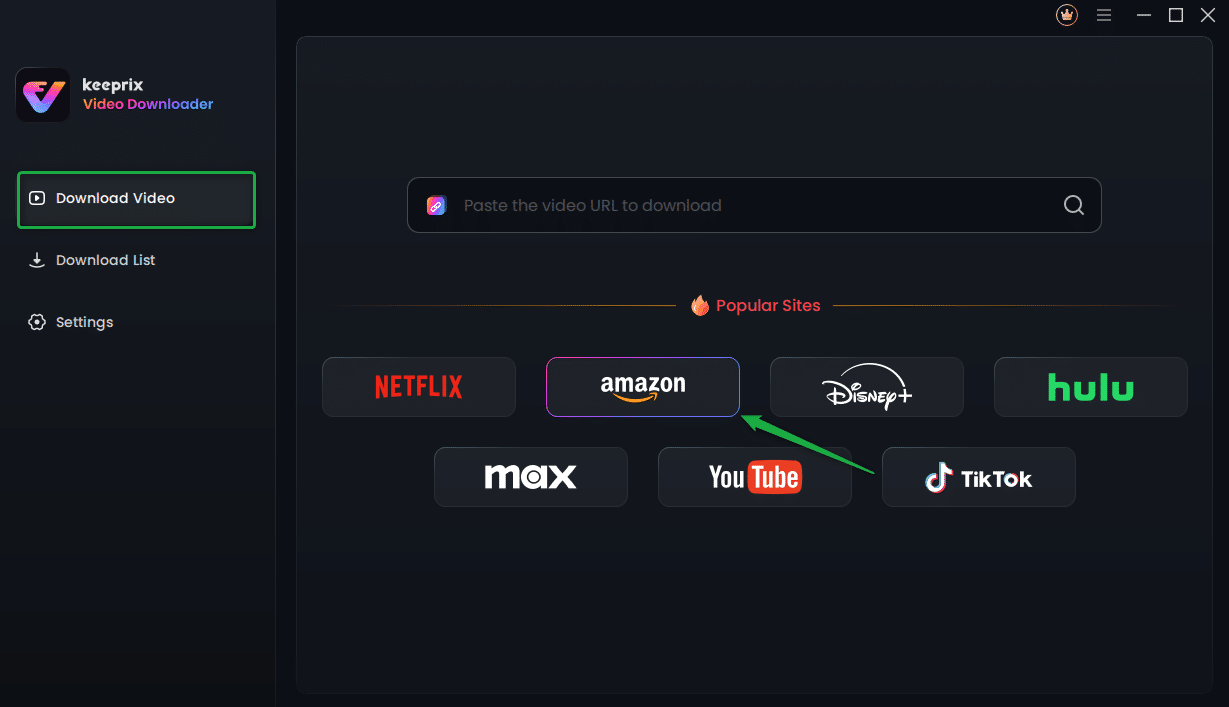
- Search or paste the video URL you wish to download.
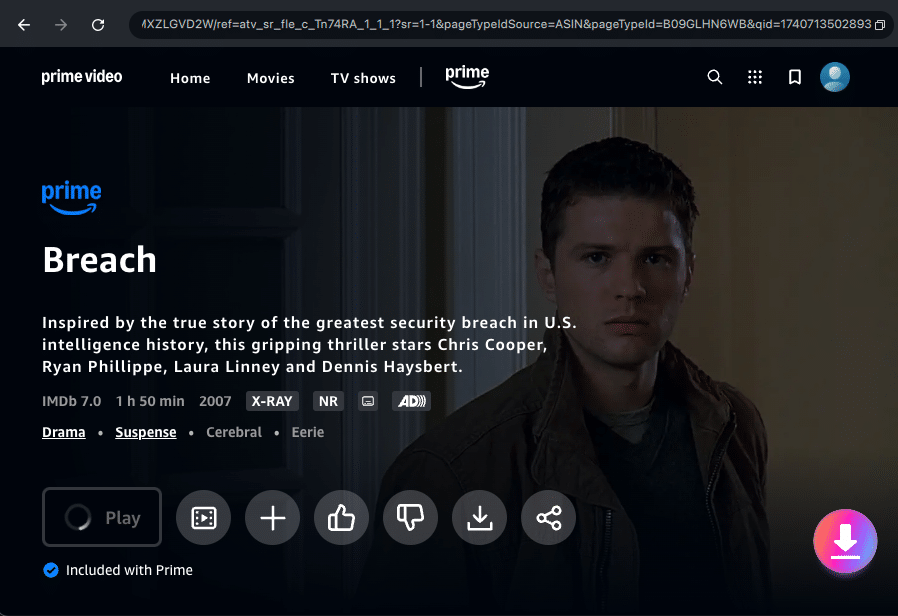
- Select your download settings – Choose MP4 as the output format, set the resolution (up to 1080p), audio language, and subtitles.
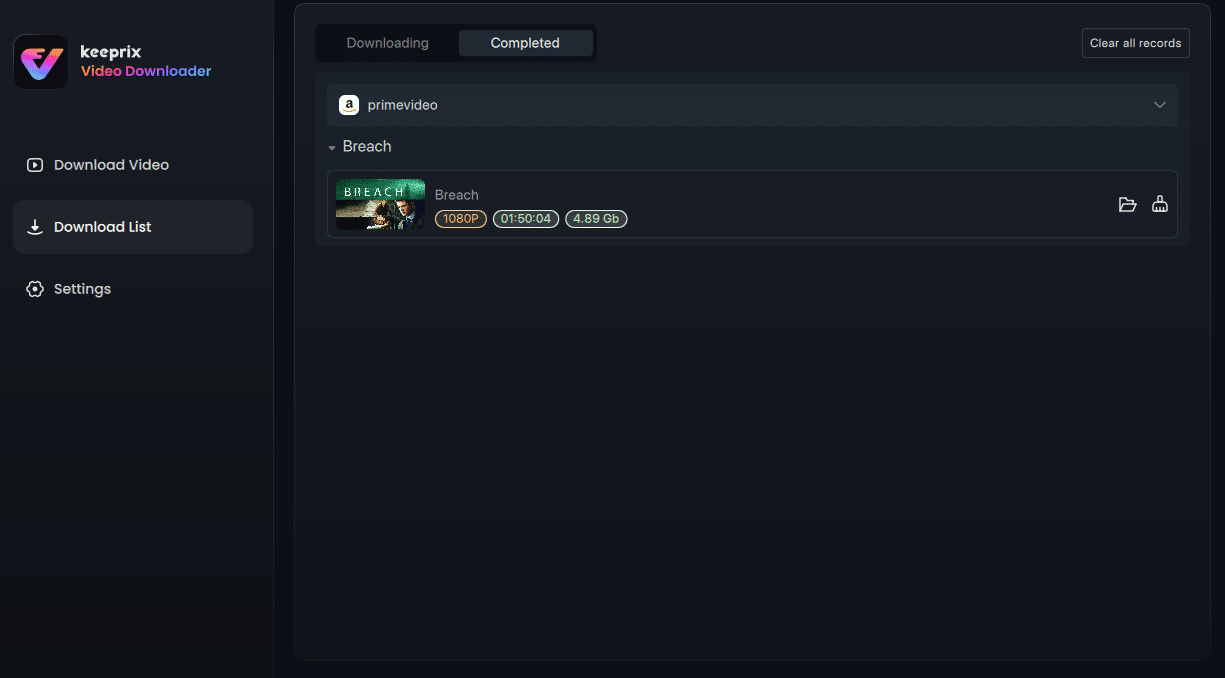
- Click the Download button and wait for the process to complete.
- Enjoy your downloaded video anytime, anywhere—no internet needed.
FAQs About Converting Amazon Prime Videos to MP4
Q: What video format does Amazon Prime use?
A: Amazon Prime streams video using encrypted formats that vary by platform, typically protected MPEG-DASH or HLS streams that cannot be accessed directly as MP4 files.
Q: How do I change the video format on Amazon Prime?
A: Amazon Prime doesn’t allow users to change formats directly. To convert videos to MP4, you’ll need a third-party downloader like Keeprix.
Q: How do I convert Amazon Prime Video to MP4 on Mobile?
A: Currently, Keeprix is available for Mac and Windows computers. You can download videos on your laptop and then transfer them to your mobile device for playback.
Final Thoughts
Converting Amazon Prime Video to MP4 isn’t possible with Amazon’s built-in features, but with the help of Keeprix Amazon Prime Video Downloader, you can unlock total freedom over your viewing experience. Whether you’re offline, traveling, or simply prefer storing content permanently, Keeprix offers high-quality downloads, flexible formats, and easy-to-use features. Try Keeprix today and take back control of your streaming library—one MP4 at a time.