

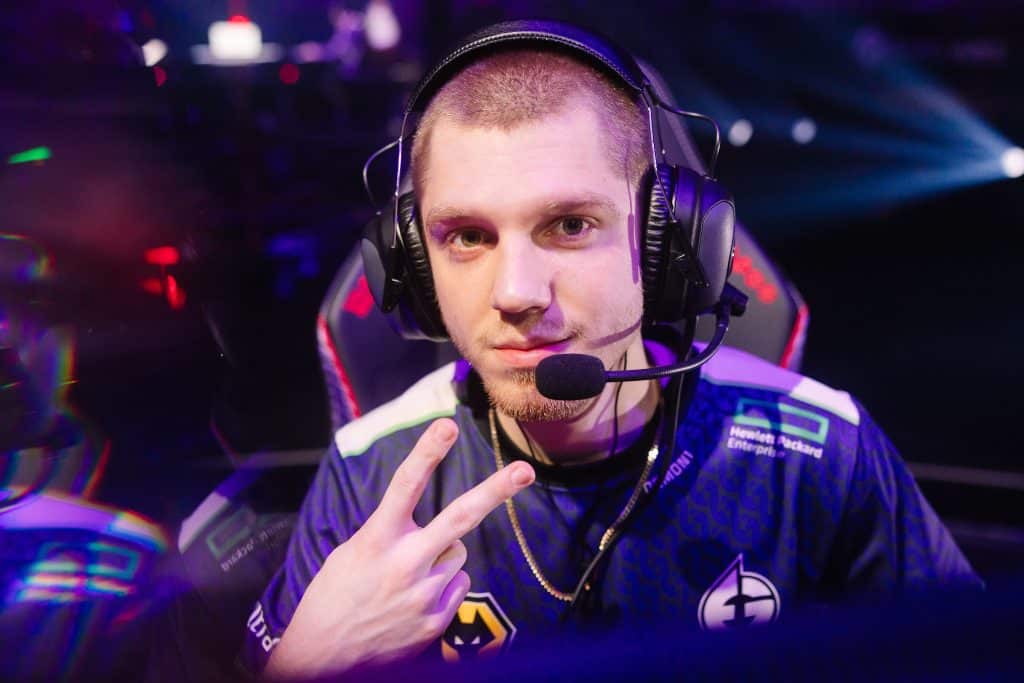
In the competitive world of Valorant, having the right settings can make a significant difference in your gameplay. If you’re looking to refine your skills by emulating the settings of a pro, NRG Demon1’s Valorant setup might be what you need. From keybinds to mouse settings, here’s a detailed breakdown to get you started (Demon1 Valorant Settings).
Keybinds
Keybinds are essential for swift and effective gameplay. NRG Demon1 uses a setup that enhances efficiency and reaction time. Here’s a glimpse into his configuration:
- Walk: Left Shift
- Crouch: Left Ctrl
- Jump: Space Bar
- Use Object: F
- Equip Primary Weapon: 1
- Equip Secondary Weapon: 2
- Equip Melee Weapon: 3
- Equip Spike: 4
- Ability 1: Q
- Ability 2: E
- Ability 3: C
- Ultimate Ability: X
These keybinds are designed to provide quick access to essential functions during intense matches, ensuring no delay in action.
Demon1 Valorant Settings: Mouse Settings
The precision of your aim can be heavily influenced by your mouse settings. Here’s how NRG Demon1 optimizes his setup for peak performance:
- DPI: 800
- Sensitivity: 0.485
- eDPI: 388
- Polling Rate: 1000 Hz
- Windows Sensitivity: 6/11
These settings allow for smooth and precise movements, helping to maintain accuracy during high-pressure situations.
Crosshair Settings
A good crosshair can significantly improve your shooting accuracy. NRG Demon1’s crosshair settings are fine-tuned for clarity and focus:
- Color: Cyan
- Outlines: Off
- Center Dot: Off
- Inner Lines: 1 / 4 / 2 / 2
- Outer Lines: 0 / 0 / 0 / 0
- Fade / Movement / Firing Error: Off
This crosshair setup is minimalist, ensuring it doesn’t obstruct your view while providing a clear focal point for targeting enemies.
Demon1 Valorant Settings: Video Settings
Visual clarity is crucial in Valorant, and NRG Demon1’s video settings are tailored for both performance and visibility:
- Resolution: 1920×1080
- Aspect Ratio: 16:9
- Display Mode: Fullscreen
- Graphics Quality: CustomMaterial Quality: LowTexture Quality: MediumDetail Quality: LowUI Quality: MediumVignette: OffVSync: OffAnti-Aliasing: NoneAnisotropic Filtering: 1xImprove Clarity: OnBloom: OffDistortion: OffCast Shadows: Off
These settings are optimized to provide a balance between high frame rates and visual clarity, crucial for spotting opponents quickly.
Conclusion
Adopting NRG Demon1’s Valorant settings can give you a professional edge in your games. While personal preference plays a role in settings, starting with a pro’s configuration can provide a solid foundation. Experiment with these settings and tweak them to suit your playstyle for optimal results.