

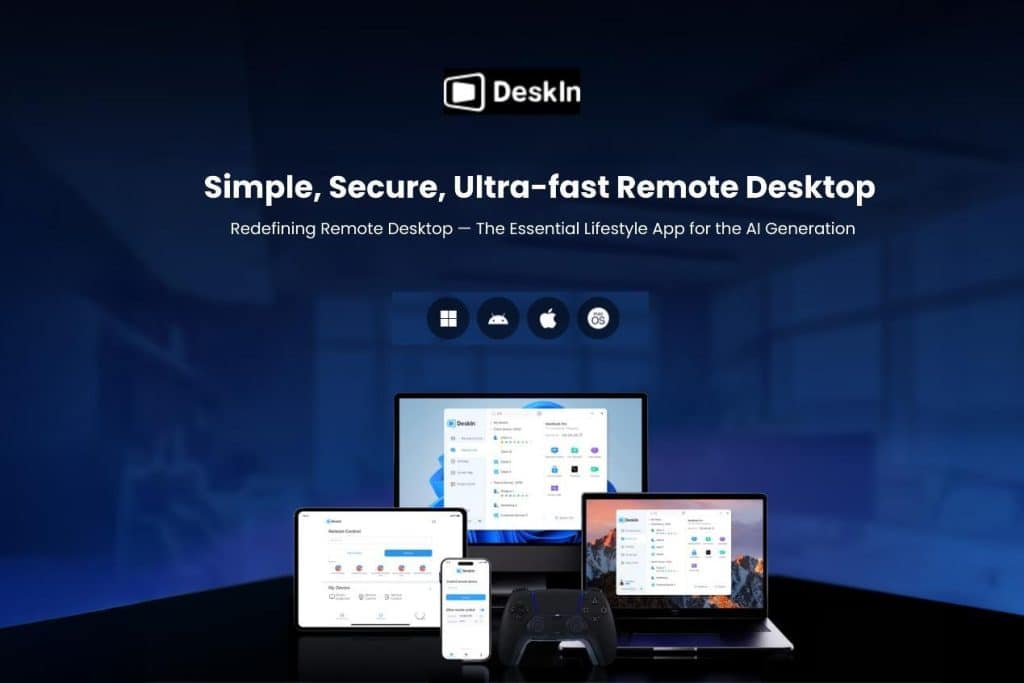
The rise of global hybrid work and cross-border collaboration has made remote access an essential daily tool. Looking for a great multi-functional remote-control tool is important. This in-depth DeskIn review will help you quickly understand its features, cross-platform file transfer, and the pros and cons from real-world testing.
If you need to operate multiple devices that run on different systems, or if you’re often away from home and need to manage them remotely, you should give this a try!
What is DeskIn?
DeskIn is a remote desktop tool that helps you manage multiple devices from anywhere. It supports Windows, macOS, iOS, and Android, covering most users’ needs (though some connection features between certain devices require a paid plan). Whether you have several computers at home or need to access files across different devices, DeskIn can help with fast file transfers, remote control, and even using another device as an extended screen.
Who is DeskIn For?
- Gamers: If you have both a laptop and a desktop PC and want to play games while away from home, DeskIn is optimized for gaming. With a decent internet connection (around 200 Mbps), gameplay can be smooth.
- Multi-Device Users: If you frequently switch between devices and need to transfer files, DeskIn offers remote control, file transfer, and the ability to mirror or extend your screen to other devices.
Key Features & User Experience
- Remote Control & Device List: Control devices by entering a device ID and password, or see all your logged-in devices in one list for quick access. Modes include standard control, file transfer, view-only, screen lock, terminal access, camera view, and screen mirroring/extension.
- File Transfer: Features an intuitive interface for easily uploading/downloading files between connected devices.
- Screen Extension: A standout feature. You can use an iPad or another computer as a wireless second monitor for your laptop, which is handy for cross-platform setups (like Windows and Mac).
- Privacy Screen: When remotely controlling another computer (like your office PC), you can turn the physical screen black for privacy while you continue to see and work on it remotely.
- Optimized Performance: DeskIn uses its own RTC (Real-Time Communication) technology, which is designed to reduce lag and maintain smooth video, even on less stable networks. Many users find it feels smoother than tools like TeamViewer.
- Security: The company states it uses bank-grade AES-256 encryption for connections, has ISO 27001 security certification, offers detailed permission controls, and supports two-factor authentication (2FA).
- Mobile Use: You can control a computer from your phone or control android phone from computer or another mobile device. Controlling a computer from a phone feels responsive, like using a trackpad.
Pricing
- There is a capable free version for basic remote control and file transfer between Windows and macOS, WOL, screen extension/mirroring.
- Paid plans (Standard and higher) unlock more features, are needed for controlling Android devices, and remove limitations on the number of devices, visual quality, frame rates, play games and make 3D designs.

Pros and Cons
Pros:
- Free to use for core functions.
- Stable connection with good optimization.
- Feature-rich for many use cases.
- Intuitive interface with multi-language support.
- Wide cross-platform support.
Cons:
- Can consume significant system resources when running in the background.
- Some features, like game controller support, require a paid plan.
Final Verdict
Overall, DeskIn is a powerful and feature-packed remote control software. It’s great not just for gaming but also for complete remote work scenarios—accessing files, maintaining privacy with the black screen, and even using the remote device’s camera or microphone. Because it offers so much control, it’s best used for managing your own devices or providing trusted tech support.(Note: reader can use discount code [metapress] to enjoy 50% off on DeskIn one month plan and 20% off on annual plan.)