

Think about the last time you tried to explain a complex idea process, a workflow, a design, or even a concept that lives mostly in your head. Chances are that words alone weren’t enough. You probably reached for a pen, a sketch, or a screen to show what you meant.
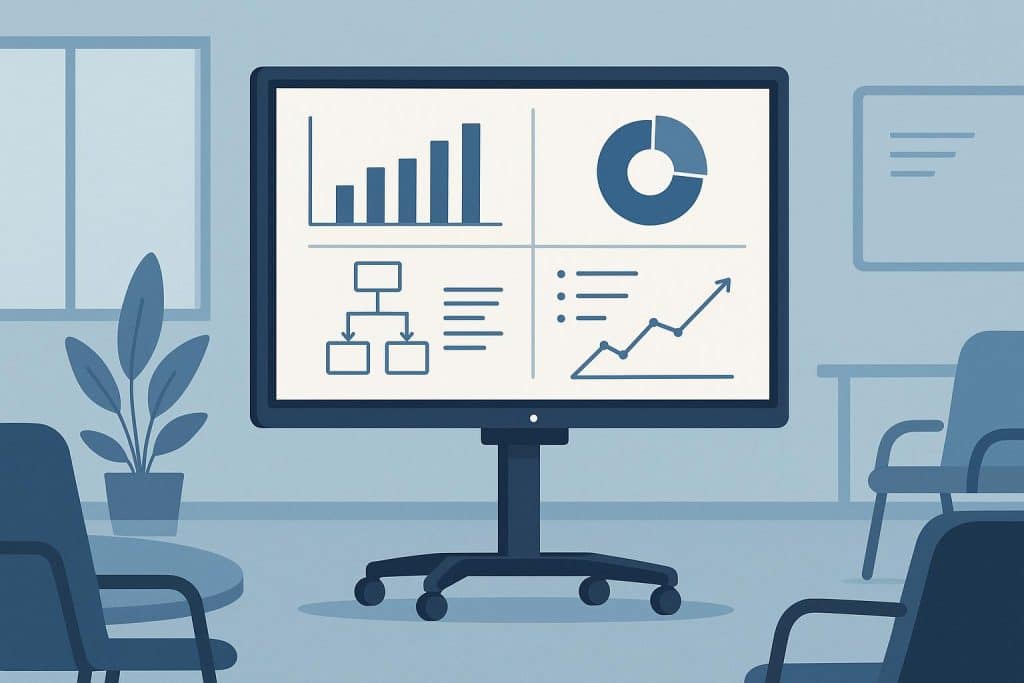
That instinct tells us something important: collaboration works best when people can think visually together. And that’s exactly where the modern interactive whiteboard changes how classrooms and offices connect, explain, and create.
From Passive Screens to Shared Thinking Spaces
Traditional displays are good at presenting information, but they’re still one-way. Someone talks, everyone else watches. Over time, that dynamic quietly limits engagement, especially for learners and collaborators who process visually or spatially.
Interactive whiteboards flip that model. They invite participation rather than observation.
Instead of one person driving the session:
- Multiple people can contribute in real time
- Ideas evolve visibly, not just verbally
- Learning and decision-making feel shared, not delivered
In both education and business environments, this creates a subtle mindset shift. People stop waiting to be told and start building ideas together.
That shared ownership is powerful and often underestimated.
Making Hybrid Collaboration Feel Less Fragmented
Hybrid environments have introduced a new challenge: how do you collaborate when half the room is physical, and the other half is virtual?
This is where interactive whiteboards really shine. Integrated with VC and collaboration platforms like Microsoft Teams, Zoom, and Google Meet, they act as a common canvas for everyone, regardless of location.
What that looks like in practice:
- In-room users write or annotate naturally on the board
- Remote participants see changes instantly and can contribute digitally
- Everyone works from the same visual reference, not separate screens
Instead of remote attendees feeling like observers, they become active contributors. That sense of inclusion matters especially in longer meetings, workshops, or classroom sessions where attention can drift easily.
For organisations investing in audiovisual solutions in Perth, this level of integration is often the difference between “we have hybrid tools” and “hybrid actually works.”
Visual Learning, Problem-Solving, and the Role of 3D Content
One of the most interesting shifts in recent years has been the way interactive whiteboards support 3D and spatial content, and why that matters.
In classrooms, 3D models allow students to:
- Rotate objects
- Explore anatomy, architecture, or machinery
- Learn by interacting, not memorising
In offices, the same capabilities help teams:
- Visualise products or environments before they exist
- Walk through designs, layouts, or data structures
- Reduce misunderstanding early in the decision process
When people can manipulate ideas in three dimensions, comprehension deepens. Conversations become clearer. Fewer assumptions slip through unnoticed.
This isn’t about making sessions more “high-tech”, it’s about aligning with how humans naturally understand complex information.
A Natural Fit with the Tools People Already Use
Technology adoption often fails when it asks people to change how they work. Interactive whiteboards succeed because they do the opposite.
They extend familiar tools:
- Whiteboarding meets Teams meetings
- Touch interaction meets cloud collaboration
- Handwritten ideas meet saved, shareable content
Sessions can be saved, exported, and revisited later — which means great ideas don’t disappear when the meeting ends or the lesson finishes.
For educators, that continuity supports better revision and accessibility.
For businesses, it reduces repetition and decision fatigue.
When integrated as part of a well-designed audiovisual ecosystem, interactive whiteboards feel less like a piece of equipment and more like a natural part of the room.
Why This Matters More Than Ever
At a deeper level, interactive whiteboards support something many workplaces and classrooms are struggling with – engagement.
People want to feel involved. They want clarity. They want their ideas to be seen and acknowledged.
By turning meetings and lessons into shared experiences where thinking is visible and collaboration is tangible, interactive whiteboards help rebuild that connection.
Not by demanding attention, but by earning it.
Final Thought
Whether in a classroom shaping young minds or an office shaping strategy, collaboration works best when ideas can move freely between people. The modern interactive whiteboard creates space for that movement across rooms, screens, and perspectives.
And when it’s thoughtfully integrated with the right platforms and audiovisual support, it does something quietly powerful: it helps people think better together.