

Gone are the days when people had a conventional 9 a.m. to 5 p.m. work schedule. As remote work continues, people work according to their comfort zone. While some people prefer to work early in the morning, many choose to work late at night. The traditional white screen might be a genuine inconvenience for individuals who work at night.
The bright blue light illuminating from the screen hinders the creation of melatonin, the most crucial hormone in the human body, for a healthy night’s sleep. It also makes our eyes itchy and irritated.
Our eyes are one of the most sensitive organs of our body. They are susceptible to physical injury and the type of light that passes through them, which is why almost every application nowadays allows you to set up a dark mode so that you can work comfortably.
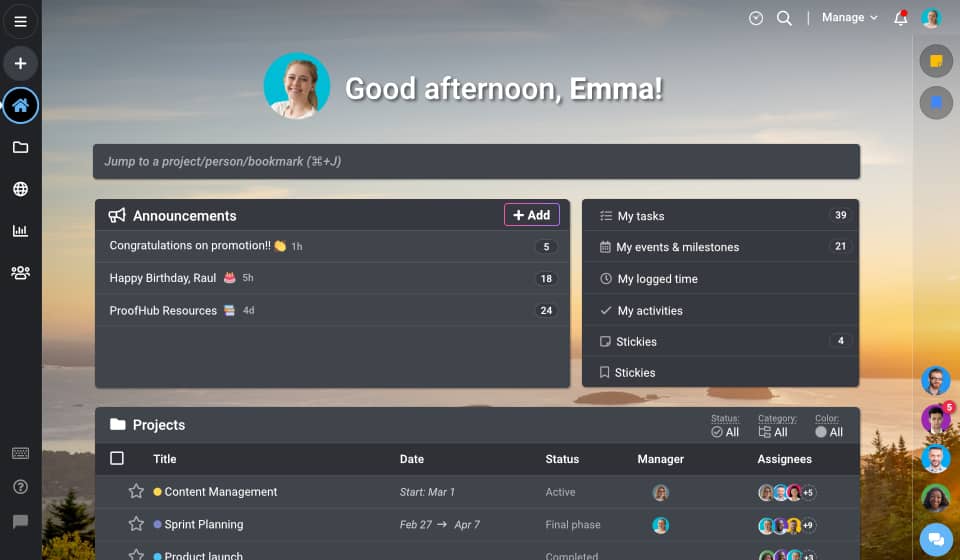
Dark Mode is a supplemental mode that allows the user interface to display mostly dark surfaces. The design decreases the amount of light radiated by device screens while retaining the necessary color contrast ratios for readability.
The Dark mode has grown immensely popular among consumers across various platforms as a design feature. People have abandoned bright screens and white pixels in favor of a non-traditional color scheme that is opposed to what we’ve traditionally used.
Dark Mode In ProofHub
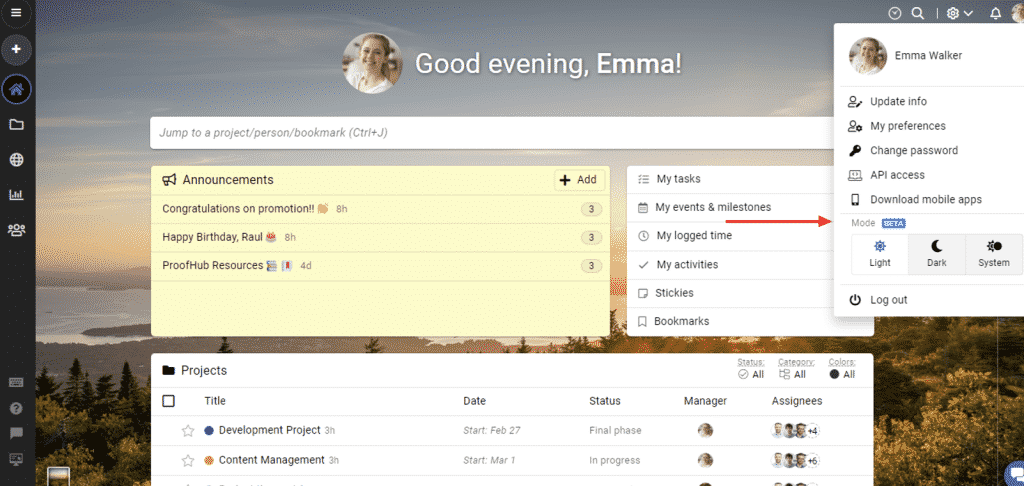
ProofHub recently introduced a new feature called ‘Modes.’ Users can utilize this to change their account’s general color scheme to Light, Dark, or System’s selection.
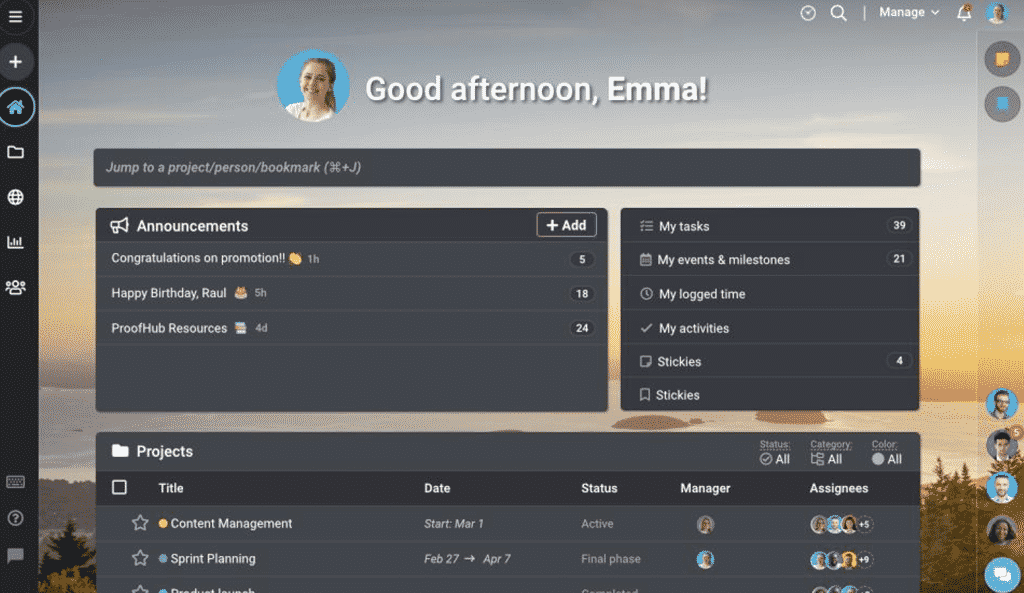
ProofHub’s Dark mode is one of the themes available in the Modes section.It transforms your ProofHub account’s background color to dark gray or black.
How to Enable Dark Mode in ProofHub
Mentioned below are three easy steps to enable Dark Mode in ProofHub.
- Open the desktop app and log into your ProofHub account.
- Go to the screen’s upper right corner.
- Click on your display photo or initials to open the drop-down menu.
- Choose one of the three modes: dark, light, or system.
- To enable dark mode, click on ‘Dark.’
Advantages of ProofHub’s Dark Mode
Good for eyesight
With ProofHub’s Dark Mode, it is not only easier to read and work, but it is also good for your vision in the long-run. The traditional white screen emits a blue light that hinders the creation of melatonin, the most crucial hormone in the human body, for a healthy night’s sleep.
The dark theme is the ideal method to escape the itching and irritated eyes of the dazzling white screen as we spend more than 9 hours a day using our phone or laptop screens.
Account customization
Yes, the dark mode is fantastic, but not everyone would want to use it. People keep switching between light and dark modes throughout the day according to their needs or modifying their devices’ visibility.
The modes section in ProofHub allows them to customize their accounts as they see fit, and ProofHub is now more customizable and well-suited to your needs.
Saves energy
Another benefit of choosing dark mode in ProofHub is that it extends your device’s battery life. The dark mode can save up to 60% of battery life even when used at full brightness.
The power-saving capabilities are only turned on when the pixels are completely black, which indicates that it is turned off and is not drawing power from the battery.
Better navigation and readability
With the inversion of different colors on a dark screen, it is easier to work and navigate. It also makes it more enticing to the eyes while also visually pleasing and comprehensible.
The idea is to limit blue light exposure before bedtime while allowing easy navigation even when the lights are turned off. Dark mode reduces screen flickering and hence improves focus.
Conclusion
The dark mode is popular among people worldwide, especially for those who spend a lot of time in front of a screen. ProofHub is even more adaptable and well-suited to your needs now that it’s available in dark mode.
To learn more about ProofHub, visit.