


Android security has improved dramatically over the past decade.
Today’s devices include sandboxing, regular security updates, Google Play Protect, and stronger permission controls. For most users, that feels reassuring — and it should. Android is far more secure than it used to be.
But there’s one area people often overlook: the network.
Even in 2026, the biggest gap in mobile security isn’t usually the device itself. It’s the connection your phone relies on every day.
Public Wi-Fi Is Convenient — But Not Private
Most Android users connect to networks they don’t own on a regular basis.
Coffee shops. Airports. Hotels. Coworking spaces. Universities.
Public Wi-Fi is now part of normal life. It keeps us productive while traveling and connected when mobile data runs low. But convenience doesn’t automatically equal privacy.
When you join a public hotspot, your internet traffic moves through infrastructure you don’t control. Even if websites use HTTPS encryption, certain metadata — such as your IP address, domain requests, and connection timing — may still be visible to the network operator.
That doesn’t mean someone is watching you.
It does mean you’re more exposed than you might assume.
For Android users who frequently use shared networks, a VPN adds another layer of protection by encrypting traffic before it leaves the device. Instead of sending data directly through the local router, a VPN creates a secure tunnel to a remote server, reducing what the network itself can see.
It’s not about secrecy. It’s about limiting unnecessary visibility.
Device Security and Network Security Are Different
Android does a good job protecting apps from each other. If one app becomes compromised, it typically can’t freely access data from other apps. Google also scans Play Store apps and enforces developer policies to reduce malware risks.
Those safeguards matter.
But once your device connects to the internet, data leaves that protected environment. It passes through routers, service providers, and network hardware that sit outside your control.
In other words, your phone can be secure — while the network path it uses remains exposed.
That distinction is important.
Metadata Still Tells a Story
Many people assume privacy only matters when dealing with passwords or banking information.
In reality, metadata can reveal patterns over time.
Your IP address suggests your location.
Your browsing habits reflect routines.
The timing of your activity shows when you’re home, when you’re traveling, and when you’re working.
Individually, these details seem minor. Combined, they create a behavioral profile.
A VPN doesn’t make you invisible online. But it helps reduce how much of that network-level data is openly visible, especially on public Wi-Fi.
When Android Users Should Consider a VPN
Not every situation requires a VPN. But certain scenarios make it especially practical:
- Traveling internationally
- Working remotely outside a secured office
- Accessing business platforms on shared networks
- Using financial apps while on public hotspots
- Connecting to unfamiliar Wi-Fi environments
In these cases, encrypting your connection adds a protective buffer between your device and the network.
It’s a simple adjustment that reduces exposure without changing how you use your phone.
Choosing the Right VPN on Android
VPN apps vary widely in quality.
When evaluating options, Android users often look for:
- A clearly stated no-log policy
- Availability through Google Play
- Transparent app permissions
- Easy setup and consistent performance
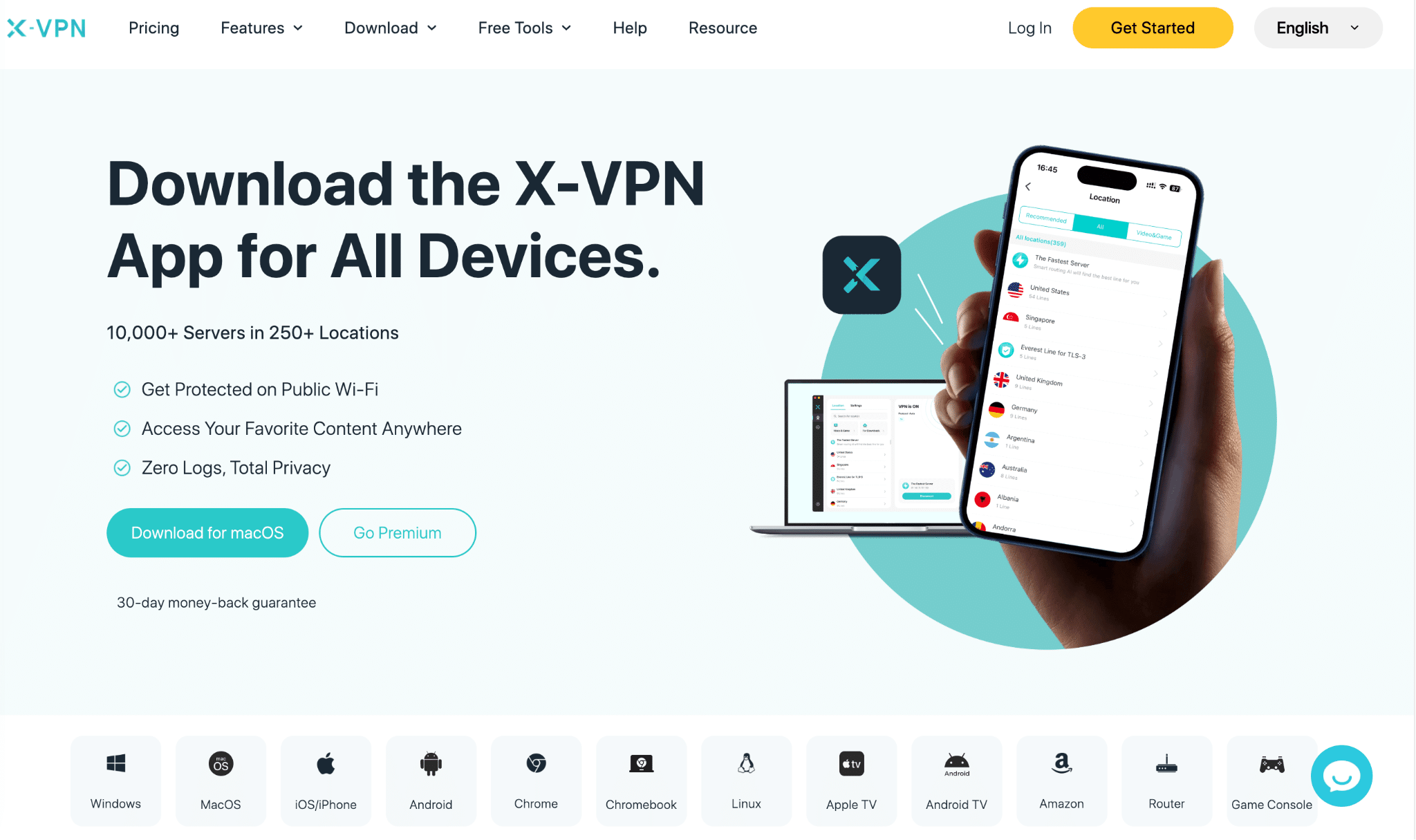
Some reputable services, such as X-VPN, offer both free and premium access directly through Google Play without requiring complex configuration. For users who want something lightweight and accessible, simplicity often matters more than advanced customization.
The goal isn’t to overhaul your security setup. It’s to add a consistent, manageable layer of protection.
Mobile Security Is About Layers
Modern Android phones handle more than calls and texts. They manage banking, messaging, work platforms, streaming services, navigation, and cloud storage. They’re constantly syncing in the background.
Connectivity isn’t occasional anymore. It’s continuous.
That’s why network-level encryption has become part of broader digital hygiene.
Security professionals often recommend a layered approach: keep your device updated, use strong passwords, enable two-factor authentication, manage app permissions carefully, and encrypt your connection when using shared networks.
A VPN isn’t a replacement for these practices.
It complements them.
Android Is Secure — But Security Is Ongoing
There’s no question that Android security has improved significantly.
But no operating system can control the networks you connect to.
In a world where remote work, public hotspots, and global travel are routine, encrypting your connection remains a practical step for many users.
It doesn’t change how you use your device.
It simply changes how your data moves through the internet.
And in 2026, that still matters.